Basic Operations 1 43
Turning the Power Off
Disconnect the AC adapter.
Disconnect the AC adapter both from the electrical outlet and the device.
Wind the AC adapter cable to store.
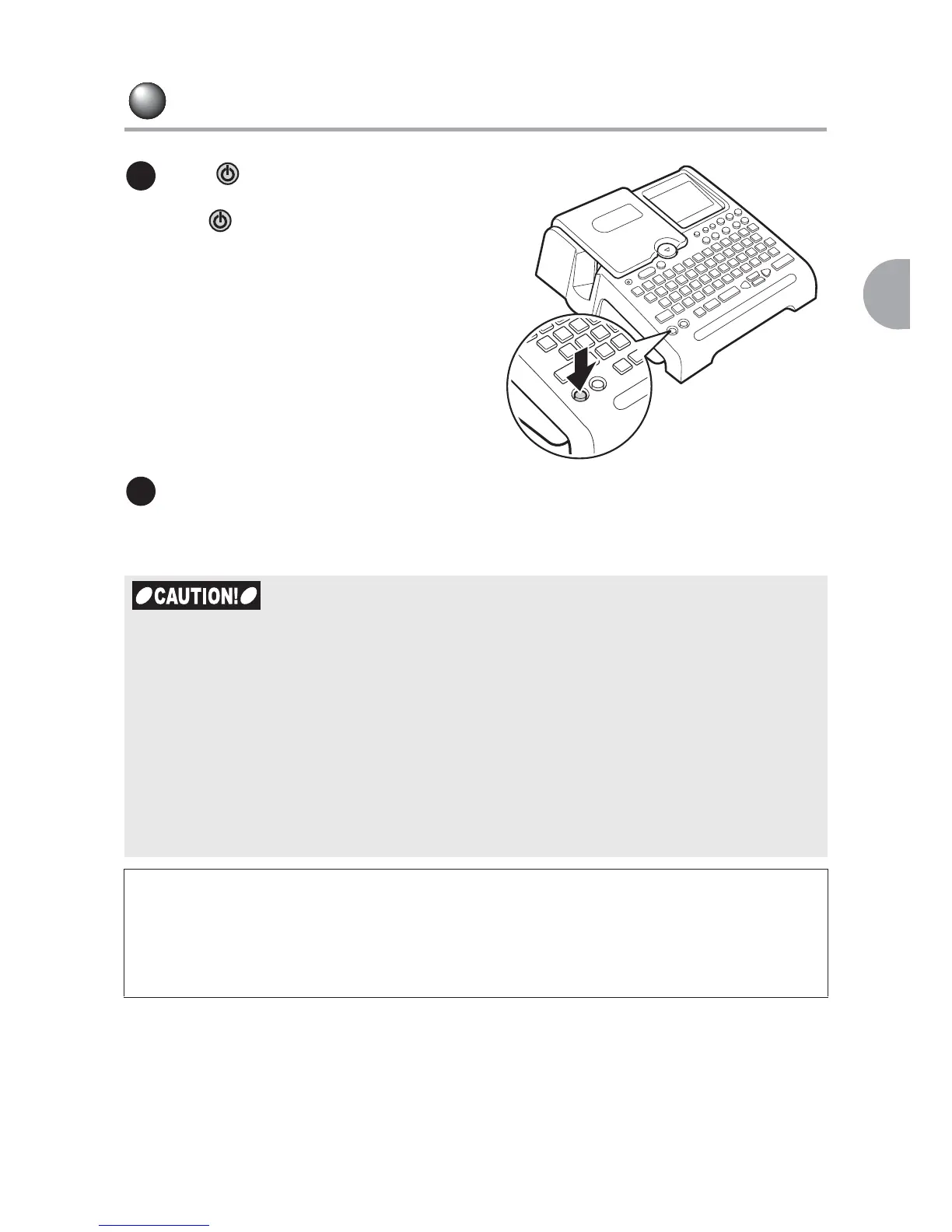
Press .
When LABELShop
£
BEE3 is turned on,
press to turn the power off.
Text you have entered remains even
after turning the power off.
The text appears when the device is
turned on again.
x If your LABELShop
£
BEE3 is not to be used for long periods, remove the batteries, the
AC adapter, and tape cartridge from the main unit. Texts and files you entered
are saved even after the device is turned off.
If a battery is left inside the device for extended period of time, liquid from the battery may
leak. Follow the instructions given on the package of the battery and replace it before the
expiration date.
x LABELShop
£
BEE3 contains a lithium battery to save text and files. See the sticker on
the backside of the main unit for information on when the lithium battery is supposed to
be replaced. To replace the battery, consult the local dealer or our customer center.
Replacement is performed at your expense.
NEXT
This is the end of "Basic Operation 1". In "Basic Operations 2", you will learn how to create
the labels with multiple lines or paragraphs.
"Additional Functions" gives you useful information that can assist you create your own
labels more easily and more effectively.
1
2



 To Next Page