48 Basic Operations 2
Deleting all the text
The text you entered remains even after turning the power off. To delete all the text,
select "Delete all" manually.
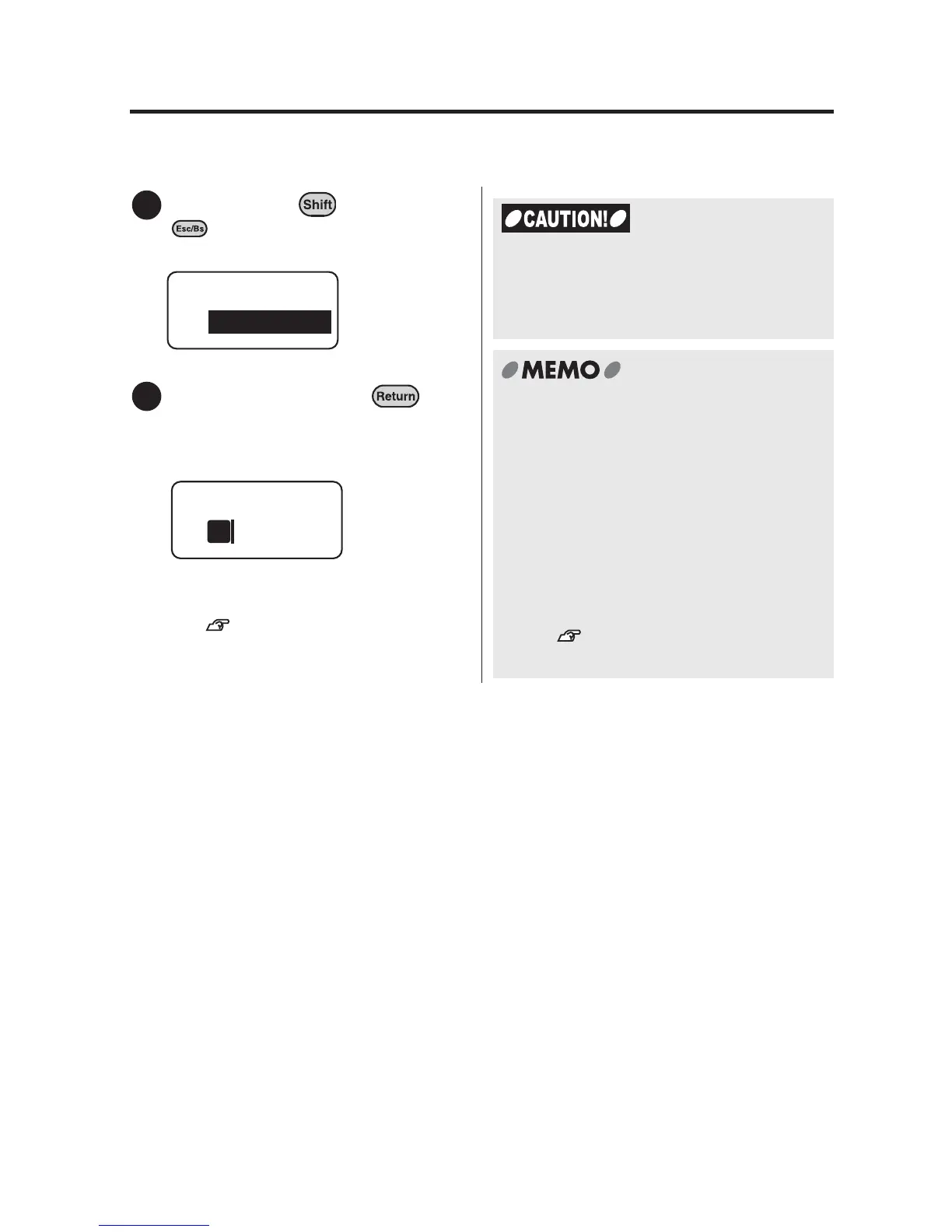
Hold down the key and press
(= Delete).
"Delete" menu appears.
Select "All", and press .
The display goes out for a moment, and
all the text will be deleted. The display
then returns to the text enter screen.
To delete the paragraph with the cursor,
select "Paragraph".
See "Deleting specific
paragraphs" (p.54).
1
Delete
All
2
1
Please note that when you select "All" from
the "Delete" menu, various settings
included within the text will also be
deleted.
x "Delete all" does not clear the following
information.
Files, set values for various settings,
items that the device has learned such
as symbols, text that the user was
entering, selected pattern of the
display
x In order to change all the settings to
their default, you need to initialize your
LABELShop
£
BEE3.
See "Resetting LABELShop
£
BEE3" (p.95).



 To Next Page