Basic Operations 1 35
1. Entering text
To enter text in capital letters or insert characters written on the keyboard keys in
yellow, you need to use the key.
:
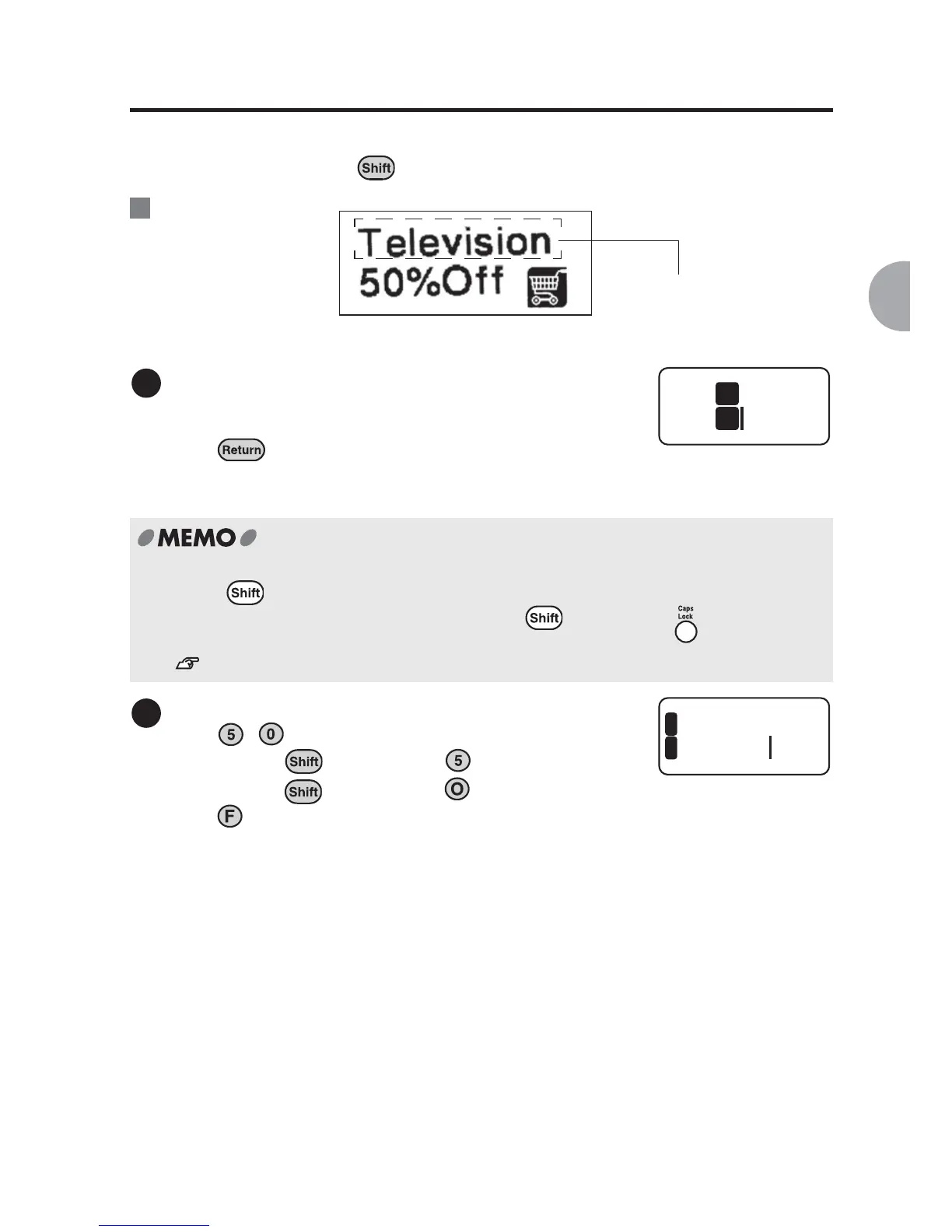
Enter "Television".
Enter "T" in capital letter and then "elevision" in a
small letter using the character keys.
Press to start new line.
Caps Lock
Hold down and press character keys to enter the text in capital letters.
Also, the capital letters is entered by holding down and pressing .
In this mode, CapsLock indicator will light up.
See "Display Indicators" (p.20).
Enter "50%Off".
Press , .
Hold down the key and press (= %).
Hold down the key and press .
Press twice.
You are entering this text.
Ex.
1
Tele
1
2
2
elevis
0%Off
1
2



 To Next Page