30 Getting Started
4. Turning the power on
Observe the following precautions before you turn the power on.
x Is the AC adapter connected to the LABELShop
£
BEE3 and the electrical outlet?
x Are the batteries installed properly? (When operating the device with the batteries alone.)
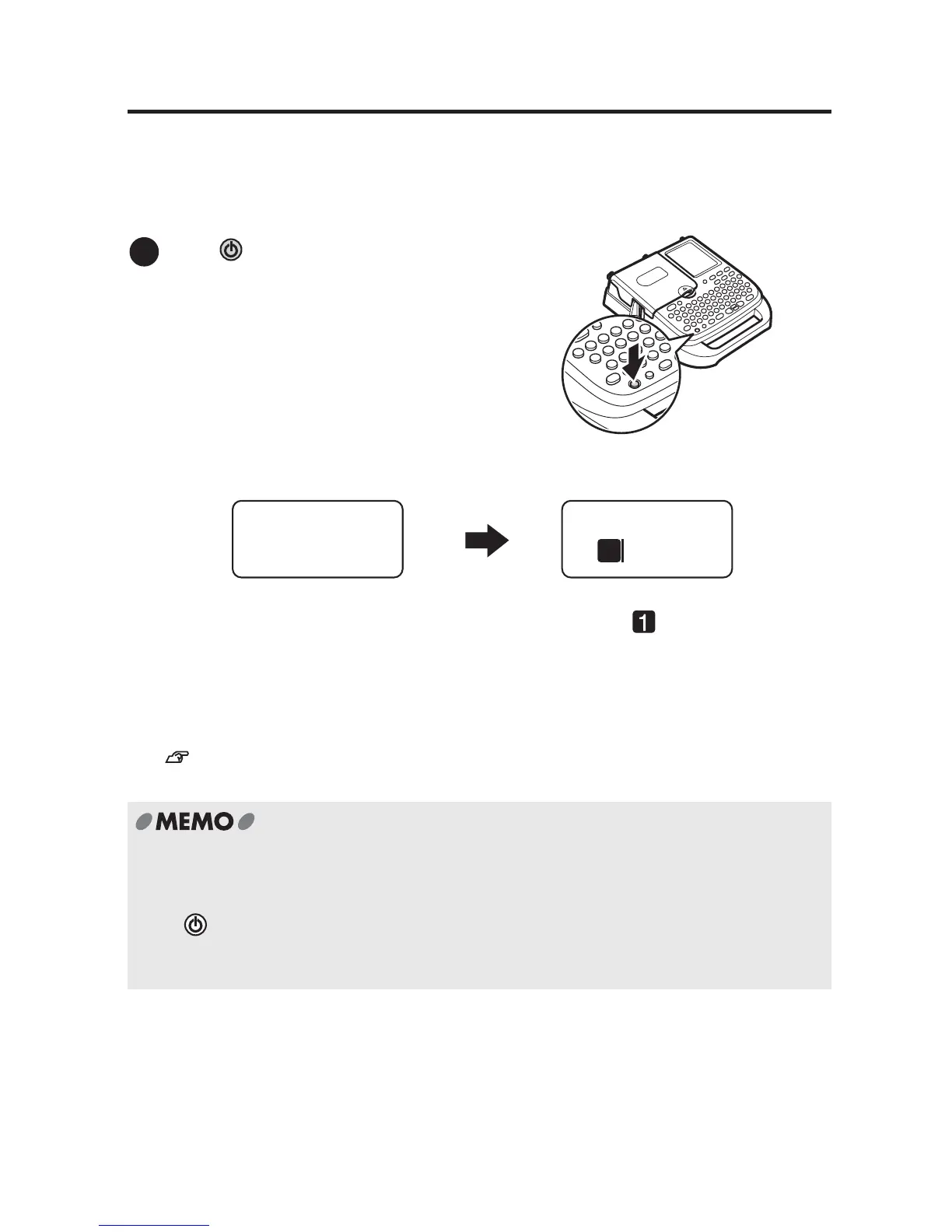
Text you have entered remains even after turning the power off. When the device is turned on
again, the text appears after the selected length unit is displayed. Selected options for the
settings such as font and text size are also indicated.
See "Display Indicators" (p.20).
Press .
Auto power-off
If there is no activity for approx. five minutes, the LABELShop
£
BEE3 automatically shuts
down in order to save battery power. (Text you have entered remains.)
Press again to restore.
In order to save battery power, it is recommended that you turn off the power manually
when the device is not to be used.
1
Length Unit
inch
1
* Selected length unit is displayed on
the screen for approx. one second.
* Line head icon ( and the cursor will
appear.



 To Next Page