56 Cable Print Mode
Cable print mode
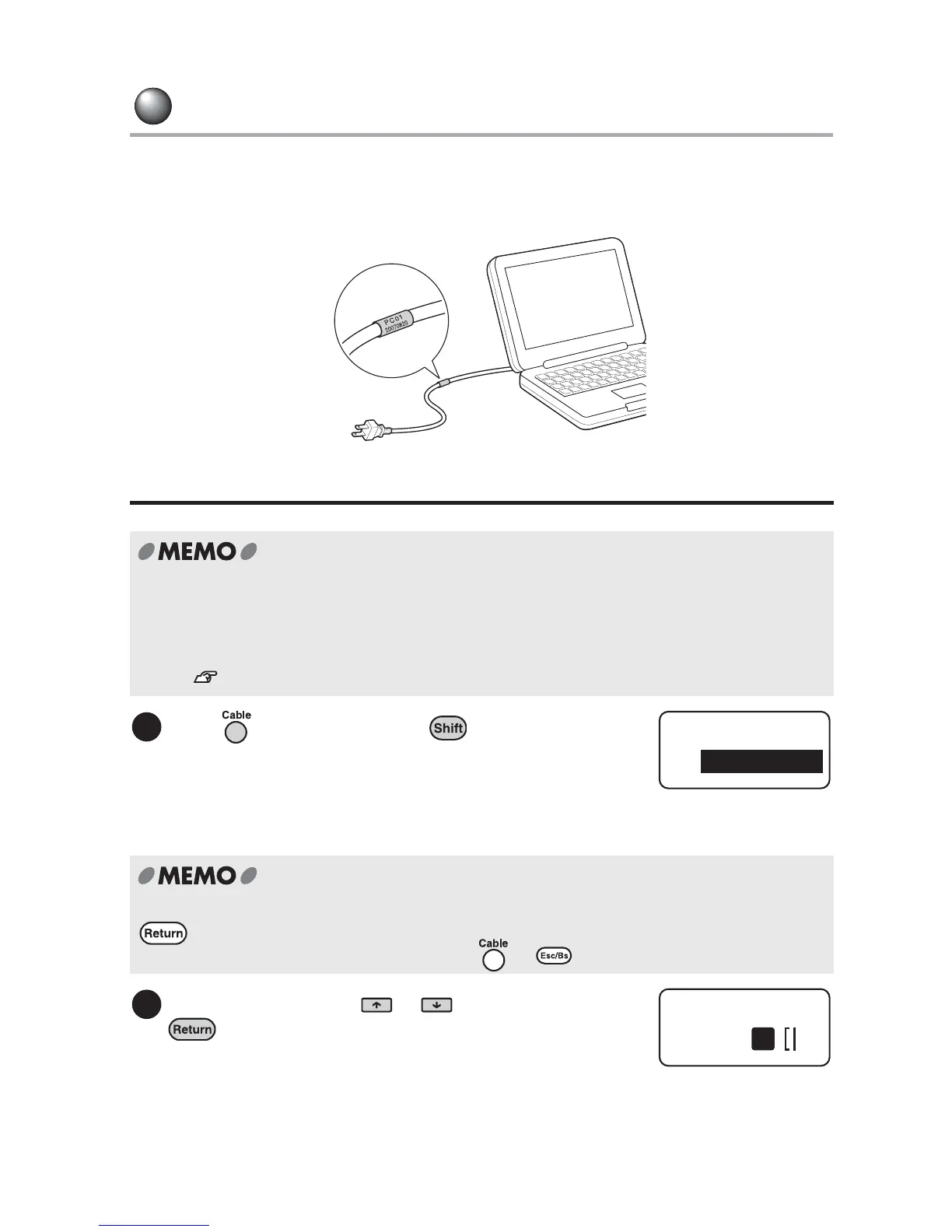
This mode allows you to easily create labels that wrap around a cable, wire, tube, pen or any
other round-shaped materials. The text is placed vertically along the width of the object (e.g.
cable).
Creating the label in Cable print mode
x First change to the Cable print mode (Step 1), and then enter text. You can not use text
entered before changing to the mode.
x In Cable print mode, text that has already been entered is asked to be deleted. Save the
text beforehand if necessary.
See "Saving a file" (p.88).
Press while holding down .
The "Length" menu will be displayed.
When any text has already been entered, a message; "Text clear OK?" appears. Press
to delete the text and display an input screen for a cable label. To cancel deleting the
text and return to the previous screen, press or .
Select "Length" using or and press
.
Tape length can be selected from "Off" and "1.0 to
15.0 inches". Select the length so that the label fits
the target object. Tape length is adjusted by
increasing/decreasing the bottom margin of the label,
while the top margin is fixed.
1
Length
Off
2
Cable
1



 To Next Page