Cable Print Mode 57
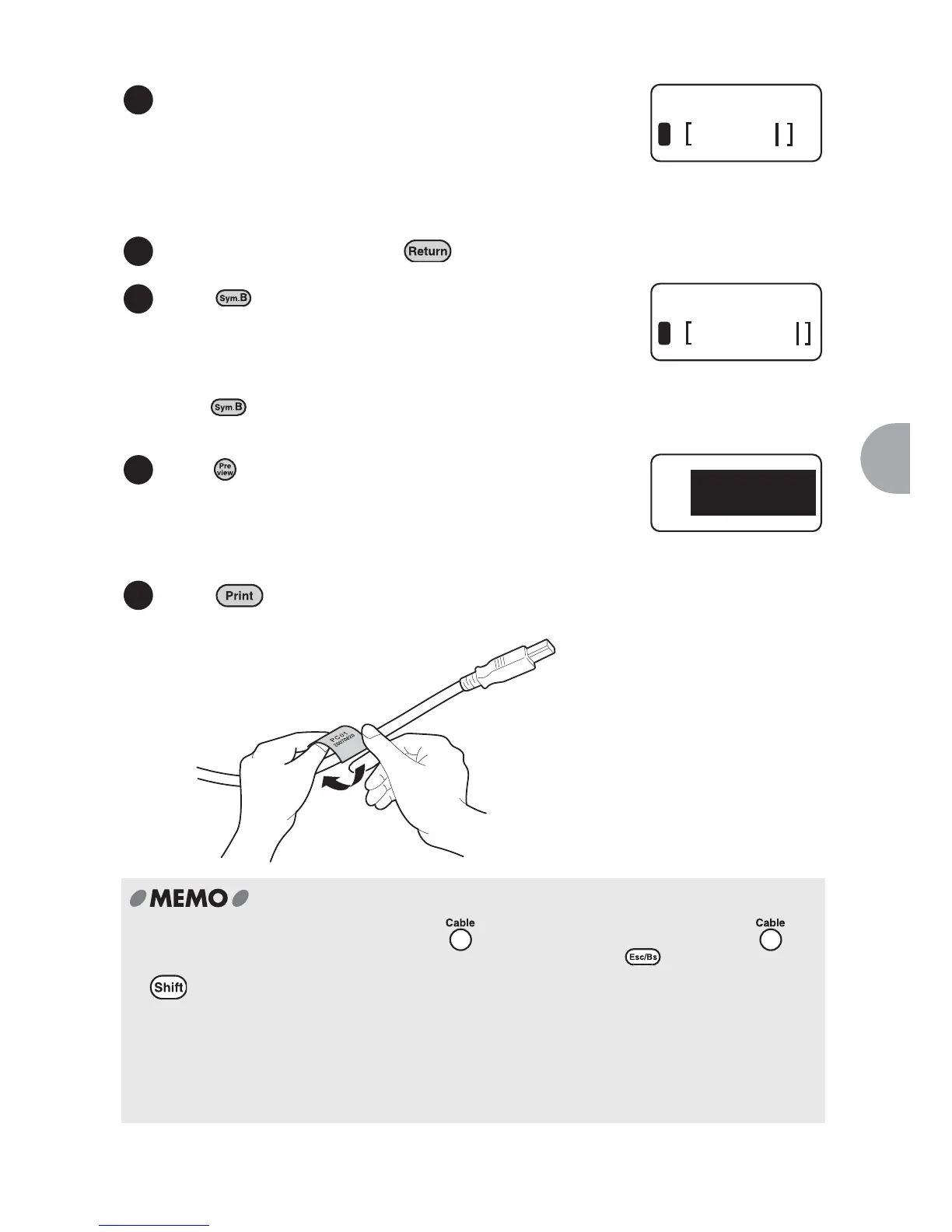
Enter "PC01".
Up to 4 characters can be entered in a line in
standard mode.
(Up to 8 numeric characters can be entered in a line
using the "DoubleFigure" Mode. See Step5.)
Up to 4 lines can be printed on a label.
To go to the next line, press .
Press to enter the "DoubleFigure".
Enter "20070820". (See pg 76 items 3-6)
Using the "DoubleFigure" Mode, up to 8 numeric
characters can be entered in a line.
When is pressed, the "DoubleFigure" is always
displayed first.
Press .
The print preview is displayed.
Press to print the label.
x To return to the previous screen, press . To exit the Cable print mode, press
repeatedly until the default text input screen appears. Or press while holding down
, and select "End?" in the displayed "Delete" screen to exit the Cable print mode.
If you select "All", the first screen of the Cable print mode appears.
x The text entered in the Cable print mode cannot be saved. The text data is deleted when
you exit the Cable print mode.
x In the Cable print mode, "Space", "Euro/Latin characters", and "Symbols" can be used.
You cannot enter "Bar code" in the mode.
3
Cable
1
PC㧜㧝
4
5
Cable
2
20070820
6
P C 㧜㧝
X.X
in
20070820
7



 To Next Page