58 Cable Print Mode
CABLE MODE
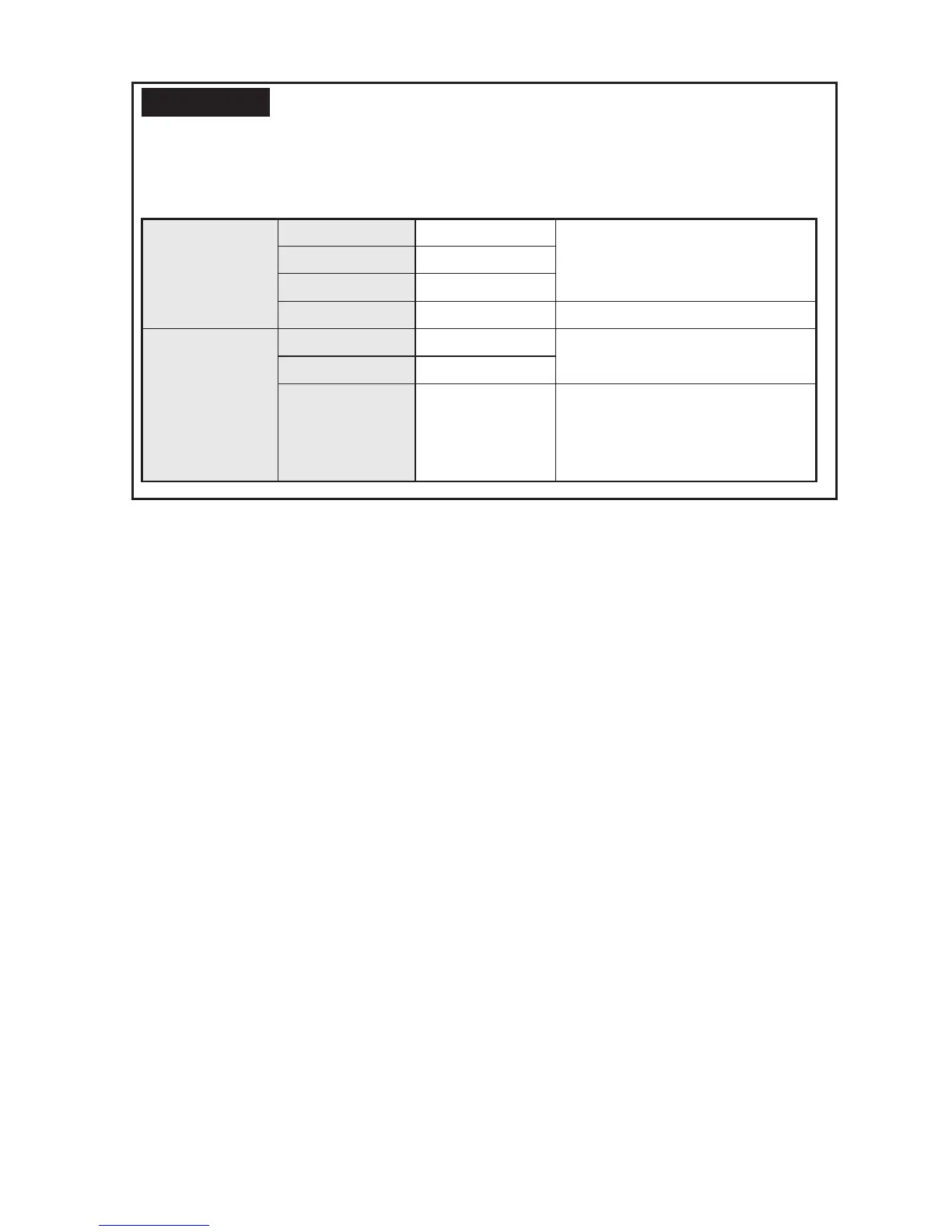
The default settings for "Style" and "Mode" in the Cable print
mode are as follows. If you want to change the "Frame", "Font", "Decorate", or
"Space" setting, change the setting and save it before entering the Cable print mode.
REFERENCE
Style
Settings cannot be
changed during
the Cable print
mode.
Lines Equal Fixed
Vertical On
Layout Left
Frame Off Stored setting is reflected.
Mode
Settings cannot be
changed during
the Cable print
mode.
Font SansSerif Stored setting is reflected.
Decorate Normal
Space Normal Stored setting is reflected.
However, the specified space is
not used for the character pitch,
but for the line pitch.



 To Next Page