Additional Functions 87
Calling up/Saving Text
Text can be saved by pressing + and selecting the function displayed in the
menu. This function allows you to call up the label to print or edit whenever you need.
Moreover, text style and character mode setting is saved with the text.
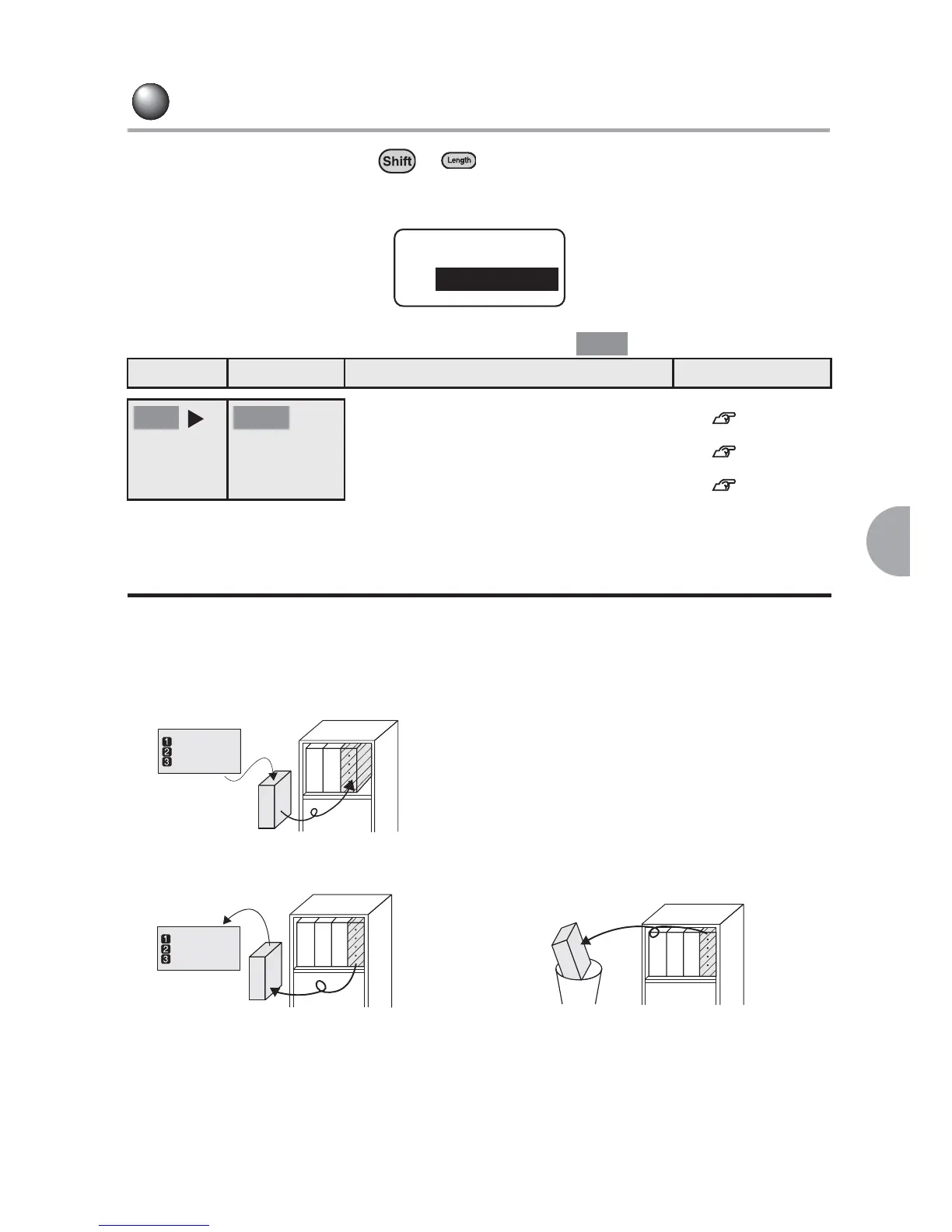
About "File"
The File function allow you to call up, change and print saved text. The File function
also allow you to save the text format, style, and mode settings of the label.
Store... Saves the text.
List of "File" Menu (The default setting is indicated by .)
Menu First option Function Reference page
Use a file name to save the created text. See p.88.
Recall Recalls the saved text. See p.89.
Delete Deletes the saved text. See p.90.
File
Recall
Bold
File Store
Input text
Name:
Address:
Phone:
File 3
File 1
File 2
Input text
Name:
Address:
Phone:
File 1
File 2
File 3
File 4
File 4
File 1
File 2
File 3
Recall... Calls up the file. Delete... Deletes the saved file.



 To Next Page