22 Getting Started
Adjusting Display Level
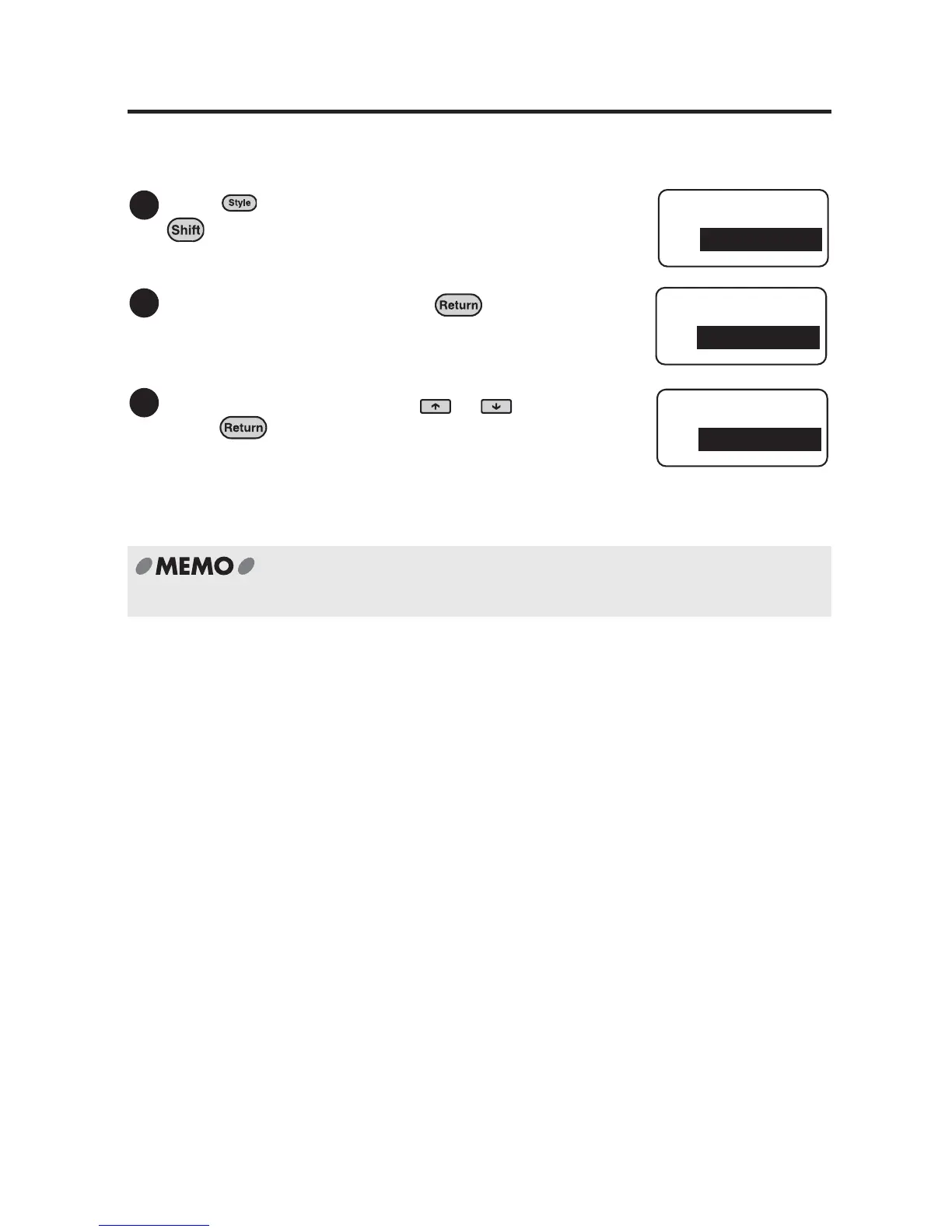
Display level is adjustable at 11 different levels. To darken or lighten the display, follow
the steps below.
Press (=Condition) while holding down
.
The "Condition" menu will be displayed.
Select "DspDensity" and press .
Select the display level using or and
press .
The default setting is "0".
The display then returns to the text input screen after
the display level is set.
The display level remains even after the power is turned off.
1
Condition
inch:cm
2
Condition
DspDensity
3
DspDensity
0



 To Next Page