Additional Functions 89
Calling up a file
Calls up the saved text on the text screen. When a file is called up, the current content
of the text input screen will be deleted and replaced with the text in the called-up file.
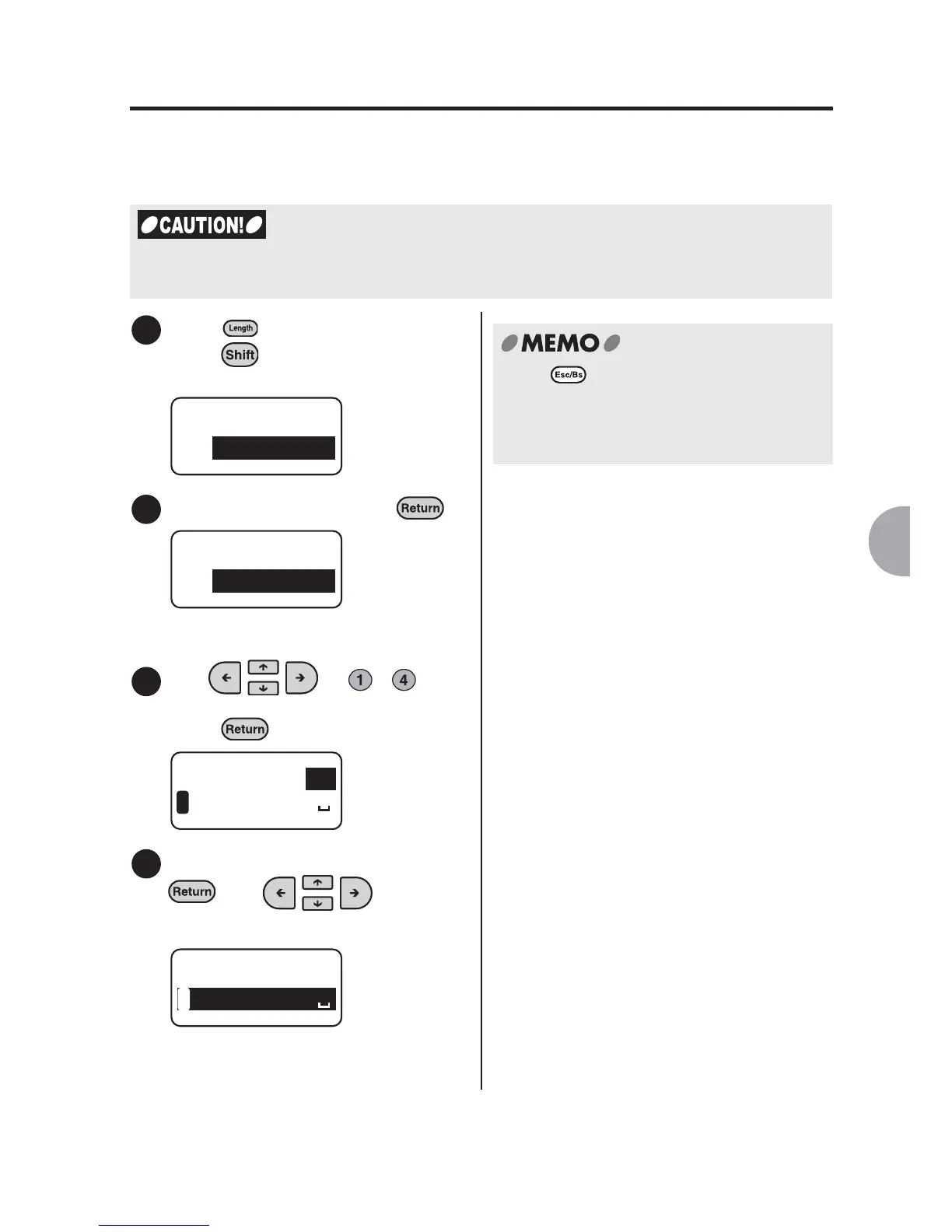
Press (= File) while holding
down .
"File" menu will be displayed.
Select "Recall", and press .
The confirmation will be displayed.
Use or - to
select the text to be loaded and
press .
Check the information and press
. Use to confirm
the text.
The loading information selection
screen will be displayed.
x
When a file is called up, the current content of the text input screen will be deleted. Before
calling up a file, make sure you have saved any necessary text as a file.
1
File
Store
2
File
Recall
3
LAVEL
1
Recall?
1
4
LAVEL
1
Recall? 1
Press to cancel the process. This will
take you back to the previous step.
Repeating this procedure allows you to go
back to the text input screen.



 To Next Page