82 Additional Functions
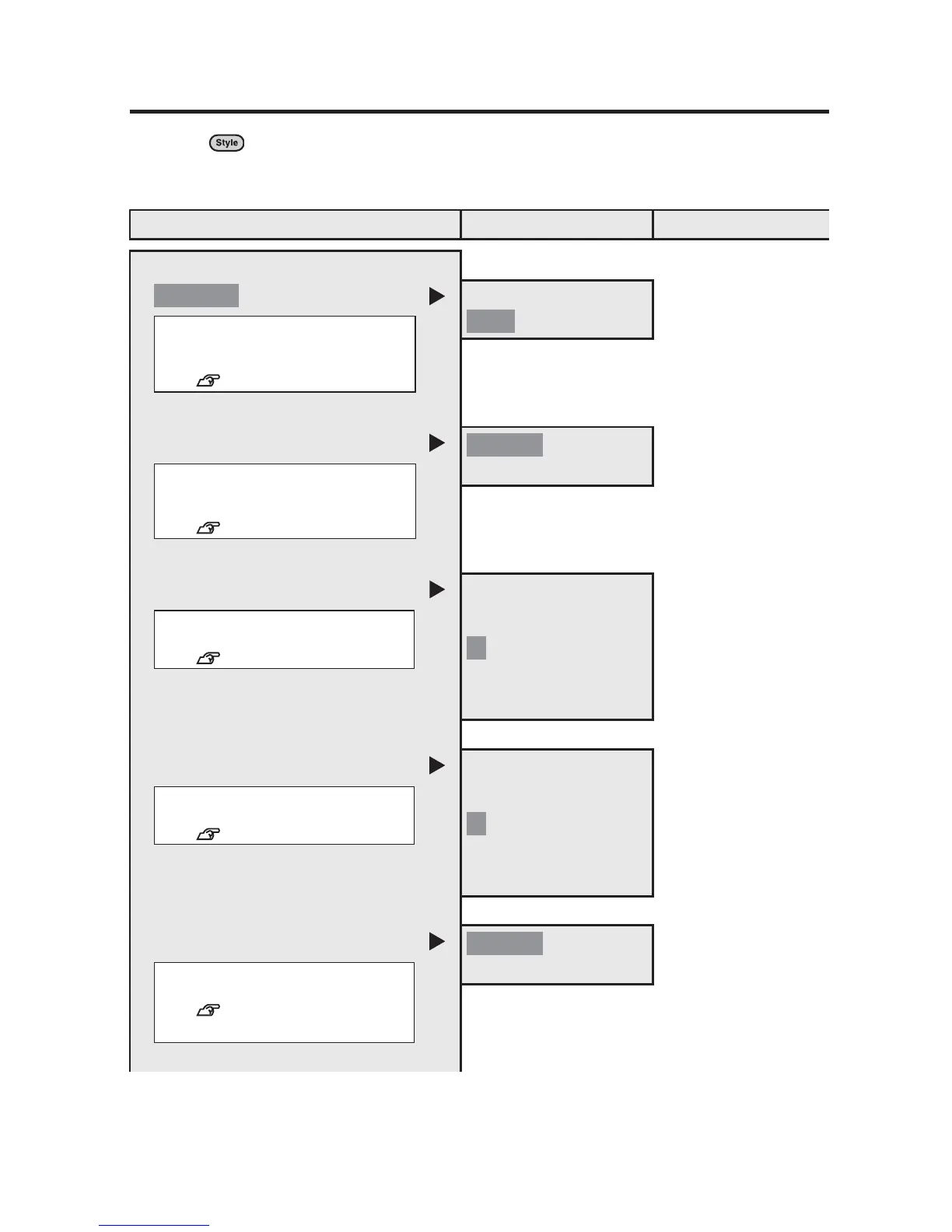
List of "Condition" menu
Pressing while holding down (= Condition) allows you to change the default
settings for screen display units and the display language. (The default setting is
indicated by).
Menu First option Second option
Condition
cm
Prompt
Spanish
PrnDensity
-5
:
:
+5
DspDensity
-3
:
:
+3
Auto Cut
Off
inch: cm
inch: cm
Sets the unit displayed on the
display.
See p.24.
inch
English
Prompt
Sets the language displayed on
the display.
See p.23.
PrnDensity
Sets the print density.
See p.41.
0
DspDensity
Sets the density of the display.
See p.22.
0
On
Auto Cut
Turns on/off the auto cut function.
See p.91.



 To Next Page