Basic Operations 1 37
2. Inserting space
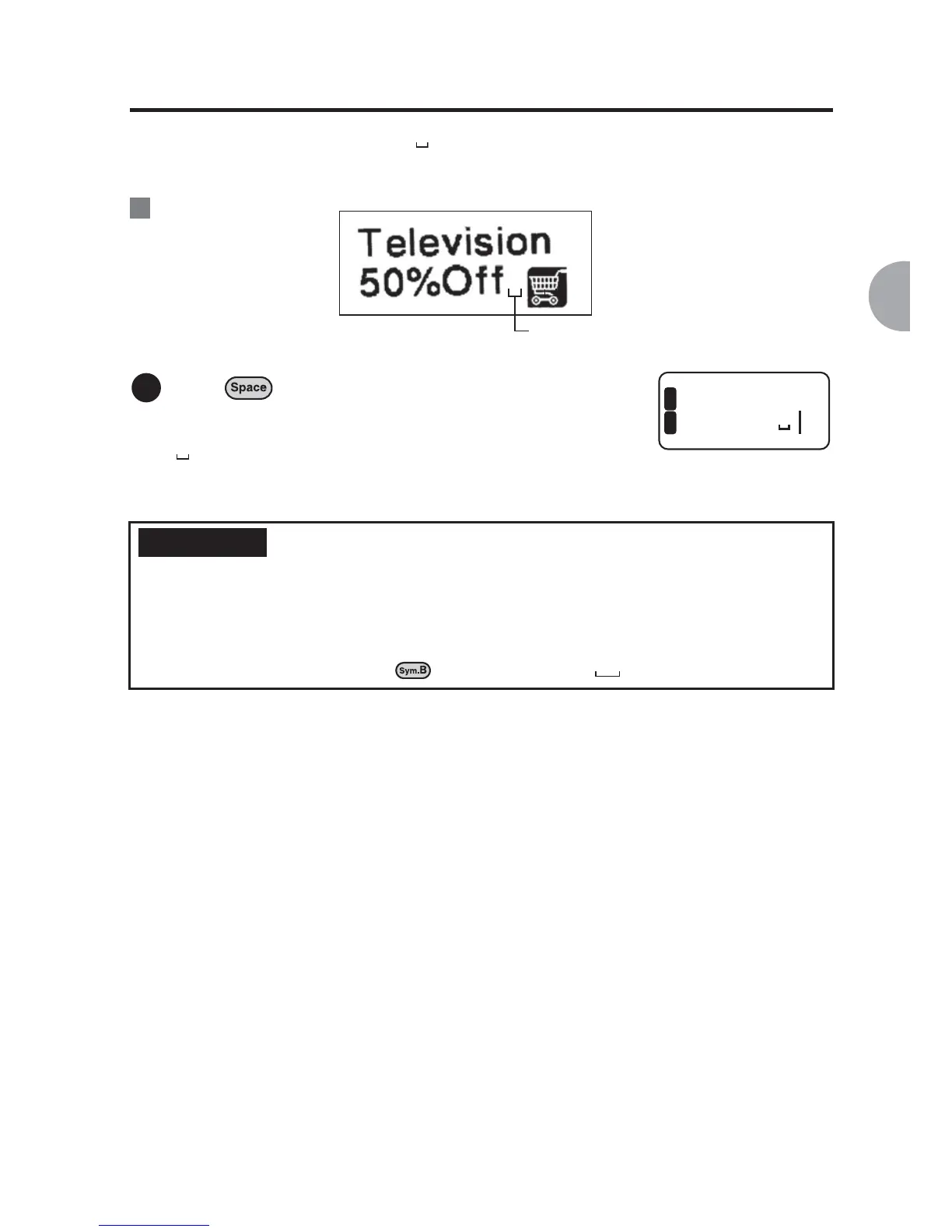
A space you enter is indicated by " ", and it will be a one-byte blank on the printed
label.
:
Press .
A space is inserted.
" " is displayed on the text enter screen, however,
the symbol will not appear on the printed label.
Two-byte space
With the LABELShop
£
BEE3, you can select the size of the space from one byte or two
byte. Size of a two-byte space equals to approximately the size of two characters
combined.
To insert a two-byte space, press and select "Mark" - " ".
You are inserting a space here.
Ex.
1
levisi
%Off
1
2
REFERENCE



 To Next Page