Additional Functions 91
Turning "Autocut" Off to Print
This machine automatically cuts off the label after printing it. However, it is possible to
turn off feature.
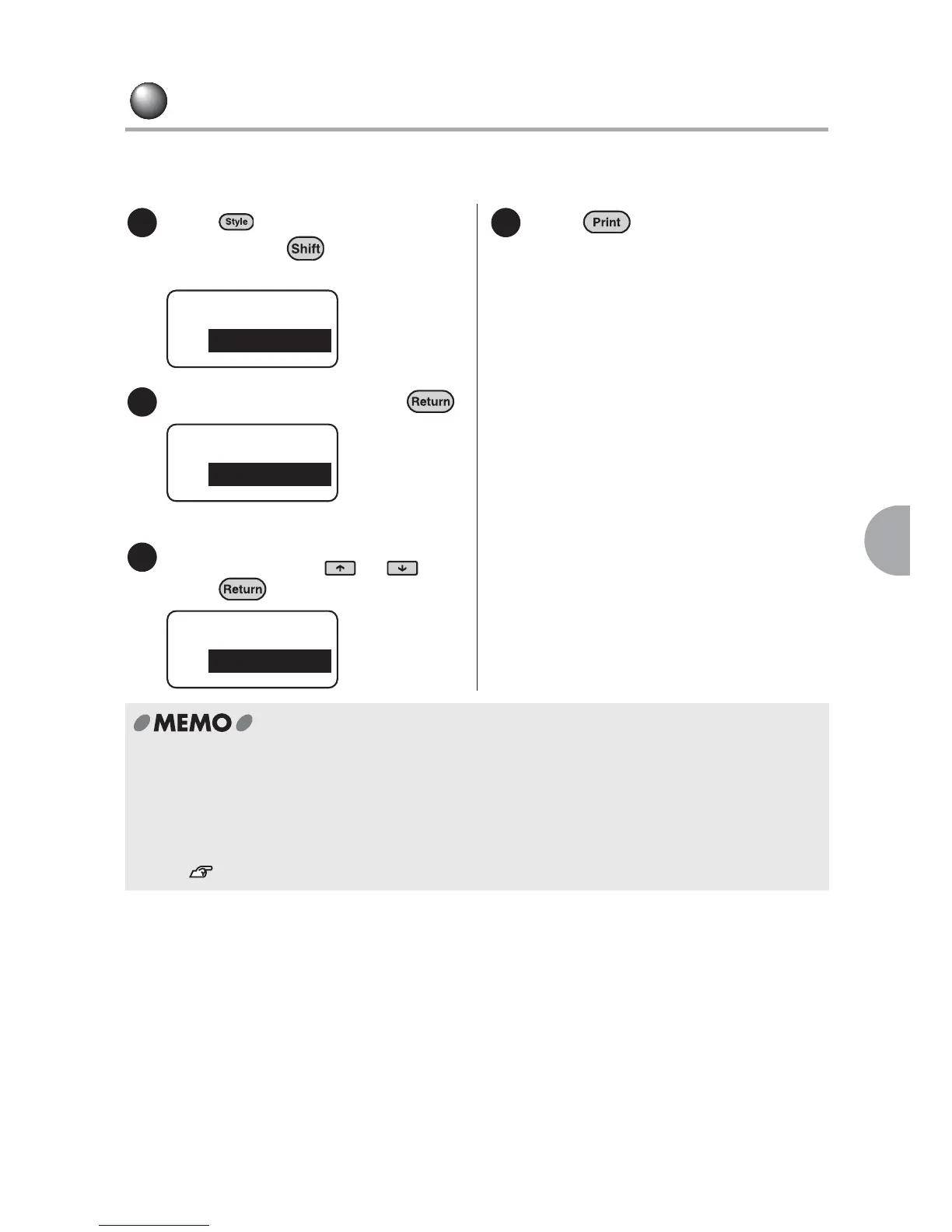
Press (= Condition) while
holding down .
The" Condition" menu will be displayed.
Select "Auto Cut" and press .
"Auto Cut" will be displayed.
Select "Off" using or and
press .
Press .
Printing starts.
Once the print job is complete, printing
stops but the label is not cut. Remove
the cartridge and cut the tape using
scissors or such. If you do not use the
function, repeat the above procedure
after each label.
x For labels that are not automatically cut, remove the cartridge from the machine, leave
0.1" of the tape on the cartridge and cut the label straight using scissors available on the
market.
x Even when Autocut is turned off, you can cut the tape using "Feed & Cut" from the "Feed/
Cut" menu.
See "Feeding the tape" (p.31).
1
Condition
inch:cm
2
Condition
Auto Cut
3
Autocut
On
4



 To Next Page