Basic Operations 2 47
Entering text
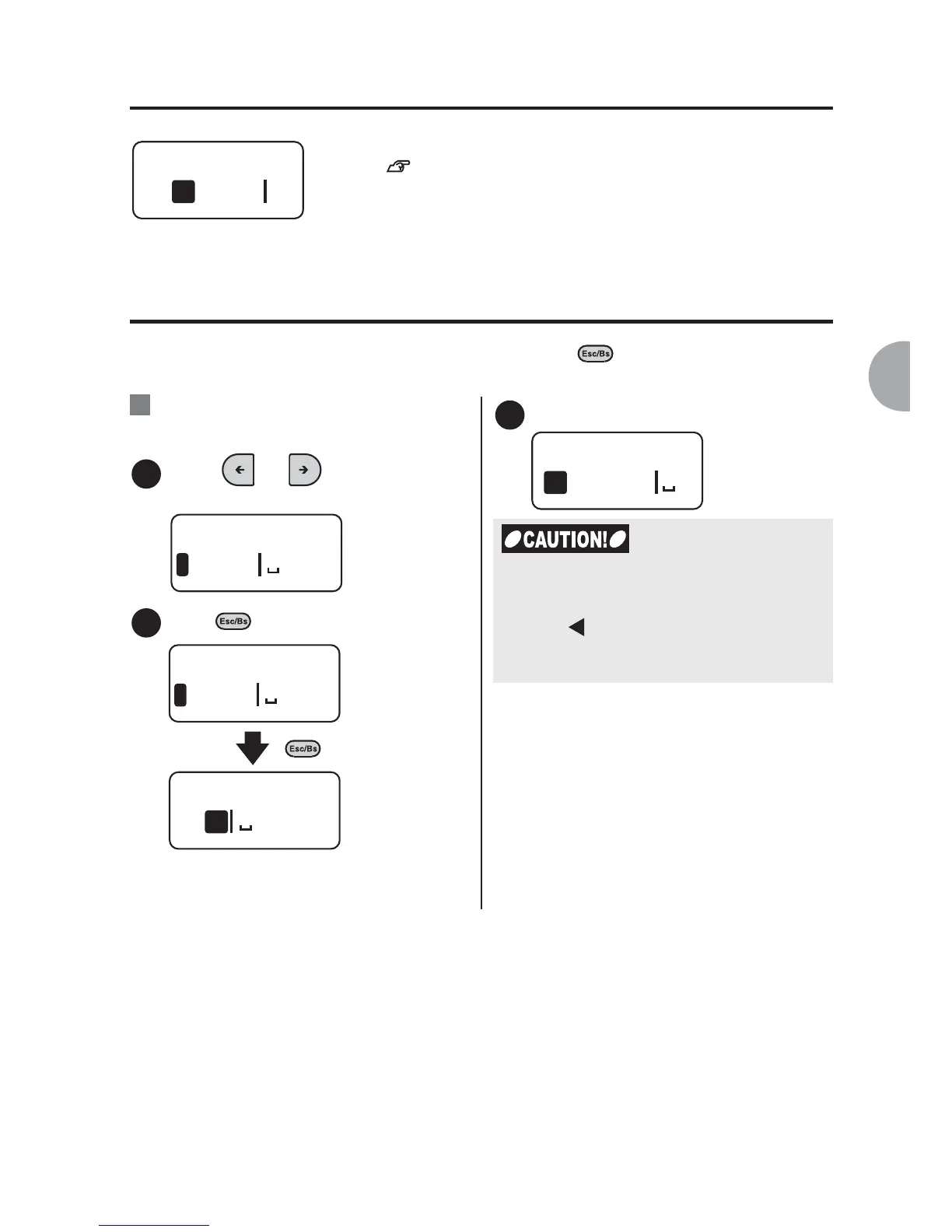
Deleting/Inserting text
Move the cursor to the right of the character and press to delete the character. To
insert characters, move the cursor to the position where you want to insert them.
Use the character keys to enter the texts.
See "Creating the Sample Label (from entering text to
completion)" (p.34).
:Delete "May" from "May 1st." and
insert "June" instead. The text
should read "June 1st.".
Press or to move the
cursor to the right of "y".
Press three times to delete "May".
x 3
The cursor comes to the beginning of
the line.
Enter "June".
May
1
Ex.
1
May 1s
1
2
May 1s
1
1st
1
3
June
1
If the total number of the characters
exceeds the limit (approx. 90 characters)
when inserting the characters, the memory
full icon [ ] appears at the end of the text.
Characters beyond the limit will be deleted
from the end of the text automatically.



 To Next Page