Basic Operations 1 39
4. Viewing print image (Preview)
LABELShop
£
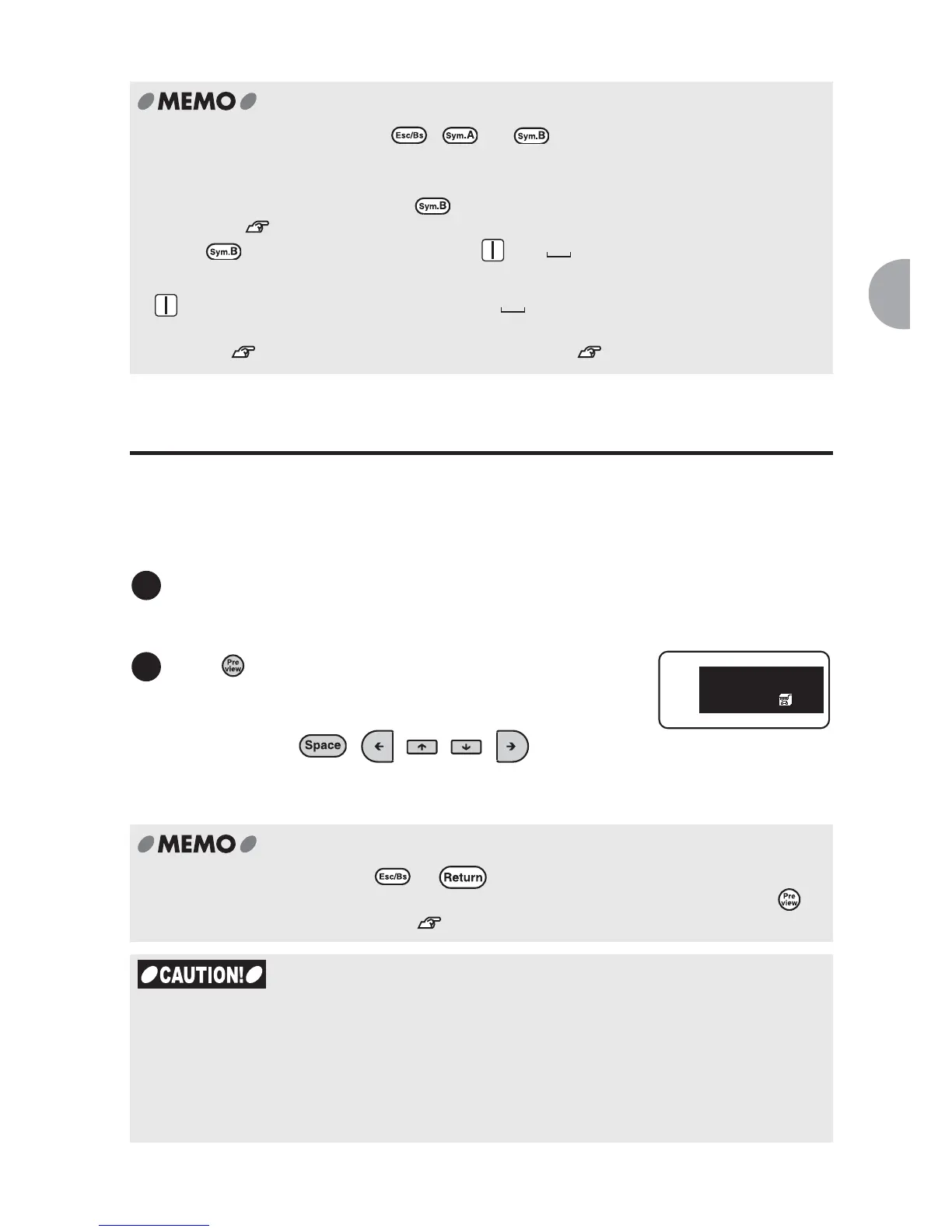
BEE3 can display the print image of the label on the screen so that you
can check the image before you actually print the label. This feature prevents possible
misprint and waste of tapes.
Make sure that the tape cartridge is installed properly.
To display the print image precisely, make sure that the tape width of the installed tape
cartridge is appropriate to your text.
x To cancel the operation, press , , or .
x A menu or a symbol you selected comes at the head of other options from the next time
(learning function).
x To enter two-digit numbers, press and select "DoubleFigure" from the symbol
menu. See "Printing two-digit numbers vertically" (p.76).
x Press and select "Mark" to show the and icons. Selecting one of these
icons works as follows:
Press .
The print image scrolls on the entire screen.
Press any of the following keys to temporarily stop
the scrolling text: , , , ,
Text
remains stopped while the key is pressed. Release
the key to scroll the text again.
x To cancel the preview, press or .
x Text entered in Cable print mode displayed differently from the actual layout. Press to
check the whole label image. See "Cable print mode" (p.56).
x Preview only appears while entering text.
x If the tape cartridge is installed improperly or no tape cartridge is installed, a message;
"Check Tape!" or "No Tape!" will appear and the print image is not previewed.
x When you entered too many lines of text to be printed on the tape, "Line Over!" will
appear on the screen. Preview will not be displayed at this time.
x Preview should be used as a guide. It may not match the printed label exactly.
: Ruled-line icon
Draws ruled lines.
See "Frame" (p.77).
: Two-byte space
Inserts a two-byte space.
See "Space" (p.81).
1
2
Television
X.X
in
50%Off



 To Next Page