50 Basic Operations 2
Starting a new line
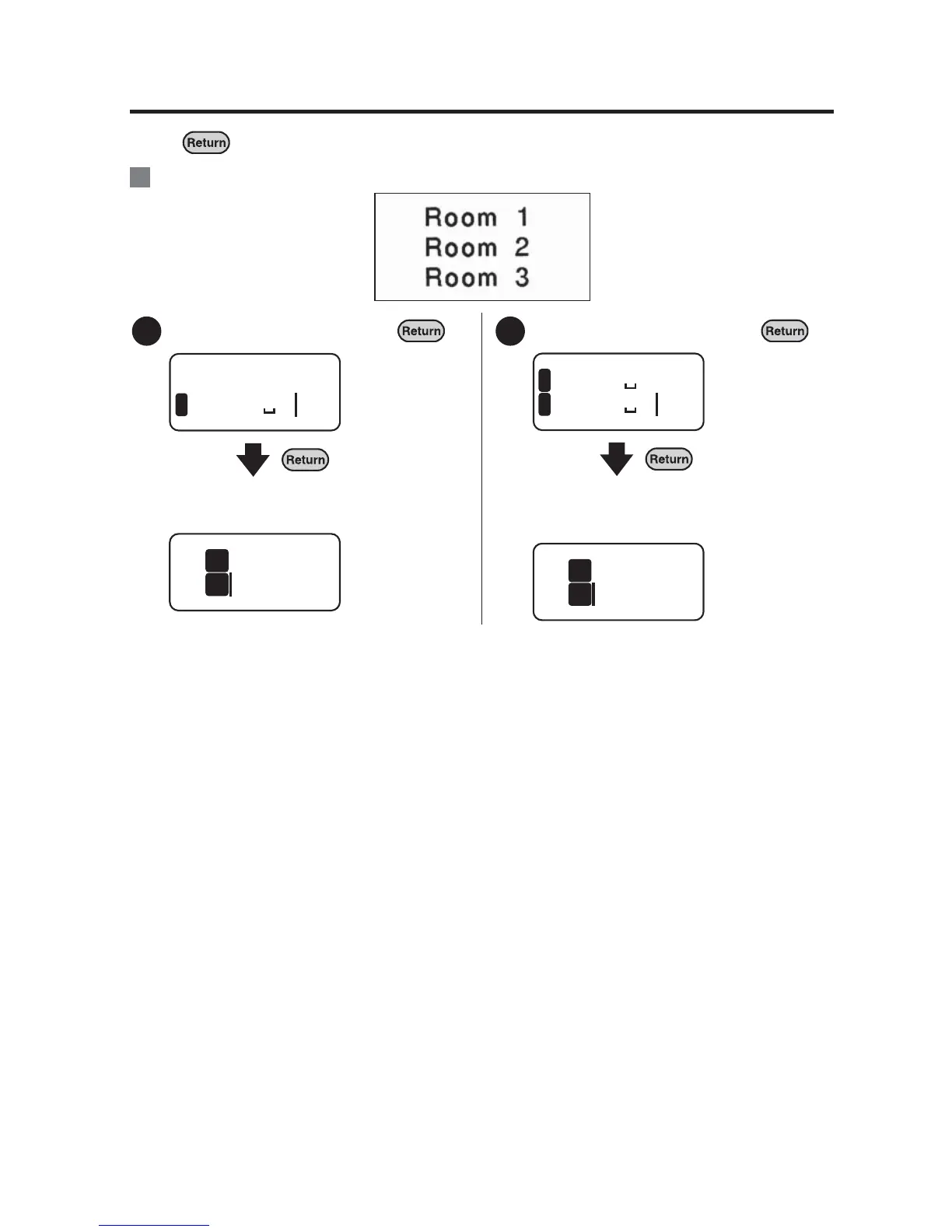
Press at the end of the line to start a new line (line break).
:Entering three lines of text.
Enter "Room 1" and press .
The line head icon appears at the
beginning of the second line.
Enter "Room 2" and press .
The line head icon appears at the
beginning of the third line. Enter "Room
3" in the line.
Ex.
1
oom 1
1
Room
2
1
2
oom 1
1
oom 2
2
Room
2
3



 To Next Page