38 Basic Operations 1
3. Entering symbol
Symbol characters are entered by pressing either or .
Following procedure explains the operation using , You can use in the same
manner.
See "List of "Symbol A/Symbol B" menus (English)" and "Symbol List" for more
symbols displayed in the menu.
See "List of "Symbol A/Symbol B" menus (English)" (p.100).
:
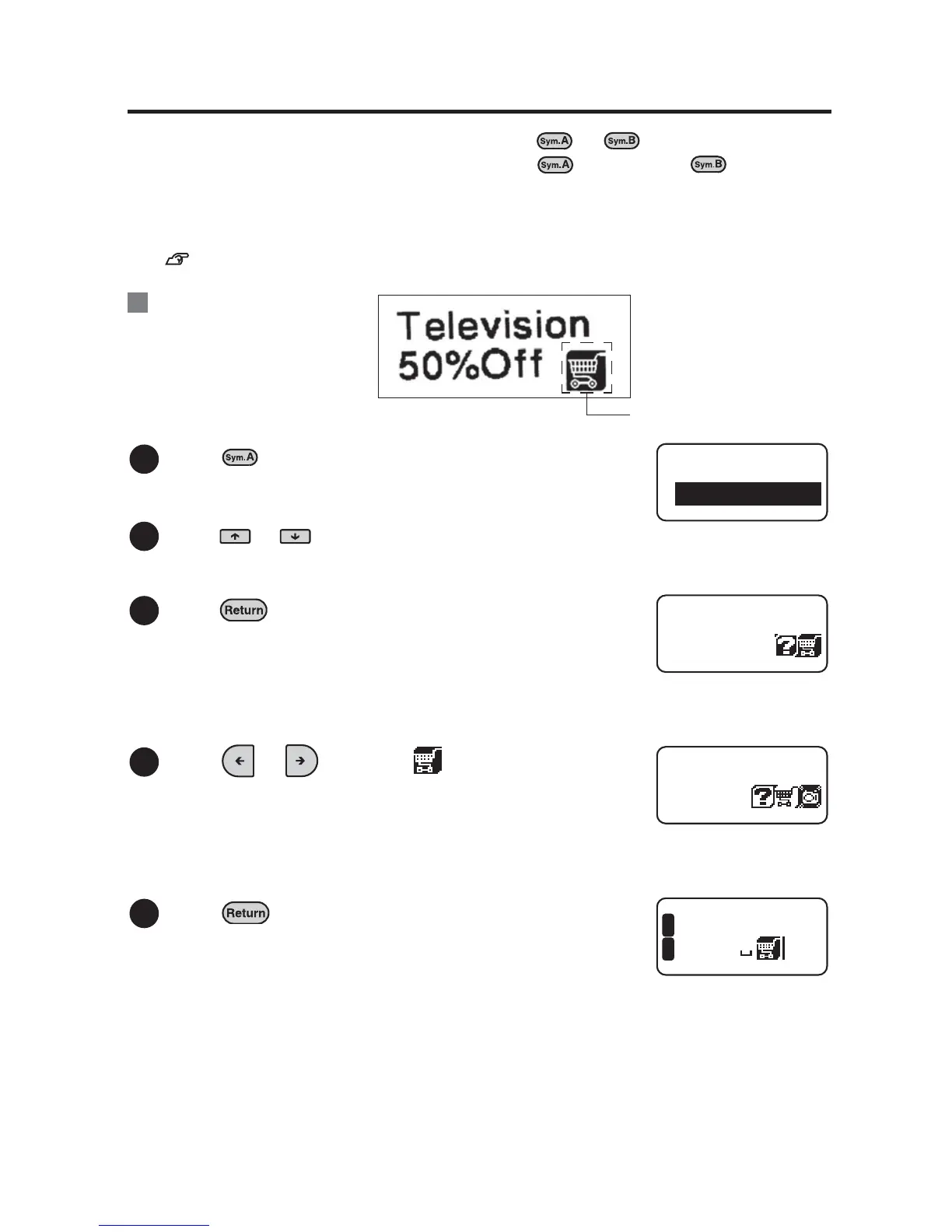
Press .
"Symbol-A" menu appears.
Press or to select "Shop".
Press .
Symbols included in the "Shop" group appears.
Press or to select " ".
Press .
You are entering this symbol.
Ex.
1
2
Symbol-A
Europe
3
Shop
4
Shop
5
evisio
Off
1
2



 To Next Page