Getting Started 31
5. Feeding the tape
After installing the tape cartridge, make sure to feed the tape so as to take up the slack
of the tape.
Press .
When "Feed" is selected, the device feeds the tape 0.7". When "Feed & Cut" is selected,
the device feeds and cuts the tape automatically.
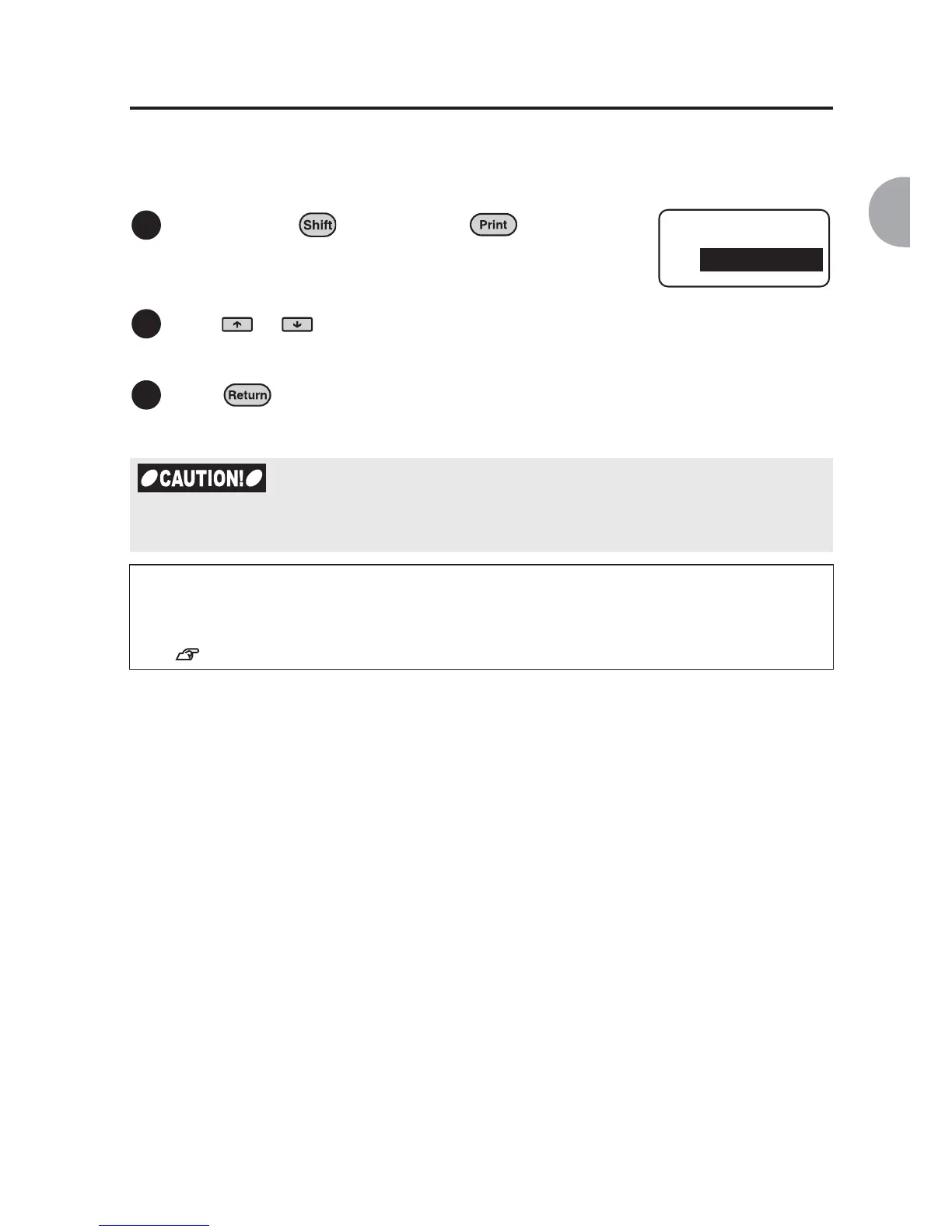
Hold down the key and press
(= Feed/Cut).
Feed/Cut menu appears.
Press or to select "Feed & Cut" or
"Feed".
Performing "Feed & Cut" or "Feed" tighten tape and ink ribbon. Be sure to feed the tape
after replacing the tape.
Next
You are now ready to proceed to the next step.
Follow the procedures described on the following pages to learn how to create labels.
See "Creating the Sample Label (from entering text to completion)" (p.34).
1
2
Feed/Cut
Feed & Cut
3



 To Next Page