Introduction 11
Setting Up
1. Preparation
Connect the AC adapter to your LABELShop BEE3.
See "Connecting the AC adapter" (p.25).
Install a tape cartridge.
See "Installing tape cartridges" (p.28).
2. Turning the power on
3. Feeding tape
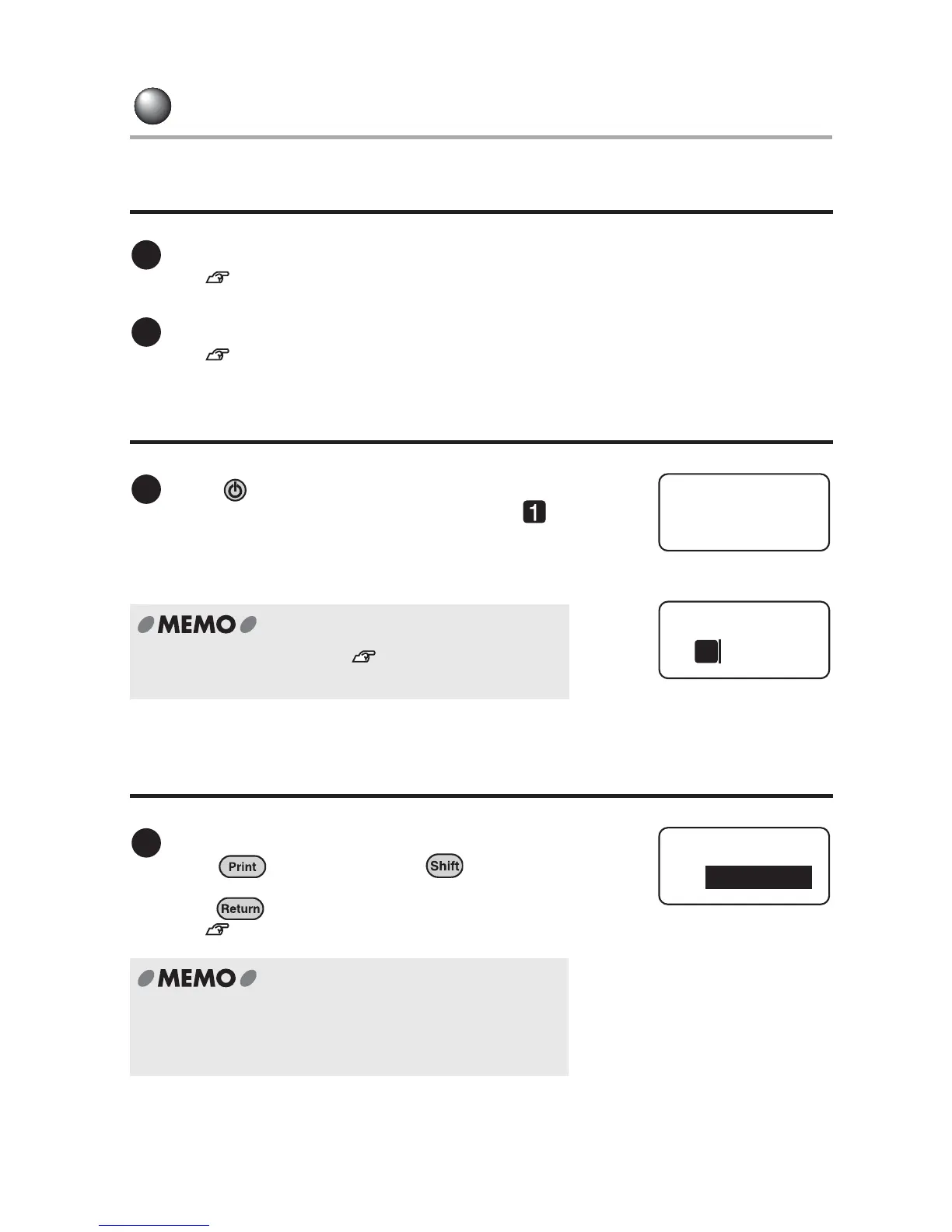
Press .
Selected length unit appears. A line head icon
that indicates the beginning of the line and the cursor
then appears.
For further information, see "Turning the power on"
(p.30).
Feed the tape.
Press while holding down . Select
"Feed & Cut" or "Feed" from the displayed menu, and
press .
See "Feeding the tape" (p.31).
Always feed tape!
After replacing a tape cartridge, be sure to feed the tape
to take up any slackness in the tape or ink ribbon.
1
2
1
Length Unit
inch
1
1
Feed & Cut
Feed/Cut



 To Next Page