36 Basic Operations 1
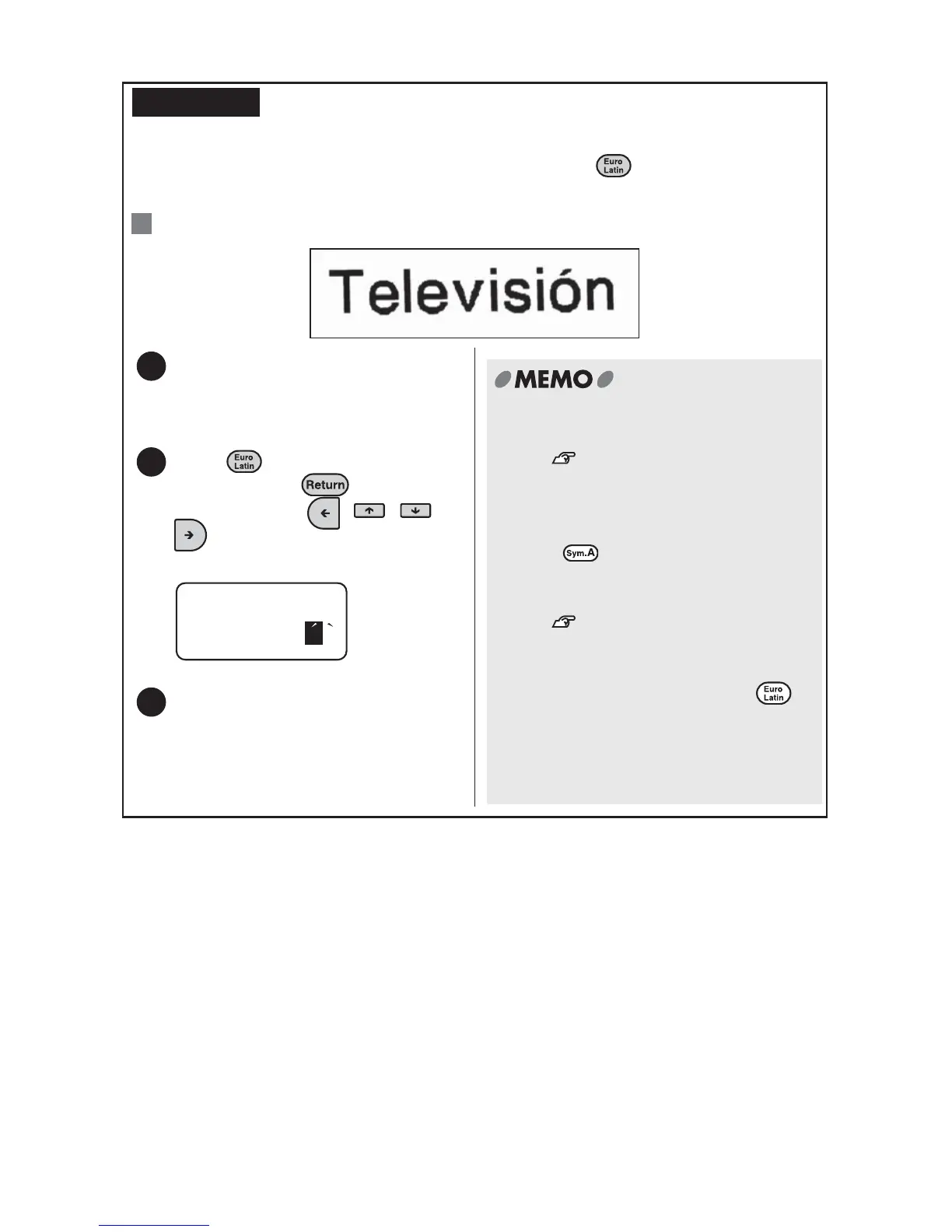
Entering Euro/Latin characters
You can enter European and Latin characters by pressing when a character
replaceable with an european or latin character is entered.
: Enter "Televisión".
REFERENCE
Ex.
Enter "Televisi" and then "o".
The EuroLatin indicator on the display
lights.
Press several times to select
"
ó", and press .
You can also use , , , or
to select the desired character.
"ó" is entered.
Enter "n".
1
2
o
o o
3
x See "Euro/Latin Character List" for
available characters.
See "Euro/Latin Character List"
(p.120)
.
x Euro/latin characters can also be
entered by the following procedure.
Press , select "Europe" or
"LatinAmerica", and select the
character you want to enter.
See "Euro/Latin Character List"
(p.120)
.
x If you move the cursor or perform any
other operation before pressing ,
the current character is accepted and
the euro/latin character input mode is
canceled turning the EuroLatin indicator
off.



 To Next Page