106 Appendix
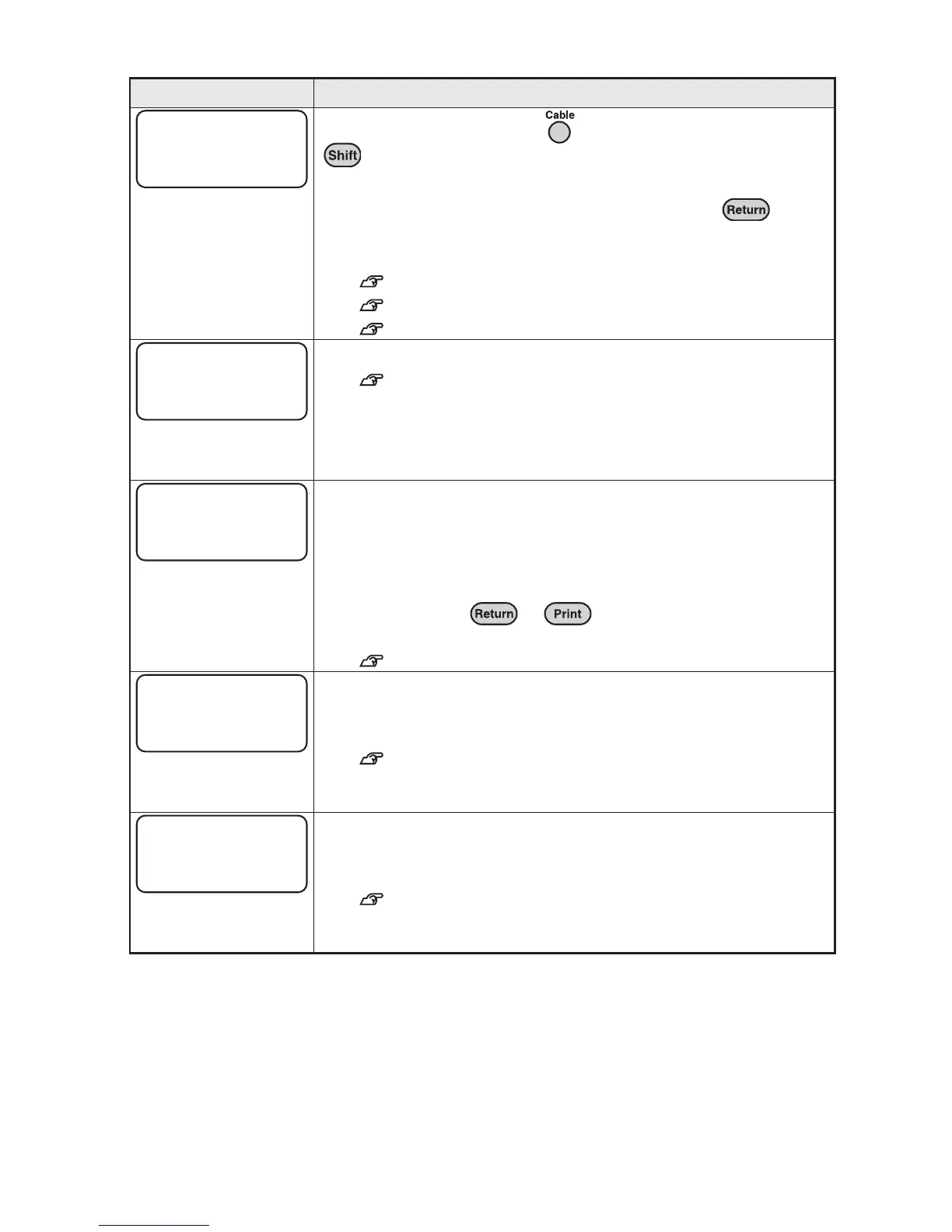
This message appears when is pressed while holding down
(= Cable print mode).
In the Cable print mode, you cannot enter text without deleting or
saving the text that has already been entered. Press to
delete and enter new text. If you do not want to delete the text,
save it to memory.
See "Deleting all the text" (p.48).
See "Cable print mode" (p.56).
See "Calling up/Saving Text" (p.87).
More than two text can not be entered per a bar code.
See "Printing Bar Codes" (p.84).
The text you entered is too long too fit within the specified length.
Press any key to return to the text enter screen and perform the
following remedies:
_ $DKDSDRNLDBG@Q@BSDQR
_ 2DCTBDSGDENMSRHYD
You can also press or to continue printing or
previewing regardless of the set length.
See "Function description (Length)" (p.72).
The memory for registering files is full. In order to register new files,
press any key to return to the text enter screen, and delete
unnecessary files.
See "Deleting a file" (p.90).
You have attempted to call up, delete, or copy files when there is no
file saved on the device. Press any key to return to the text enter
screen.
See "Calling up/Saving Text" (p.87).
Error message Cause and Remedy
Text clear
OK?
Bar Code
only one?
Text Long!
Go?
Memory Full!
No File!



 To Next Page