Getting Started 19
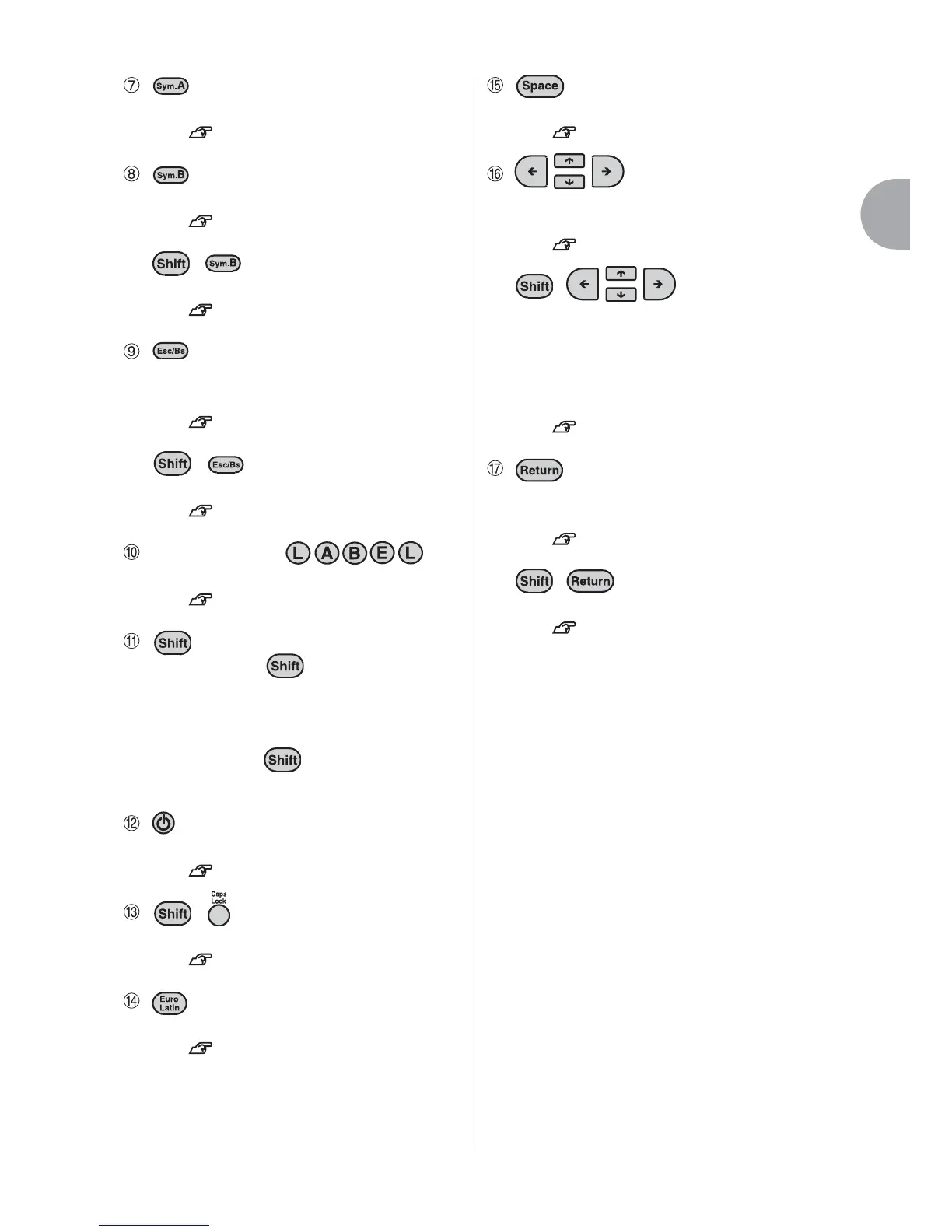
(Symbol A)
Shows available symbols.
See p.38, 100, 115.
(Symbol B)
Shows available symbols.
See p.38, 100, 115.
+ (= BarCode)
Creates bar codes.
See p.84.
(Escape, Back space)
Deletes the text to the left of the cursor.
Cancels the current operation.
See p.47,48.
+ (= Delete)
Deletes the texts or the paragraphs.
See p.47, 48.
Character keys ( ...)
Enters texts.
See p.35, 47.
Hold down the and press the
function keys to activate the functions
written on the upper part of the keys. To
enter in small letters or some symbols,
hold down the and press the
character keys.
(ON, OFF)
Turns on/off the power.
See p.11, 14, 30, 43.
+ (= Caps lock)
Enters texts in capital letters.
See p.12, 35.
(Euro Latin)
Enters european or latin characters.
See p.36, 120.
(Space)
Inserts space.
See p.37.
(Cursor keys)
Moves the cursor or highlighted items to
up, down, right, or left.
See p.46.
+ (= Cursor jump)
Moves the cursor directly to the
beginning of the paragraph/line or the
end of the paragraph/line. When
selecting items, shows the start or last
option.
See p.46.
(Select, Line Break)
Selects one of the options.
Starts a new line.
See p.49.
+ (= New paragraph)
Starts a new paragraph.
See p.52.



 To Next Page