62 Additional Functions
When setting the "Mode"
When setting the "Style" function
When setting the "Length" function
The effective area screen is not displayed (nothing changes on the text enter screen).
Set the effective area of a set function.
Set the effective area of a set function.
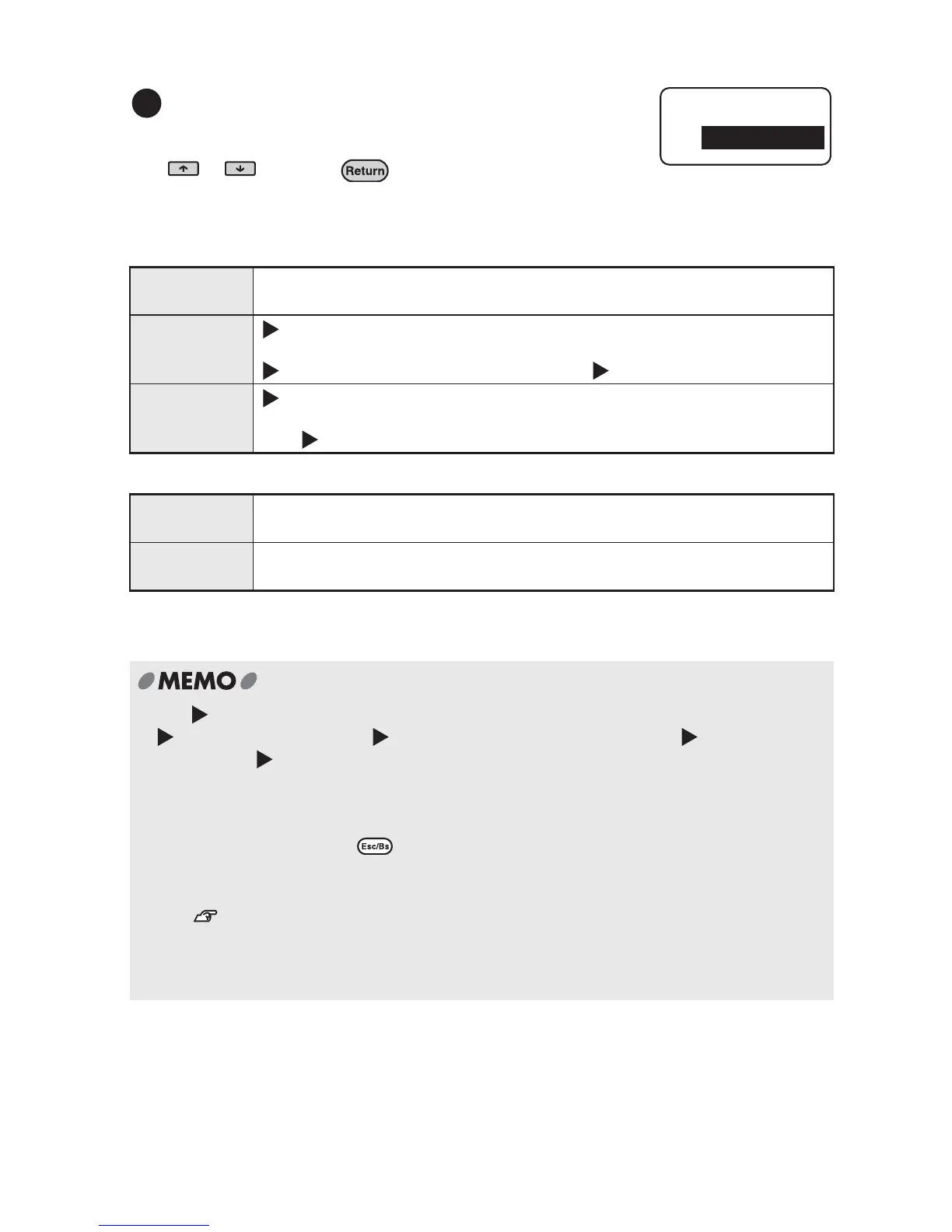
Referring to the table below set a effective area using
or and press .
Once the setting is complete, the text enter screen
will be displayed again.
Label Applies the selected style to the whole text (nothing changes on the text
screen).
Line (Text mode change icon) is displayed at the beginning of the line where
the cursor is placed, the selected mode applies from the characters after
until the end of the line (or until the next ).
Paragraph (Text mode change icon) is displayed on the first line of the paragraph
where the cursor is placed, the selected mode applies from the characters
after until the end of the paragraph.
Label The selected style applies to the whole text (nothing changes on the text
screen).
Paragraph The selected style applies to the paragraph where the cursor is positioned
(nothing changes on the text screen).
x The (Text mode change icon) is not printed.
x can be deleted. Deleting will apply the settings of the previous .
If there is no applied to the text, the settings of "Label" or the default settings apply.
x The factory settings of each function (default) can be checked on pages "List of "Length"
Menu (English)" (p.63), "List of "Style" Menu (English)" (p.64), and "List of "Mode" Menu
(English)" (p.70). These settings can be changed using "Setting Default Settings" (p.92).
x
Pressing a function key or while performing settings returns to the previous screen.
Repeating this operation cancels the settings and takes you back to the text enter screen.
x You can check part of the settings on the indicators.
See "Display indicators" (p.20).
Settings can also be checked by pressing the function key of each function and
displaying the options of the function. The inverted option is the current setting.
x Characters may be distorted due to effects, text size or a high number of strokes.
6
Area
Label



 To Next Page