34/40
Basic Operations
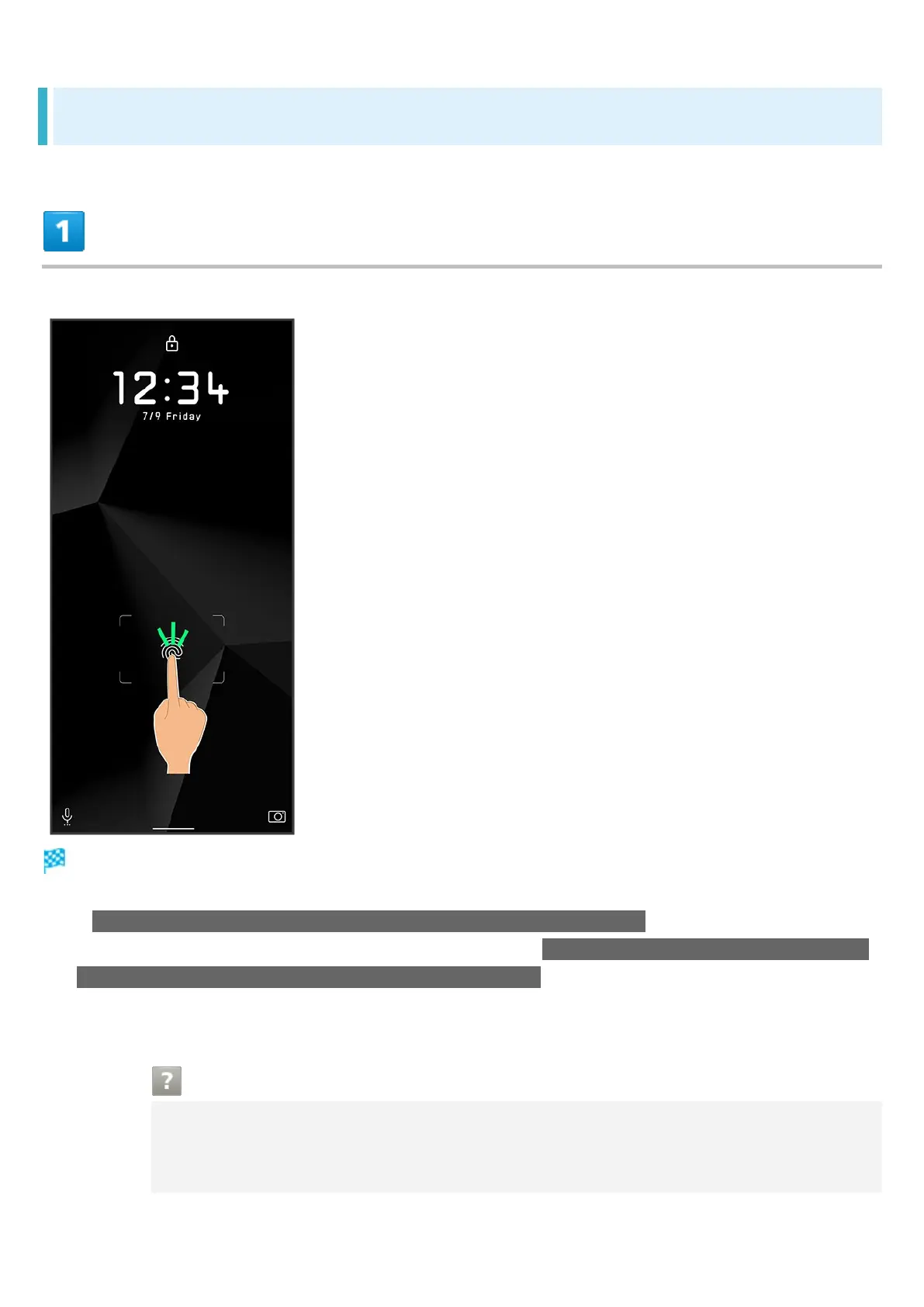
Performing Fingerprint Authentication
In authentication window, hold finger to sensor
Fingerprint is authenticated.
If Double-tap to show fingerprint sensor when the screen is turned off is enabled, Tap twice while
Display is off (screen lock) for Fingerprint Sensor. Also if You can unlock screen just by touching
the fingerprint sensor even when the screen is turned off is enabled, hold finger to Fingerprint
Sensor while Display is off (screen lock) to unlock screen. See "Fingerprint Sensor Settings" for
details.
Troubleshooting
Q Fingerprint is not authenticated
A Remove finger then try authenticating again.
Or, Flick lock screen up and unlock screen using backup unlock method set when



 To Next Page