55/178
Handset Settings
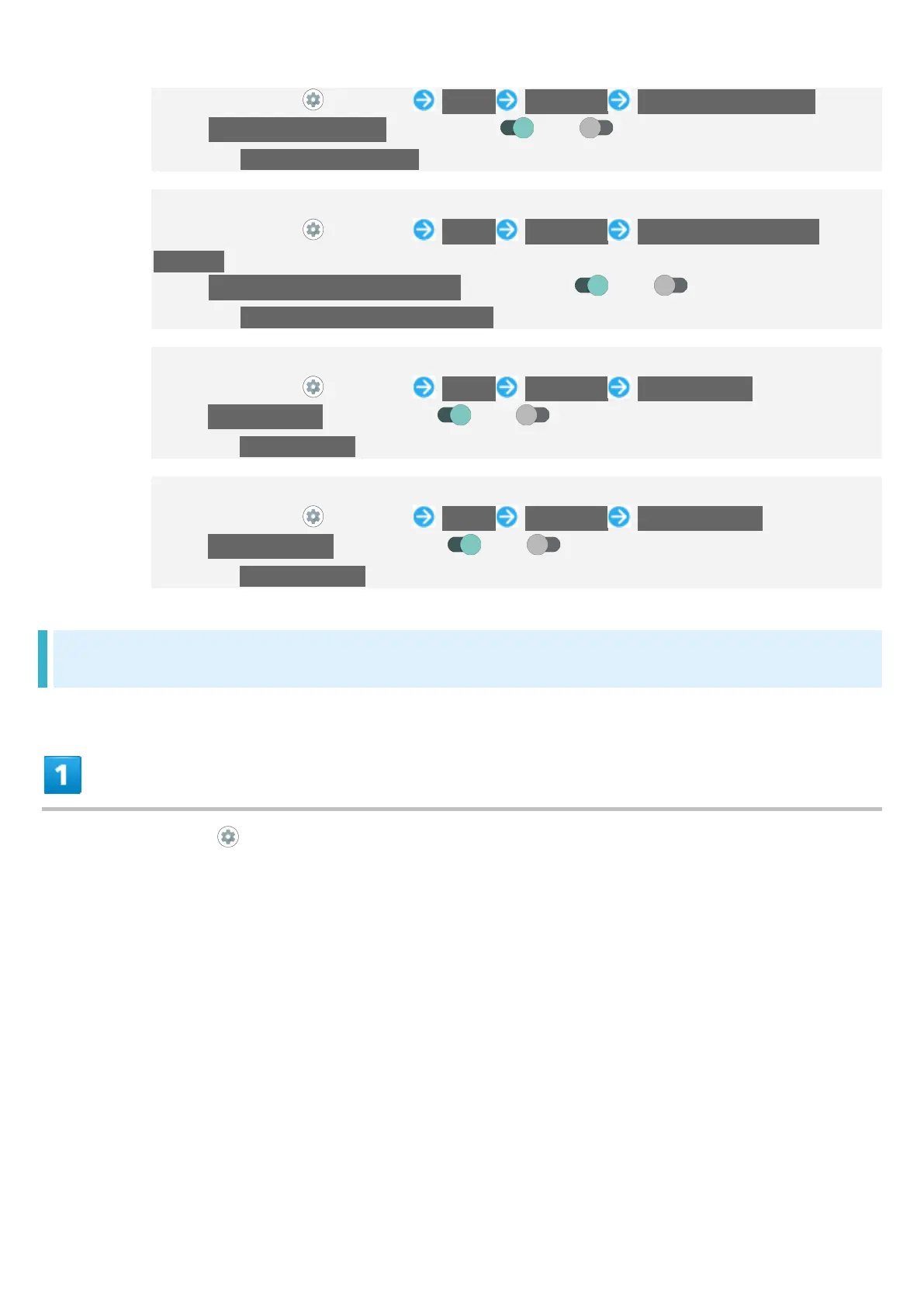
In Home Screen, (Settings) Sound Advanced Screen locking sound
Tap Screen locking sound to toggle on ( )/off ( ).
Disable Screen locking sound to save battery power.
Setting Whether Tone Sounds and Handset Vibrates when Starting Charging
In Home Screen, (Settings) Sound Advanced Charging sounds and
vibration
Tap Charging sounds and vibration to toggle on ( )/off ( ).
Disable Charging sounds and vibration to save battery power.
Setting Whether Confirmation Tones Sound when Tapping a Menu, Etc.
In Home Screen, (Settings) Sound Advanced Touch sounds
Tap Touch sounds to toggle on ( )/off ( ).
Disable Touch sounds to save battery power.
Setting Whether Handset Vibrates when Tapping Dialpad, Keyboard, Etc.
In Home Screen, (Settings) Sound Advanced Touch vibration
Tap Touch vibration to toggle on ( )/off ( ).
Disable Touch vibration to save battery power.
Setting Ringtones
In Home Screen, (Settings)



 To Next Page