9/59
Handset Interface
Capturing Screenshots
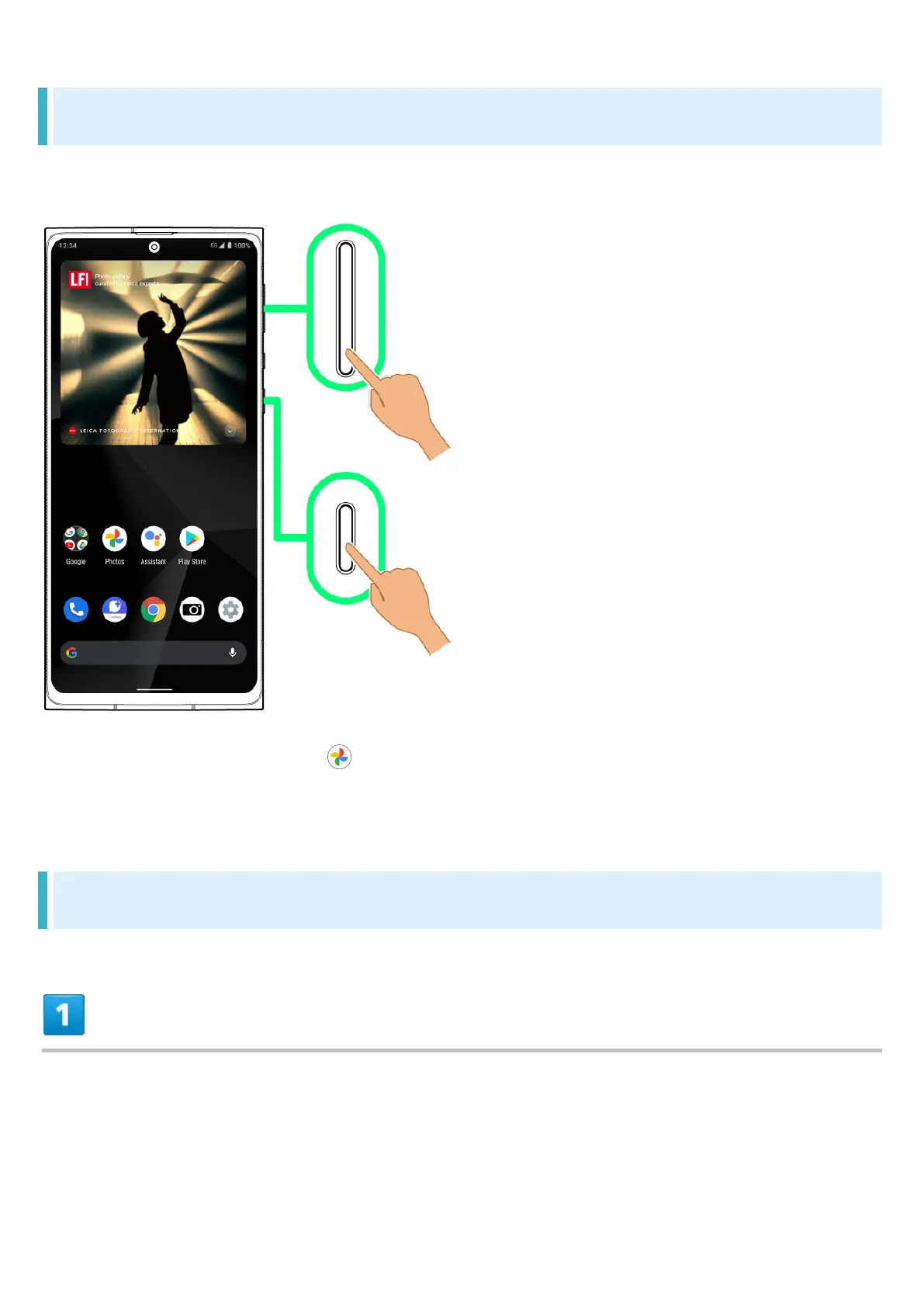
Long Press Power Key and Volume Down Key at the same time to capture a screenshot of the
current screen.
May be unavailable for some applications.
View captured screenshots in (Photos), etc.
Alternatively, use Clip Now and drag Display from corner to center to capture a screenshot. See
"Capturing Screenshots (Clip Now)" for details.
Changing Wallpaper
Touch & Hold open area of Home Screen



 To Next Page