143/178
Handset Settings
System Settings
Make settings for language and input, date and time, backup, reset, etc.
System Settings
Setting 24-Hour Time Indication
Resetting Handset
System Settings
Settable items are the following.
Make settings for display language and text entry.
Gestures Set whether to activate camera by pressing Power Key twice, or to
activate Manner Mode by pressing Power Key and Volume Up Key
Make settings for date and time.
Backup Make settings such as whether to back up application data, Wi-Fi
passwords, etc. to Google Drive.
Advanced Transfer data and update the system.
See "Importing Contacts via Bluetooth
®
(Data Transfer)" and "Importing
Data from SD Card (Data Transfer)" for details on transferring data.
See "Updating the System" for details on system updates.
System Operations
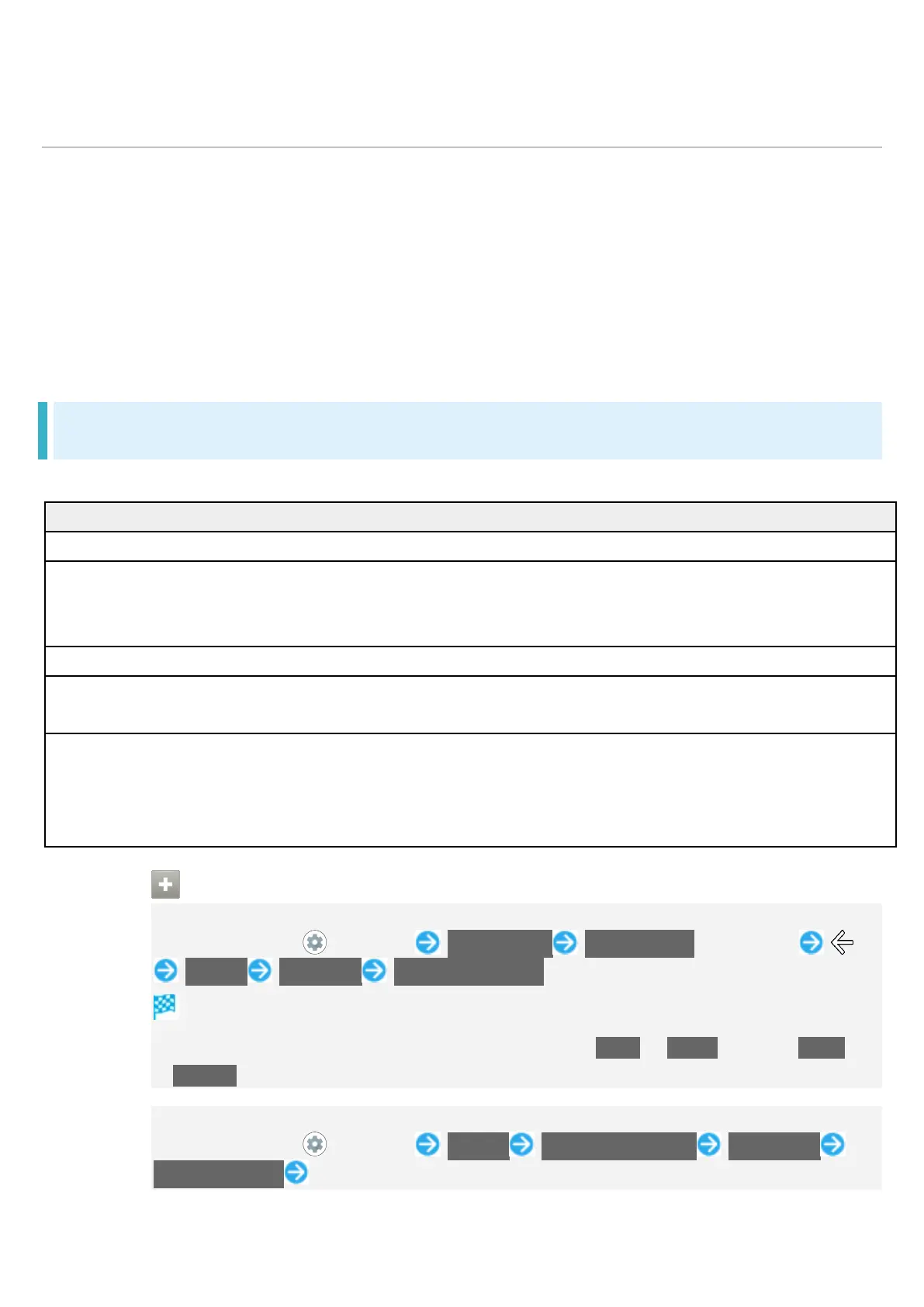
Accessing Developer Options
In Home Screen, (Settings) About phone Build number seven times
System Advanced Developer options
Developer options open.
If method for unlocking screen is setting other than None or Swipe, first Tap Build
number 7 times and unlock screen.
Adding Languages Shown on Display
In Home Screen, (Settings) System Languages & input Languages
Add a language Tap language



 To Next Page