80/178
Handset Settings
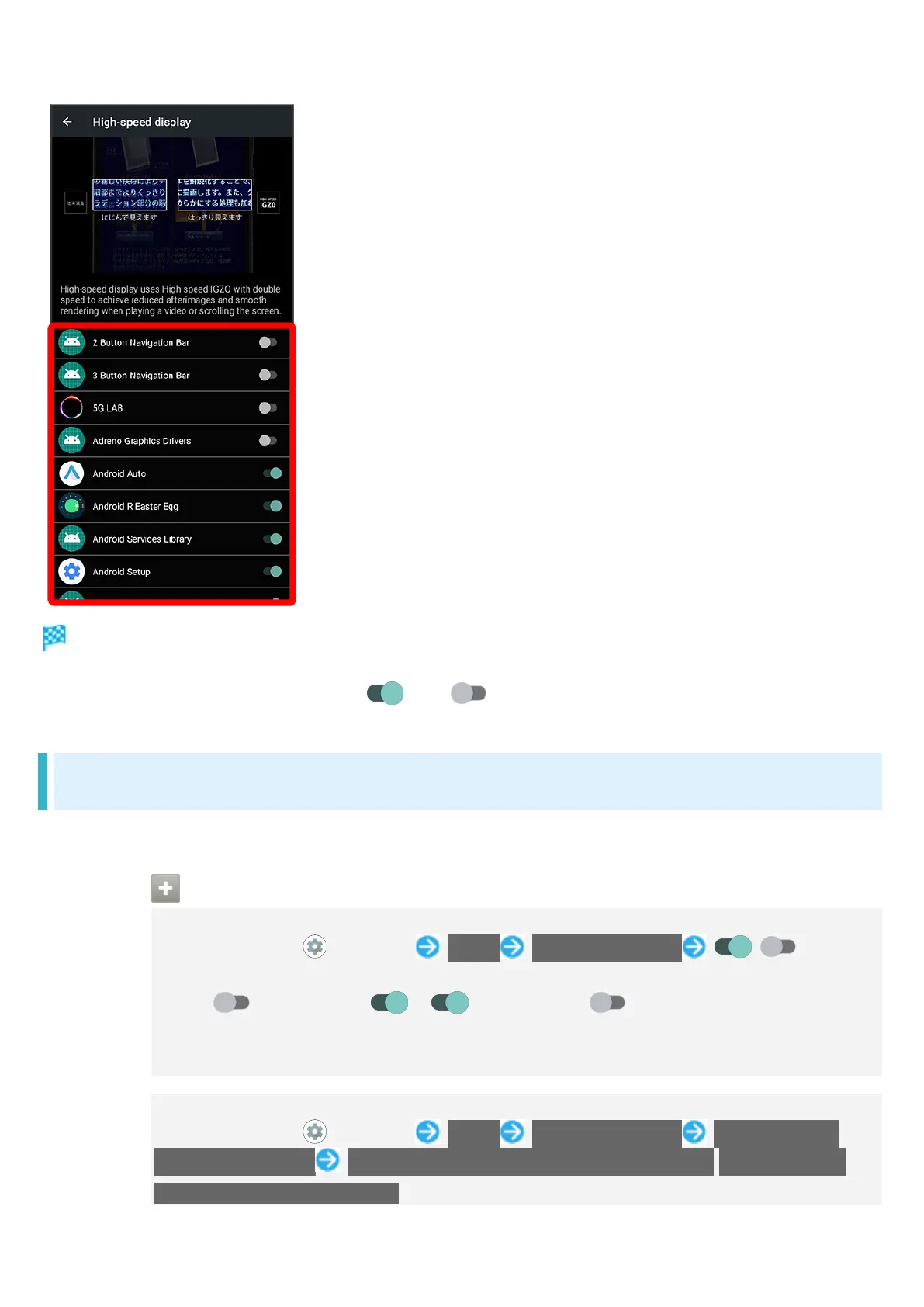
Setting is complete.
Tap application name to toggle on ( )/off ( ).
Fingerprint Sensor Settings
See "Using Fingerprint Authentication Function" for details on saving and authenticating fingerprints.
Fingerprint Sensor Operations
Setting Whether to Use Two Fingers when Authenticating
In Home Screen, (Settings) Useful Fingerprint sensor / for
"TWO-FINGER AUTHENTICATION"
Tap to toggle on ( ), to toggle off ( ).
Save at least two fingerprints beforehand.
If confirmation appears, follow onscreen prompts.
Setting Screen for Authenticating with Two Fingers
In Home Screen, (Settings) Useful Fingerprint sensor TWO-FINGER
AUTHENTICATION Use two-finger authentication on all screens./Use one-finger
authentication for unlock only.



 To Next Page