5/59
Handset Interface
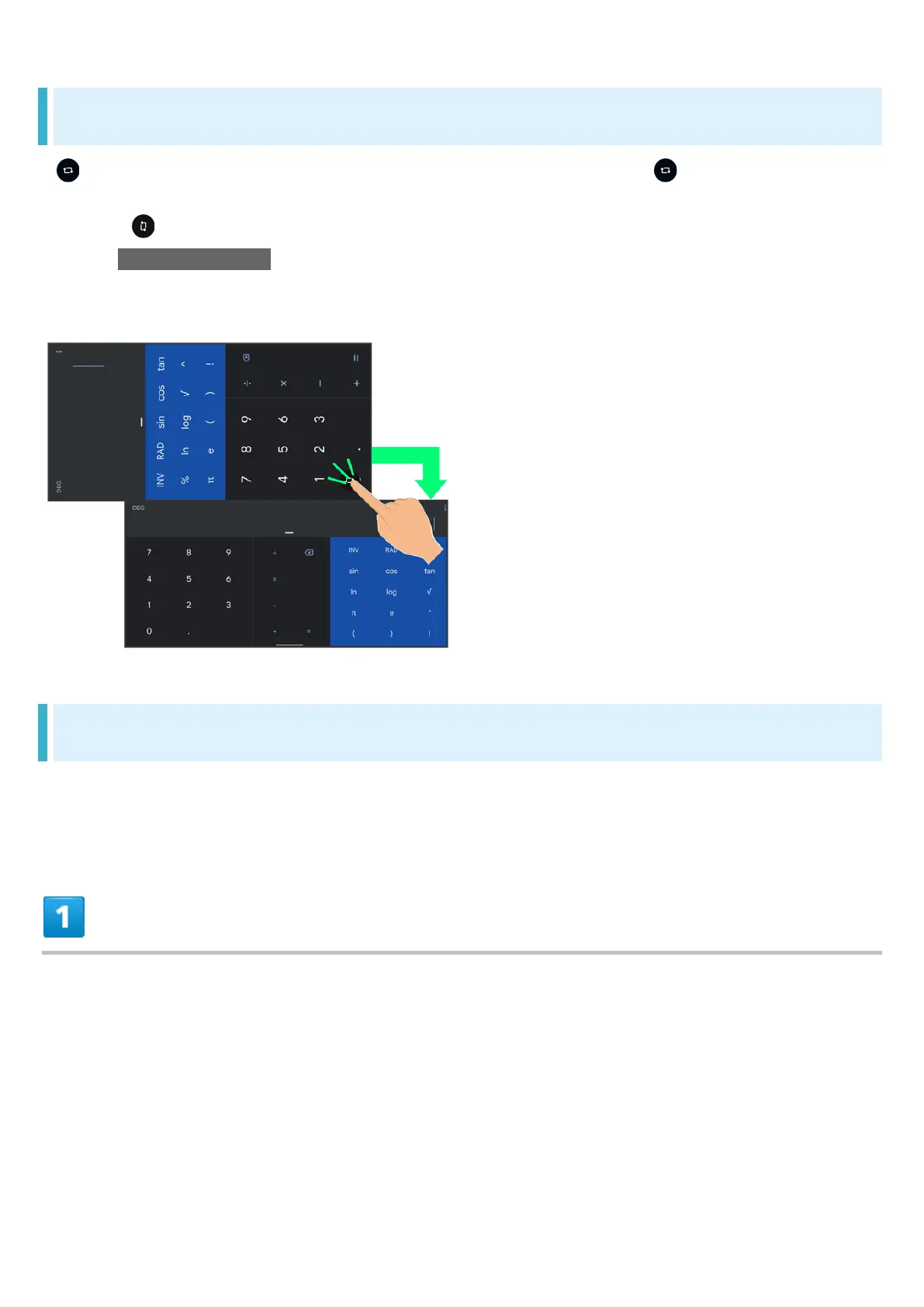
Portrait Orientation & Landscape Orientation
appears in Navigation Bar when handset is rotated horizontally. Tap to switch current
screen to landscape orientation. To switch screen to portrait orientation, rotate handset vertically
and Tap .
Enable Auto-rotate screen to allow current screen to switch to landscape orientation when handset
is rotated sideways. See "Quick Settings Window Layout," "Display Settings," and "Accessibility" for
details.
Multi-Window
Split screen to view and operate two applications.
Viewing in Multi-Window is not available for some applications.
Drag bottom of Display up



 To Next Page