12/77
Getting Started
Formatting deletes all microSDXC Card data and changes the file system. The original storage
capacity may be unavailable after formatting. To use a corrupted microSDXC Card, format it on an
SDXC-compatible device.
Save Location
By default, data, including photos and videos taken with handset, is saved in internal storage. Even
with downloaded commercially-available applications described as saving data on SD Card, data is
saved in internal storage.
To save photos and videos taken with handset on SD Card, insert SD Card before using Camera,
then change save location as follows.
In Home Screen, (Camera) COMMON Save To SD card
SD Card Caution
Keep SD Card away from infants; may cause choking if swallowed.
Inserting SD Card
Always power off beforehand.
Set SD Card in Card Tray beforehand. Do not insert SD Card without setting it in Card Tray.
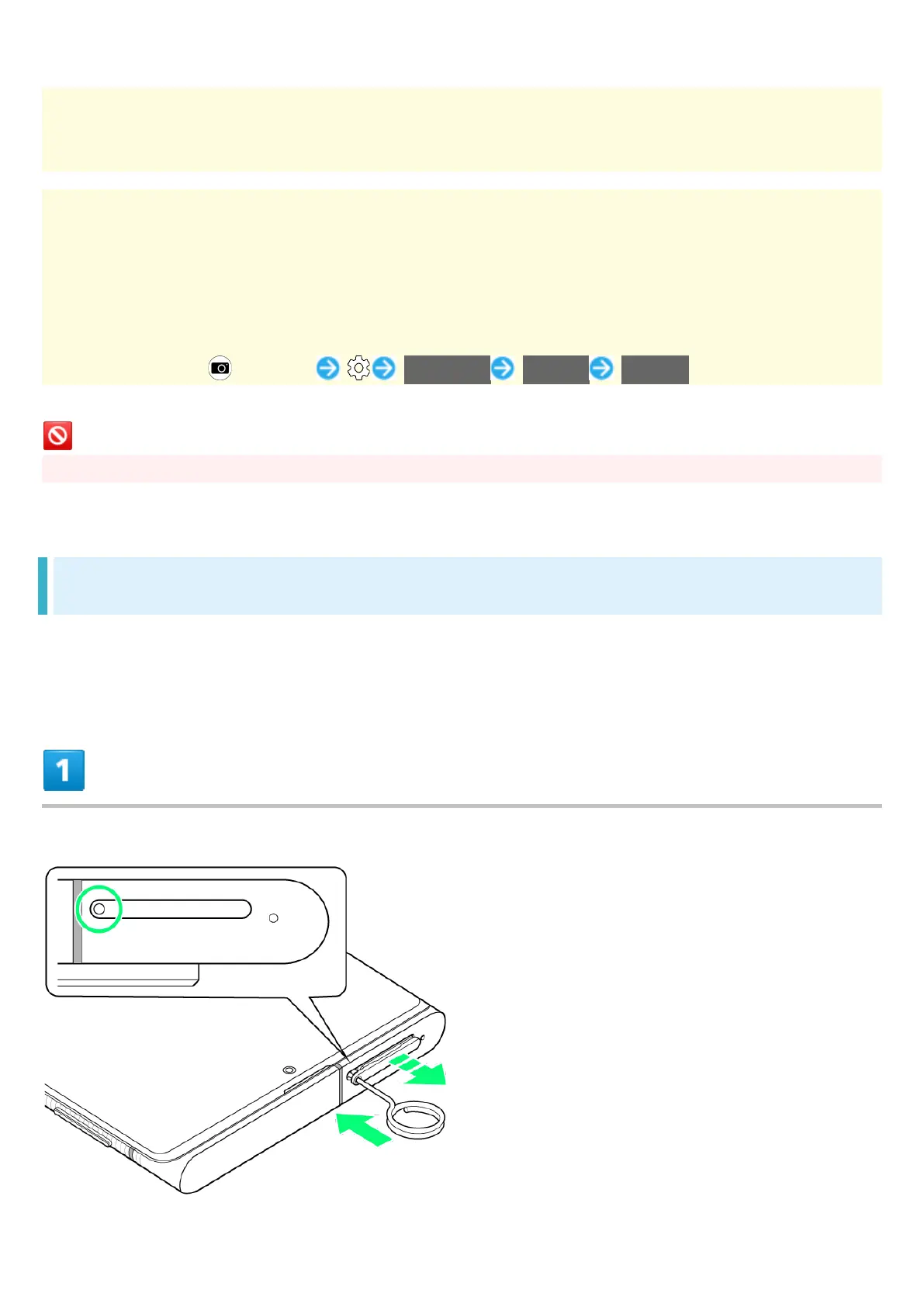
With Display upward, insert SIM Removal Tool in removal hole in Card Tray



 To Next Page