1/40
Basic Operations
Basic Operations
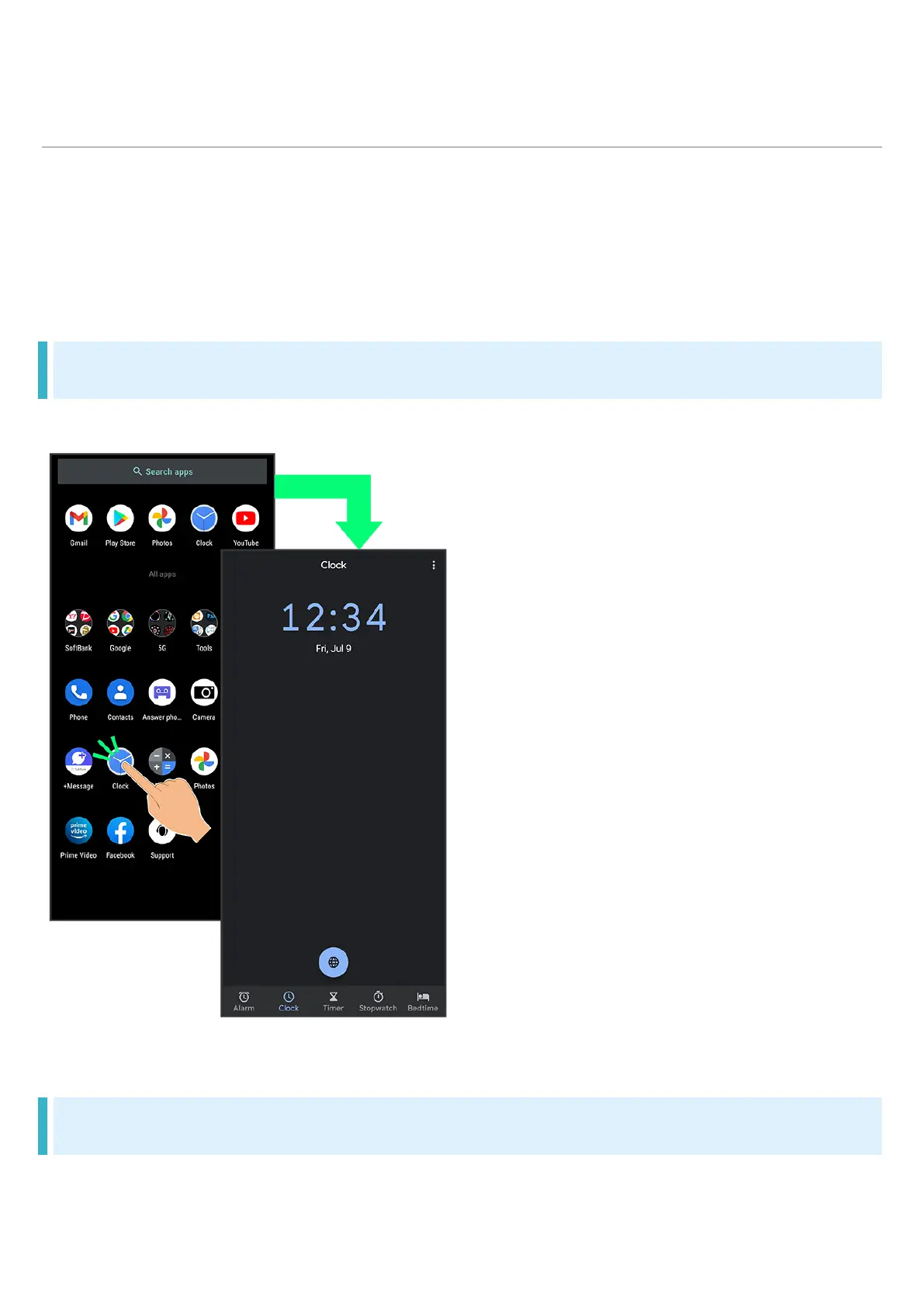
Selecting Options and Navigating Screens
Moving to Home Screen
Menu Operations
Selecting Options and Navigating Screens
Tap items, icons, onscreen keys, etc. to open assigned items.
To return to the previous screen, Flick the edge of screen to the left/right.
Moving to Home Screen
Flick Navigation Bar (where icons appear at edge of Display) to move to Home Screen.



 To Next Page