174/178
Handset Settings
notifications Follow onscreen prompts
Setting Whether to Show Digital Wellbeing as Application in App List
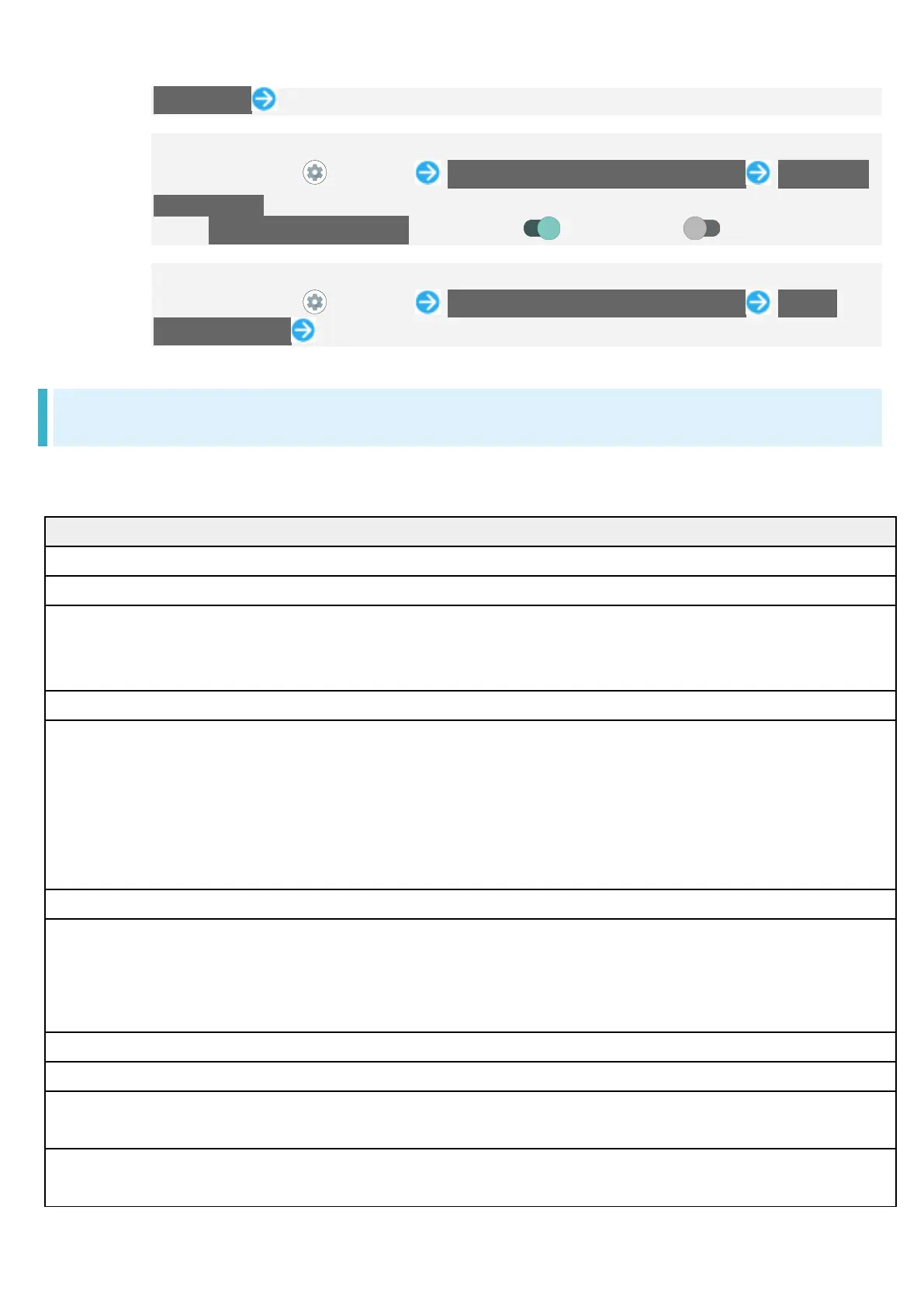
In Home Screen, (Settings) Digital Wellbeing & parental controls Show icon
in the app list
Tap Show icon in the app list to toggle on ( ) to toggle on ( ).
Setting Parental Controls
In Home Screen, (Settings) Digital Wellbeing & parental controls Set up
parental controls Follow onscreen prompts
Google
Make settings for Google services. Settable items are the following.
Log in to a Google account beforehand.
Manage your Google Account
Make settings for a Google account.
Make settings for your advertising ID.
Autofill Set whether to autofill information saved to your
Google account such as password, or your SMS
Devices & sharing Set to whether to control directly from
Notifications Window when playing media on TV
or speaker equipped with Chromecast, etc. on
the same Wi-Fi network, to set notifications about
device near Handset, or to share files using
Set whether location is shown if handset is lost.
Mobile data & messaging Configure messages to be exchangeable
between handsets using differing applications,
and set a phone number to allow you to reset
Set controls on usage as a parent/guardian.
Personalize using shared data
Set whether to allow use of shared data.
Set up & restore Make settings for work profile and nearby
devices, and restore contacts from a backup.
Settings for Google apps Make settings for recording walking and running
activity, managing your weight, etc. with services



 To Next Page