3/15
For Assistance
Cannot Charge / Charging Stops / Charging
Is Slow
Charging Does Not Start
Charging Stops
Charging Time Long Depending on AC Adaptor
Charging Does Not Start
Check the following if charging does not start.
Is the USB Type-C plug on AC Adaptor firmly connected to handset? Unplug and plug in again
firmly.
Is the plug on AC Adaptor firmly connected to an outlet? Unplug and plug in again firmly.
Are you using an unspecified AC Adaptor or other product? Always use specified products. In
addition to being unable to charge, using an unspecified product may deteriorate Internal Battery.
Is the USB Type-C plug on AC Adaptor soiled? Clean terminals with a clean, dry cotton swab, etc.
and charge again.
Charging Stops
Charging stops automatically if handset becomes warm. Let handset cool and start charging
handset again.
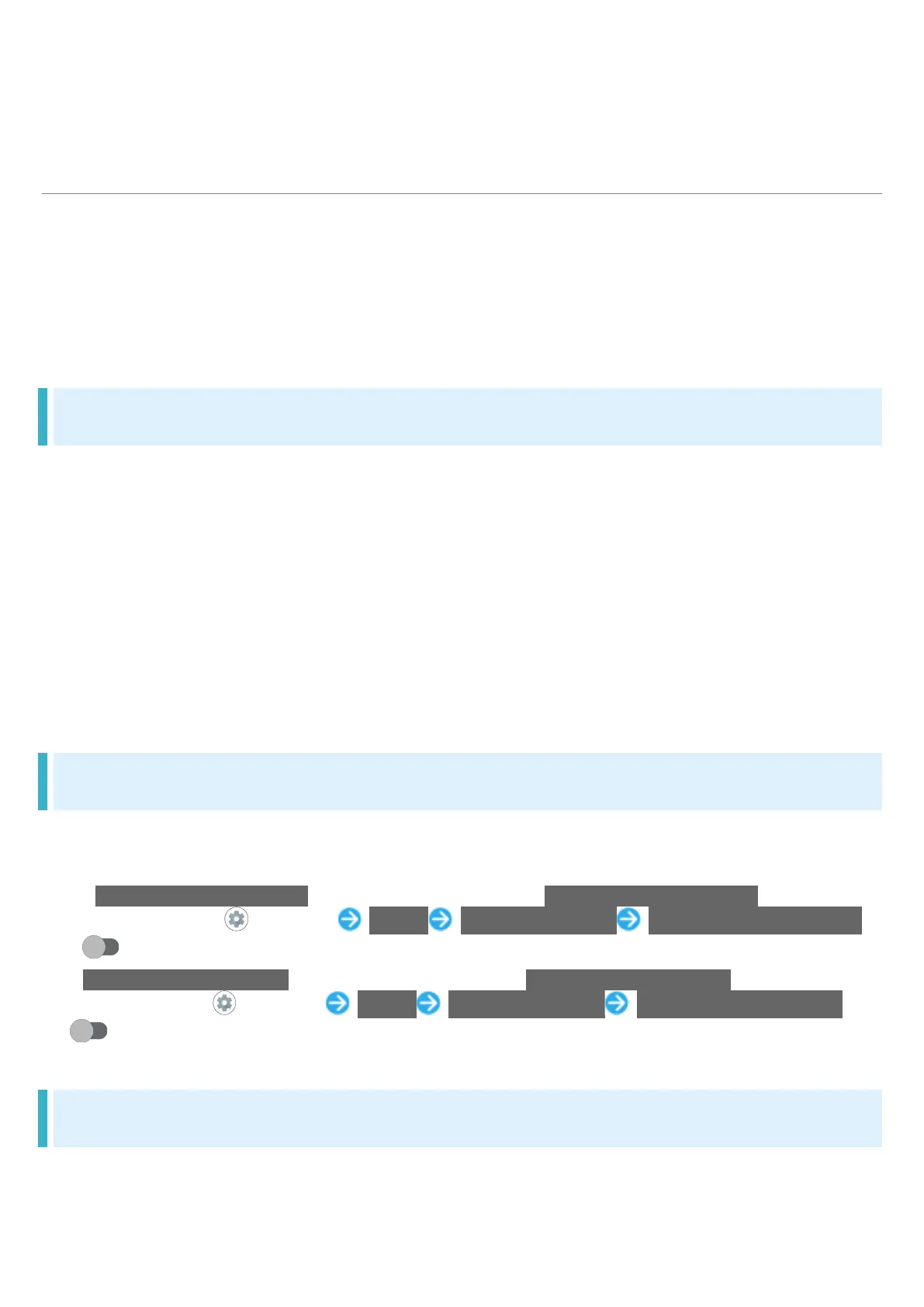
Is Change maximum charge enabled? To check whether Change maximum charge is disabled:
In Home Screen, (Settings) Battery Intelligent charging Change maximum charge
( )
Is Charge only screen is off enabled? To check whether Charge only screen is off is disabled:
In Home Screen, (Settings) Battery Intelligent charging Charge only screen is off
( )
Charging Time Long Depending on AC Adaptor
Charging may be slower when using AC Adaptor other than for rapid charging.
For information on AC Adaptor for rapid charging specified by SoftBank, see SoftBank Website.



 To Next Page