81/178
Handset Settings
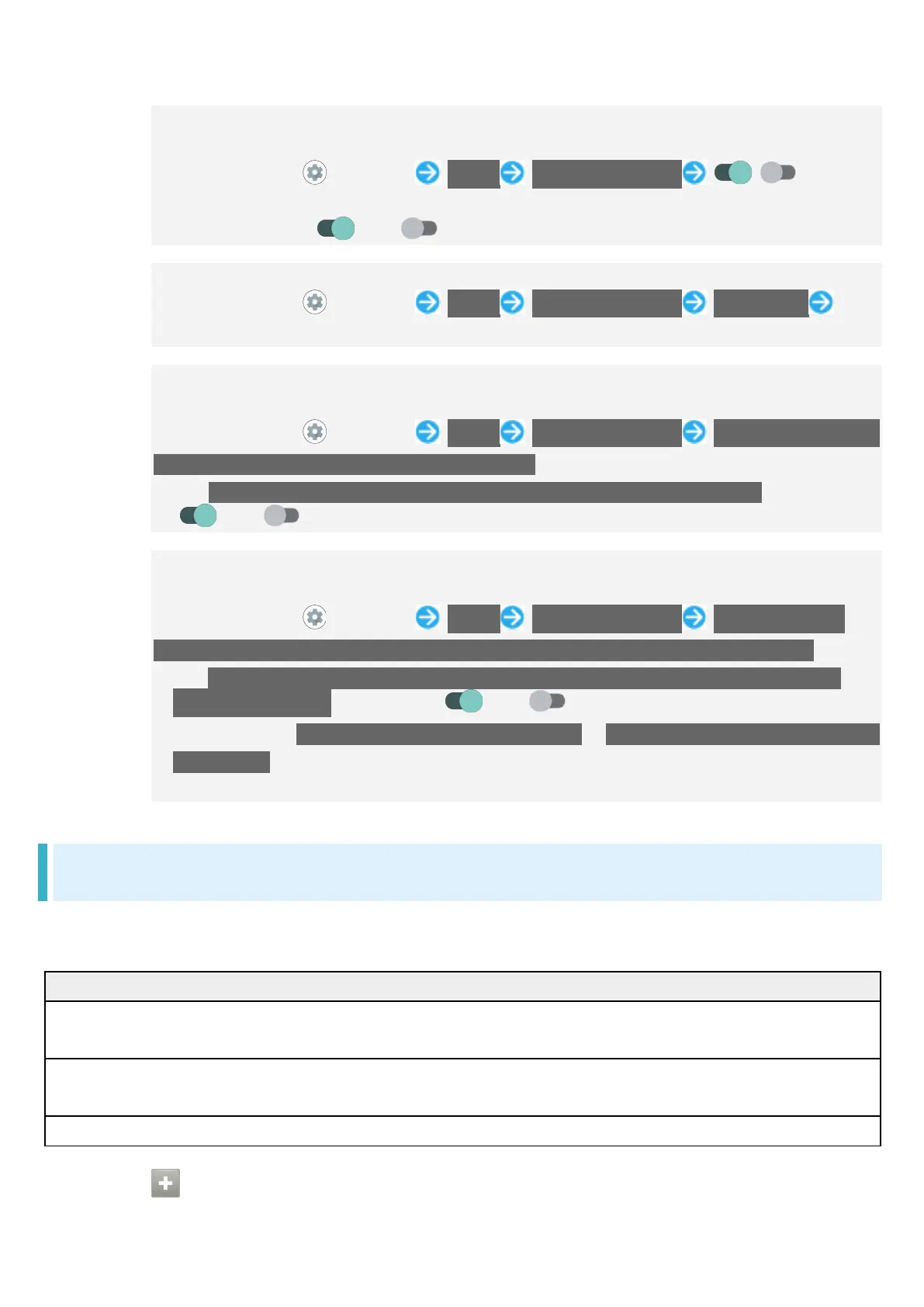
Setting Whether Touching & Holding Fingerprint Sensor Activates Set
Application, when Unlocking Screen with Fingerprint
In Home Screen, (Settings) Useful Fingerprint sensor / for "Pay
Trigger"
Tap to toggle on ( )/off ( ).
Setting Application to Start by Long Pressing Fingerprint Sensor
In Home Screen, (Settings) Useful Fingerprint sensor Pay Trigger Tap
name of application
Setting Whether Fingerprint Sensor Appears by Tapping Screen Twice while
Display Is Turned Off (Screen Lock)
In Home Screen, (Settings) Useful Fingerprint sensor Double-tap to show
fingerprint sensor when the screen is tuned off
Tap Double-tap to show fingerprint sensor when the screen is turned off to toggle on
( )/off ( ).
Setting Whether Holding Finger to Fingerprint Sensor Unlocks Screen while
Screen Is Turned Off (Screen Lock)
In Home Screen, (Settings) Useful Fingerprint sensor You can unlock
screen just by touching the fingerprint sensor even when the screen is turned off
Tap You can unlock screen just by touching the fingerprint sensor even when the
screen is turned off to toggle on ( )/off ( ).
Settable when TWO-FINGER AUTHENTICATION is Use one-finger authentication for
unlock only..
Save your fingerprint beforehand.
Convenient Operation Settings
Set what action occurs when pressing Power Key, and make Navigation Bar settings. Settable items
are the following.
Press and hold to activate app Set whether long pressing Power Key starts
application, and what application starts.
Press twice to activate camera Set whether to activate Camera by pressing
Make Navigation Bar settings.
Operations with Convenient Operation Settings



 To Next Page