52/178
Handset Settings
Sound Settings
Set ringtone, notification sound, etc.
Sound Settings
Setting Ringtones
Setting Volume for Ringtones for Incoming Calls and Notifications
Setting Volume of Music and Videos
Setting Alarm Volume
Setting Vibration for Incoming Calls
Sound Settings
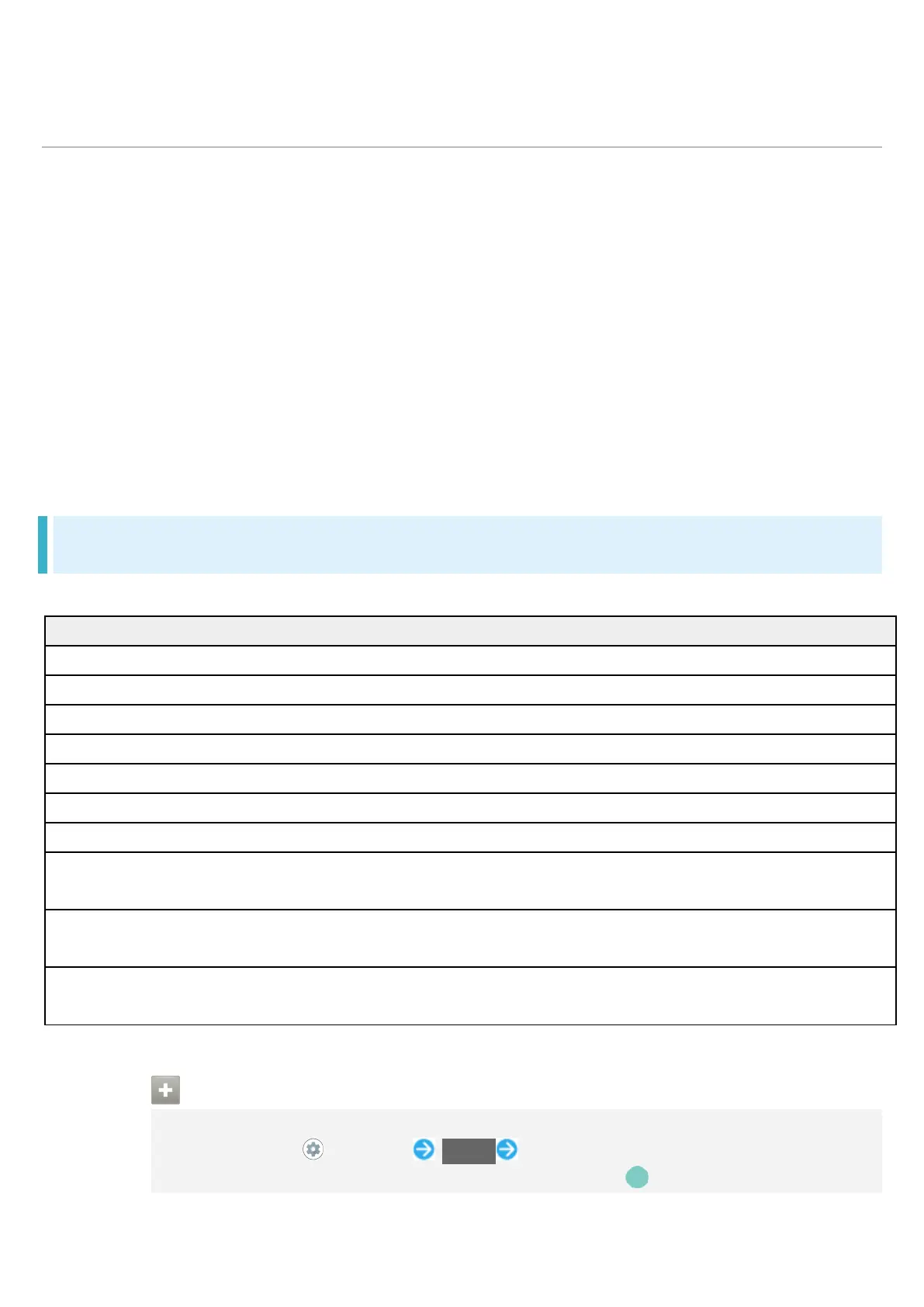
Settable items are the following.
Set volume for music, videos, etc.
Ring & notification volume
Set ringtones for incoming calls, etc. and volume for notifications.
Make vibration settings for incoming calls.
Make detailed Manner mode settings.
Set whether to show captions for dialog in media, etc.
Media
1
Set whether to hide controller shown in Quick Settings after deleting
controller in Notifications Window.
Prevent ringing Set whether Manner mode is activated by Pressing Power Key and
Advanced Make settings for default notification ringtone or alarm ringtone, and
other sounds and vibrations.
1 Uses only for compatible applications.
Sound Operations
Setting Volume for Calls
In Home Screen, (Settings) Sound Drag "Call volume" bar to adjust
Sound plays at set volume when releasing finger from .



 To Next Page