12/19
Managing Data
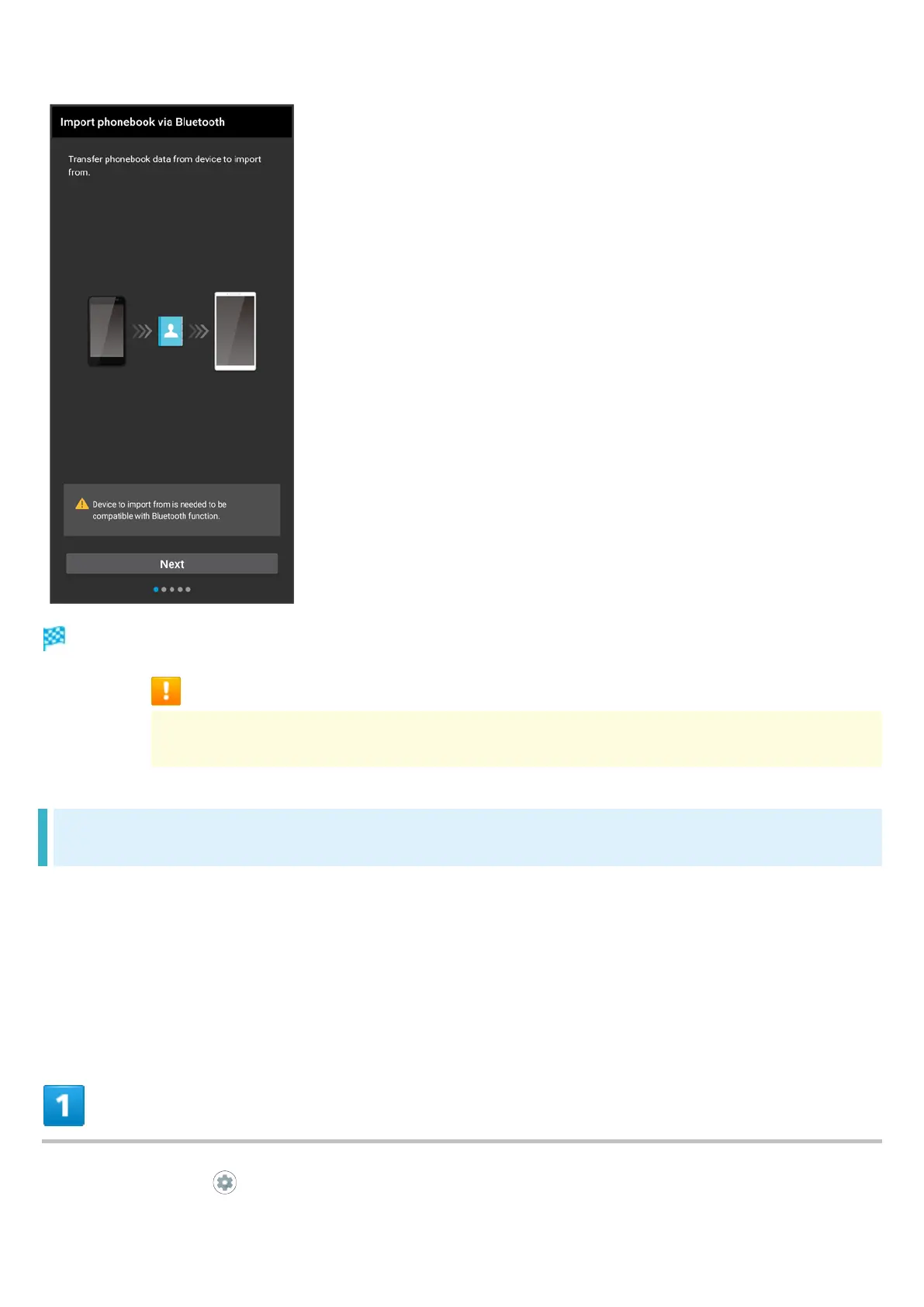
Import of contacts is complete.
Caution for Importing Data
Import is not available if there is only a little free space in internal storage. Process
stops if Battery runs low. Operate with adequate battery charge whenever possible.
Importing Data from SD Card (Data Transfer)
Import data (Address Book, Schedule (Calendar), User/Learning dictionary (S-Shoin), emopa)
saved to SD Card on other mobiles or handset to handset.
Insert SD Card containing a backup file beforehand. See "Inserting SD Card" for details.
Address Book data (contacts) may not be imported correctly depending on the device used for
saving them.
In Home Screen, (Settings)



 To Next Page