46/56
Wi-Fi/Bluetooth(R)
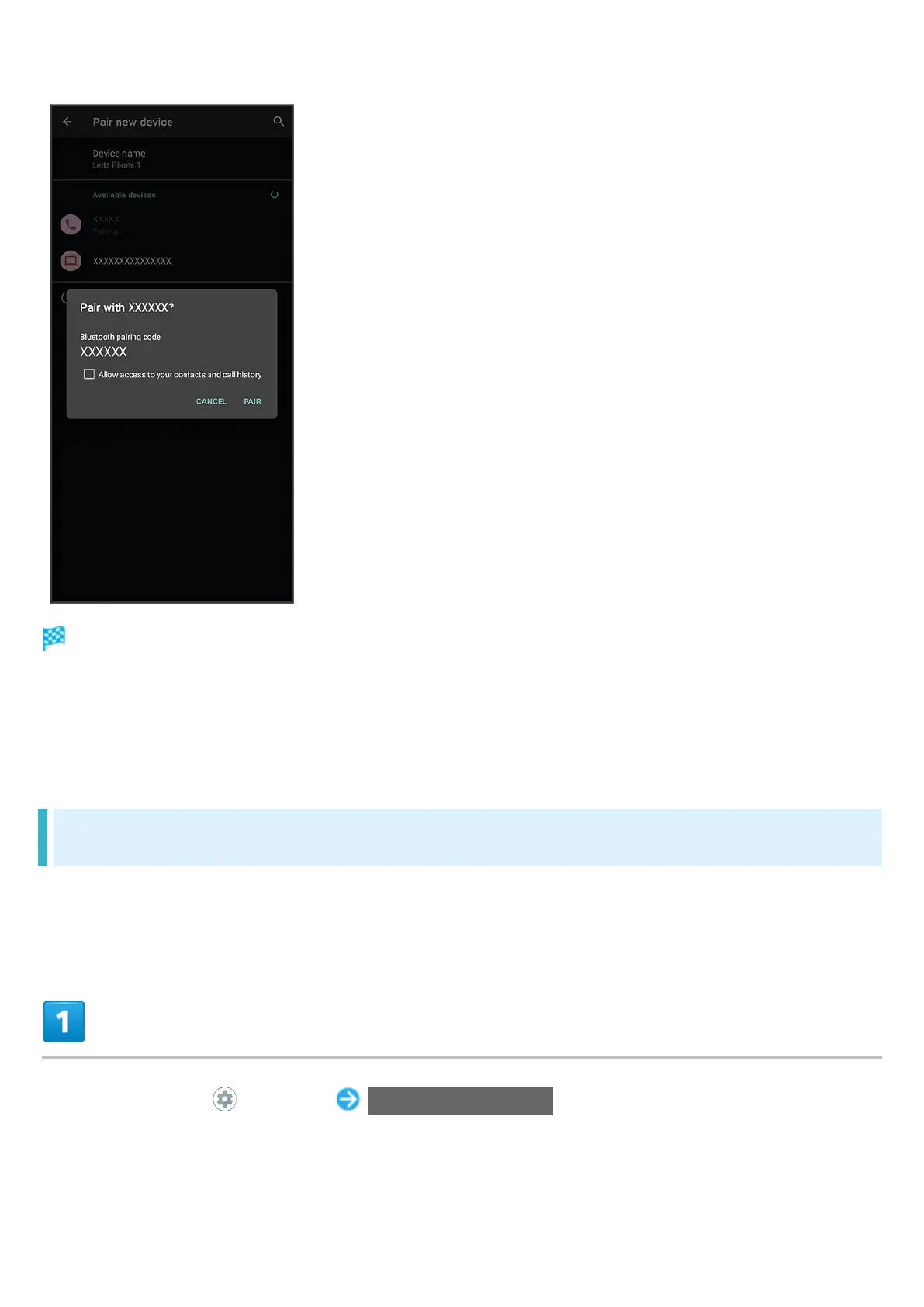
Pairing completes; handset connects to some devices (e.g., handsfree devices) automatically.
Authentication procedure varies by device. Passkey entry may be required.
Passkey is a 1 to 16-digit number or a set of characters/symbols required for authentication
between handset and other devices.
Connecting to Paired Bluetooth
®
Devices
Connect handset and paired Bluetooth
®
device.
Enable the Bluetooth
®
function on handset and the paired Bluetooth
®
device beforehand.
In Home Screen, (Settings) Connected devices



 To Next Page