8/59
Handset Interface
Multi-Window opens, and selected application opens at top of Display.
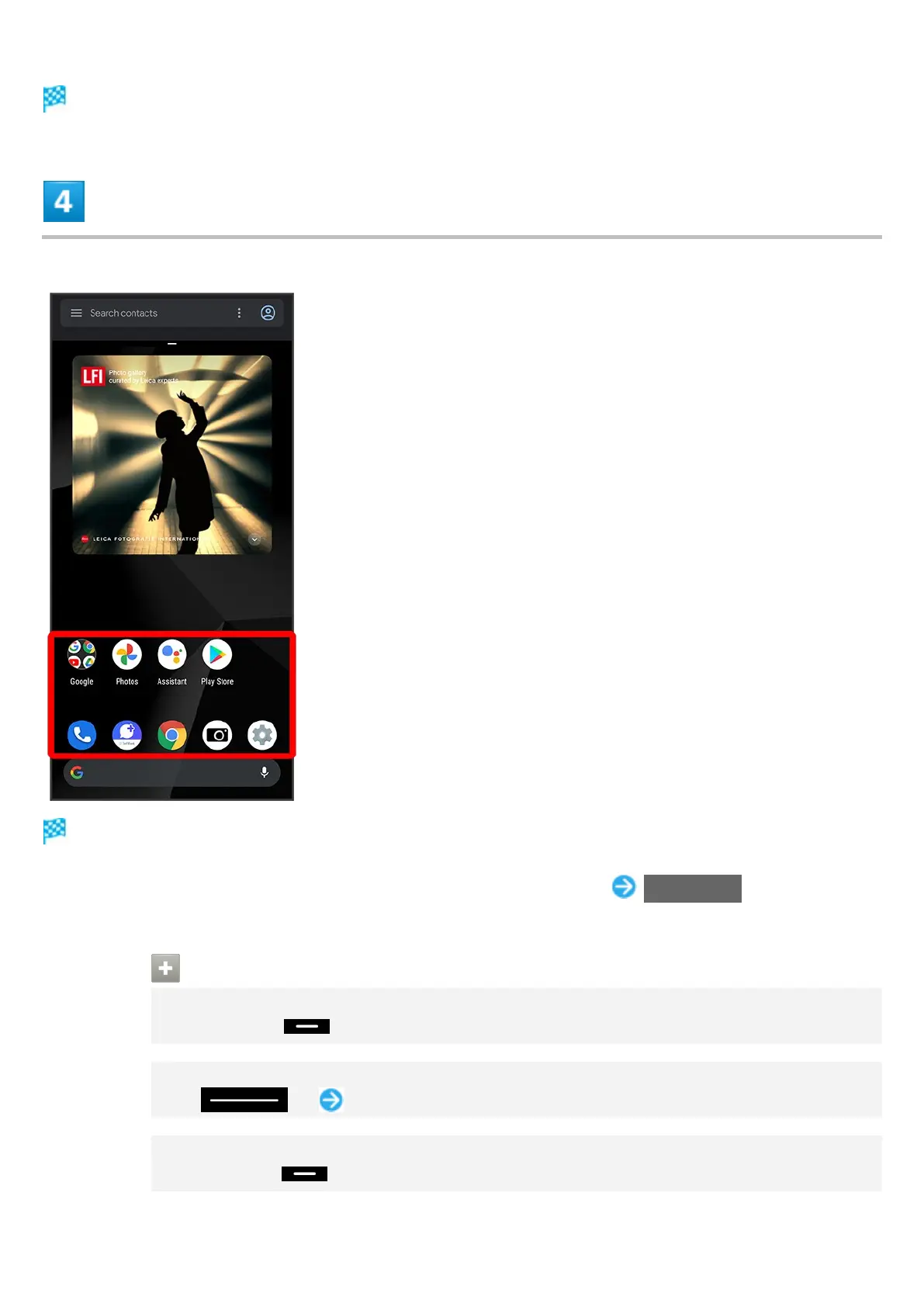
In Home Screen/app list, Tap application to use
Tapped application opens at bottom of Multi-Window.
Alternatively, in recent apps window, Tap icon of application in list Split screen to split the
screen.
Multi-Window Operations
Changing Top/Bottom Areas of Multi-Window
Drag pane bar ( ) up or down
Switching between Applications
Flick up Tap application
Exiting Multi-Window
Flick pane bar ( ) up/down


 To Next Page