14/59
Handset Interface
Setting is complete.
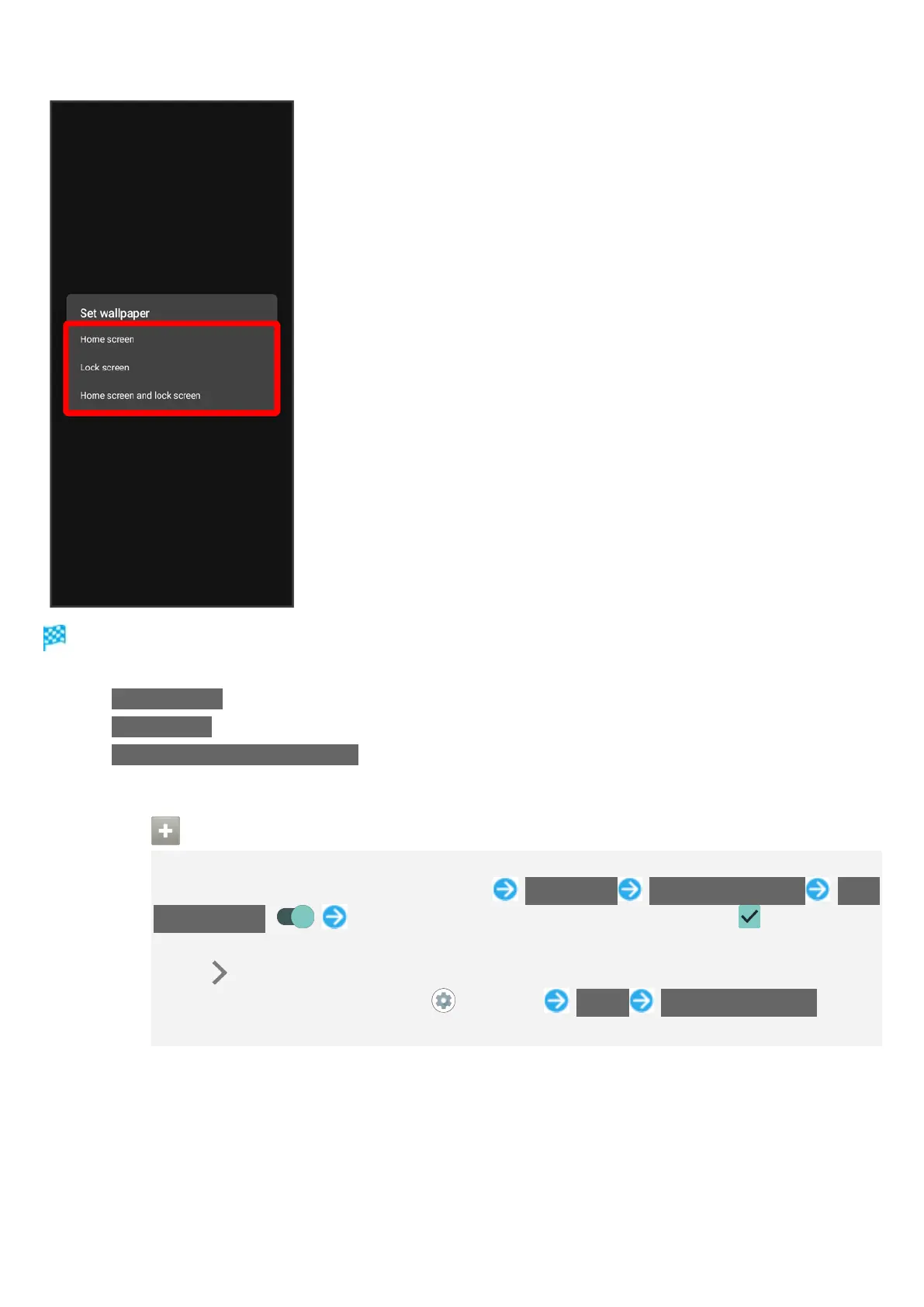
Tap Home screen to set the image as Wallpaper for Home Screen only.
Tap Lock screen to set the image as Wallpaper for lock screen only.
Tap Home screen and lock screen to set the image as Wallpaper for both Home Screen and lock
screen.
Using Lock Photo Shuffle
Change Wallpaper randomly each time lock screen appears.
Touch & Hold open area of Home Screen Wallpapers Lock Photo Shuffle Lock
Photo Shuffle ( ) Select folder to show with Lock Photo Shuffle ( )
All images in selected folder appear randomly.
Tap at right of folder name to view images in folder.
Alternatively, in Home Screen, (Settings) Useful Lock Photo Shuffle to use
Lock Photo Shuffle.



 To Next Page