25/59
Handset Interface
Folder is added, and two icons are saved in the folder.
Folder Operations
Changing Folder Names
In Home Screen, Tap folder Tap area to enter folder name at bottom of window
Enter folder name
Change folder names the same way in Favorites Tray and app list.
Placing Icons in Folder
In Home Screen, Touch & Hold icon Drag to folder
Place icons the same way in Favorites Tray and app list.
Moving Icons Out of Folder
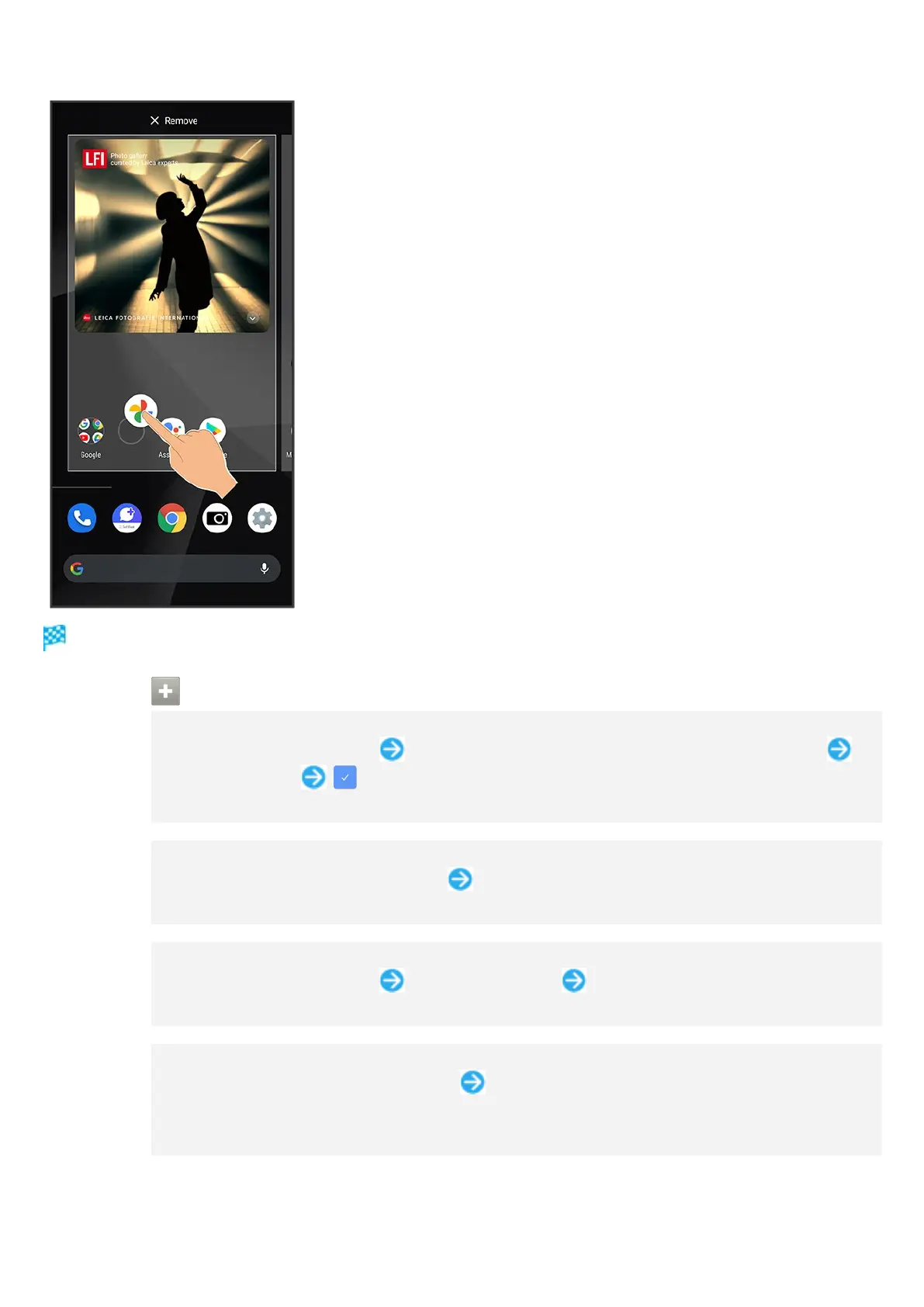
In Home Screen, Tap folder Touch & Hold icon Drag it out of folder
Move icons the same way in Favorites Tray and app list.
Deleting Folders
In Home Screen, Touch & Hold folder Drag to "Remove"
Delete folders the same way in Favorites Tray.
Applications in folder are also deleted.



 To Next Page