54/59
Handset Interface
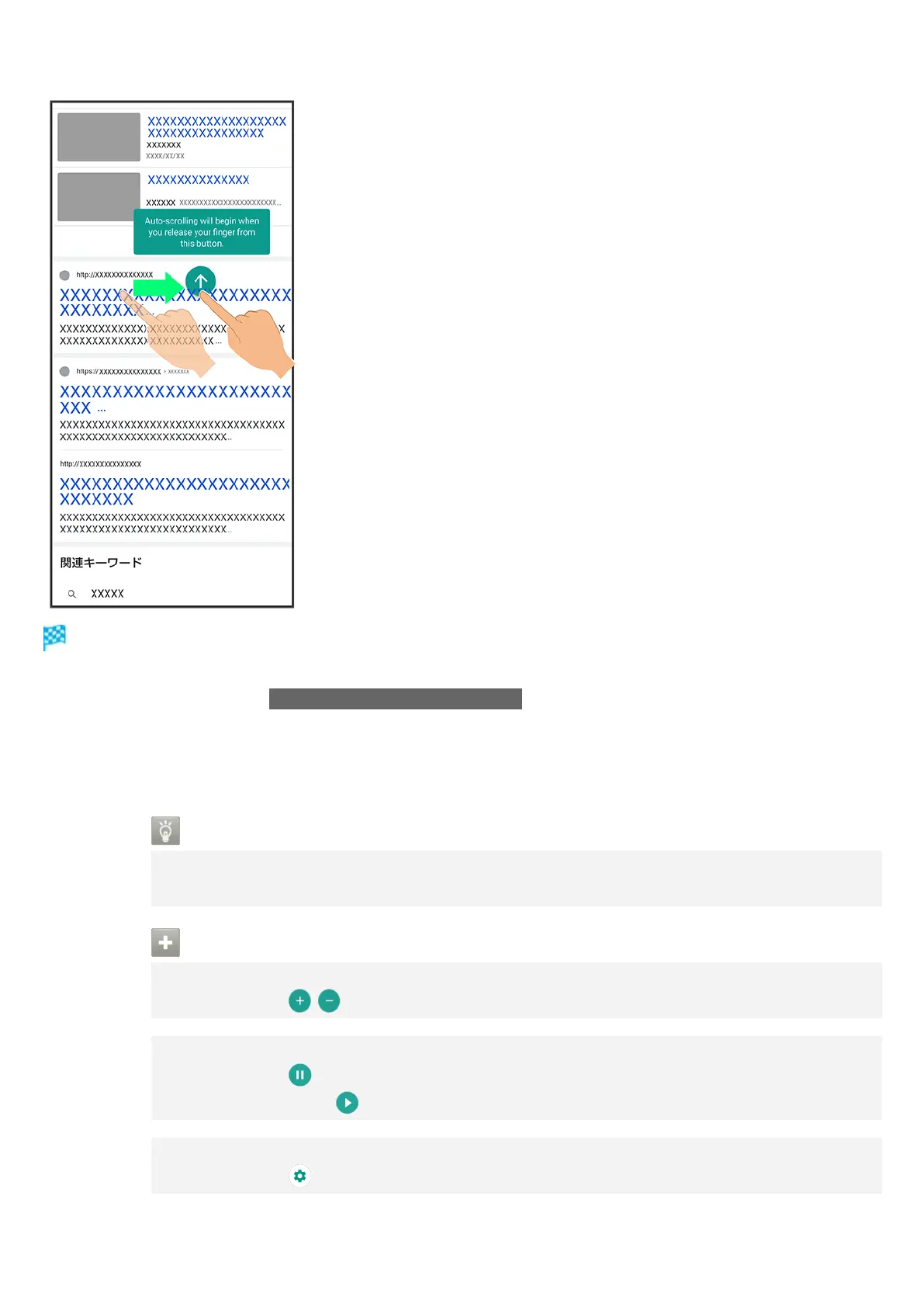
Screen scrolls automatically.
Alternatively, while Tap ScrollAuto with just two fingers is enabled, Drag from bottom upward or
from top downward with two fingers to start scrolling.
Screen may not scroll depending on where you start Dragging.
Scroll stops when Display is Tapped or after five minutes.
ScrollAuto Usage Note
ScrollAuto does not work when Display is Flicked or Dragged quickly.
ScrollAuto supports vertical scrolling only.
ScrollAuto Operations
Changing Scrolling Speed
While scrolling, /
Pausing Scrolling
While scrolling,
While paused, Tap to resume scrolling.
Opening ScrollAuto Window while Scrolling
While scrolling,



 To Next Page