17/22
Messaging
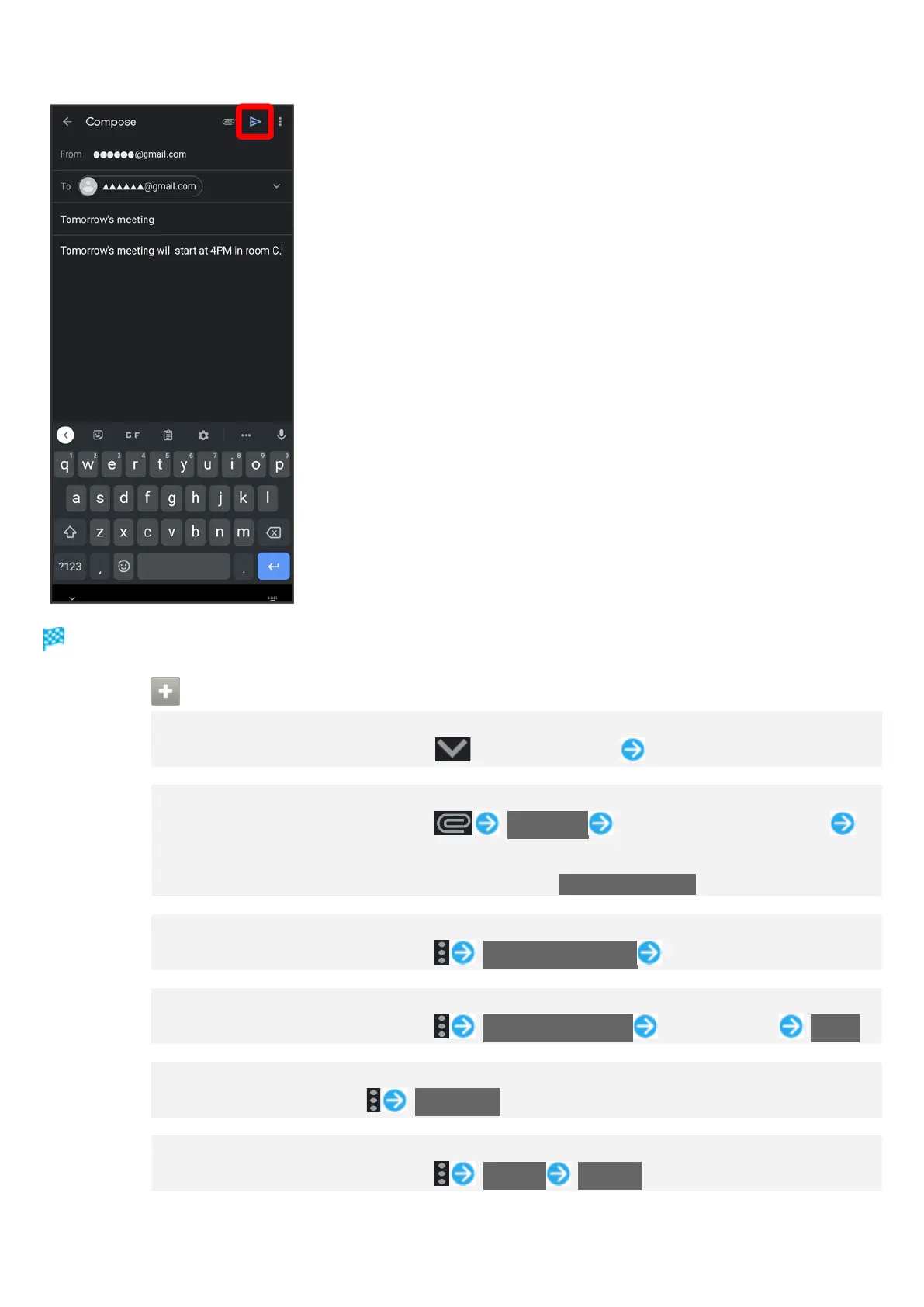
Message is sent.
Operations when Creating Message
Adding Cc/Bcc Recipients
In message composition window, in Recipient field Enter recipient
Attaching Files
In message composition window, Attach file Select where file is saved
Select file
To attach files saved in Google Drive™, select Insert from Drive.
Selecting Recipients from Address Book
In message composition window, Add from Contacts Select recipient
Setting Confidential Mode
In message composition window, Confidential mode Set each item SAVE
Saving Current Message as Draft
While creating message, Save draft
Discarding Current Message
In message composition window, Discard Discard



 To Next Page