3/14
Camera
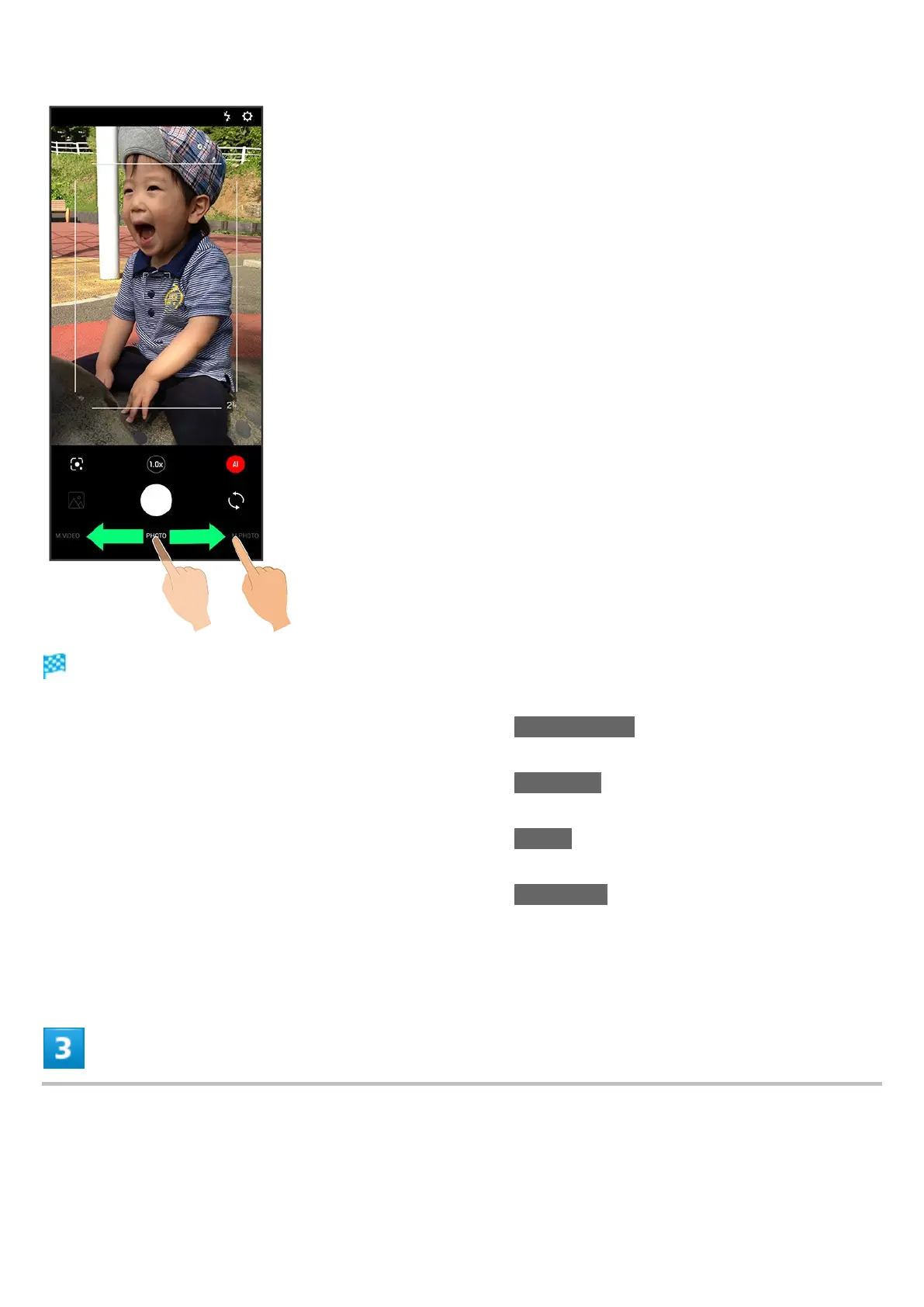
Photo Viewfinder appears.
Drag shooting mode at bottom to left/right and select LEITZ LOOKS to capture monochrome
photo.
Drag shooting mode at bottom to left/right and select M.PHOTO to change the setting manually
before capturing.
Drag shooting mode at bottom to left/right and select NIGHT to capture a night scene with an
optimal mode.
Drag shooting mode at bottom to left/right and select PORTRAIT to focus on subject and capture
a photo with a softened background.
See "撮影モードを切り替える" (Japanese) for details on settings, etc. for each shooting mode.
Aim Back Camera at subject



 To Next Page