5/14
Camera
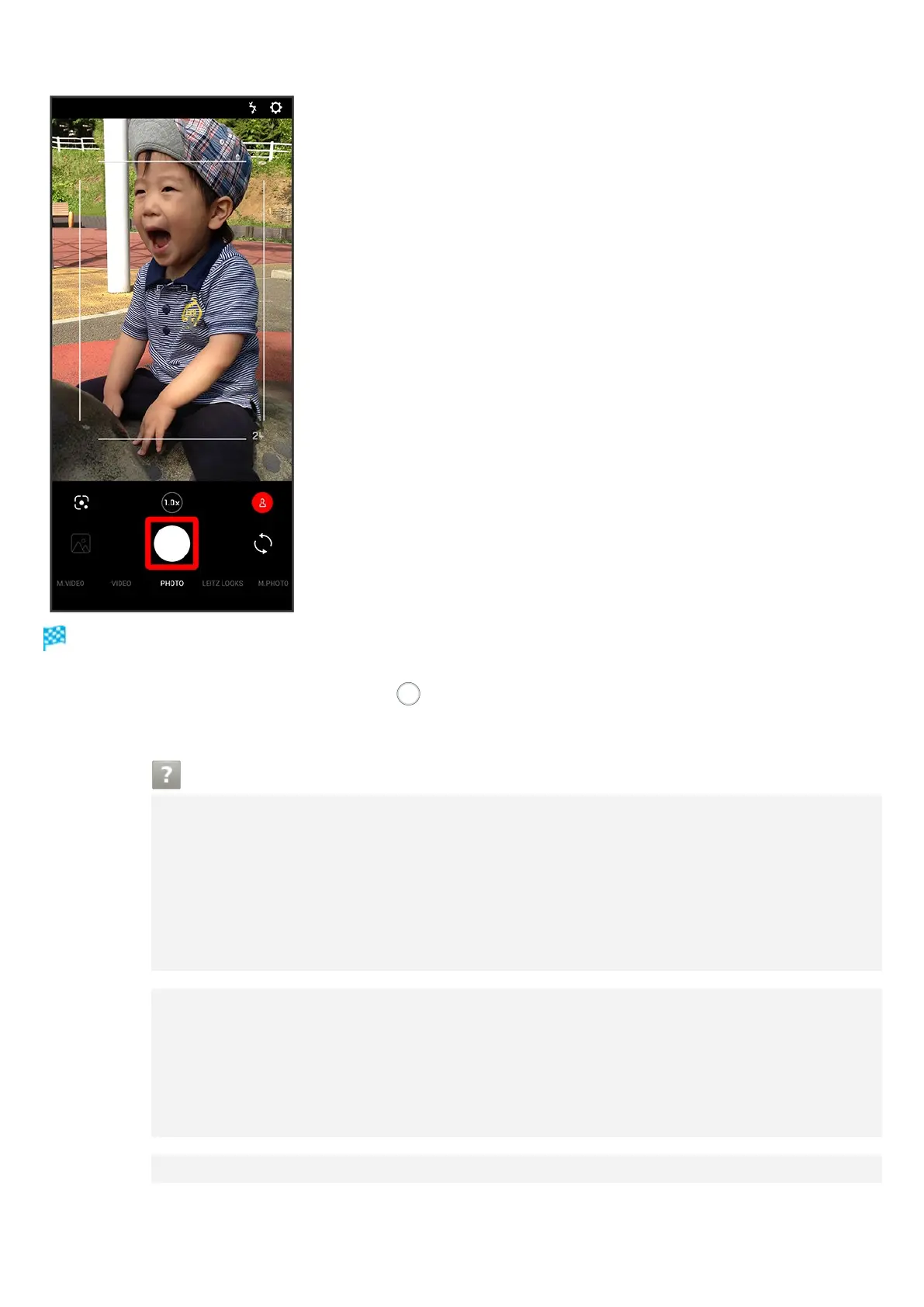
Shutter clicks and photo is saved.
To capture continuously, Touch & Hold or Press Volume Up/Down Key for 1+ seconds.
Continuously captured photos are saved to internal storage.
Troubleshooting
Q Camera exits suddenly
A Continuing to use Camera while handset is warm causes warning to appear, and
Camera exits.
A Camera exits automatically after a period of inactivity.
A Camera automatically exits when battery level is very low. Charge handset
adequately before using Camera.
Q Images are dark/grainy
A Is there a strong light near the subject, or a strong light source in the screen? Avoid
letting a strong light source (the sun, light, etc.) in the screen. Leaving handset in a
warm place for a long time or where Camera is in direct sunlight for a long time may
affect image quality.
Q Images captured with Mobile Light appear whitish



 To Next Page