27/77
Getting Started
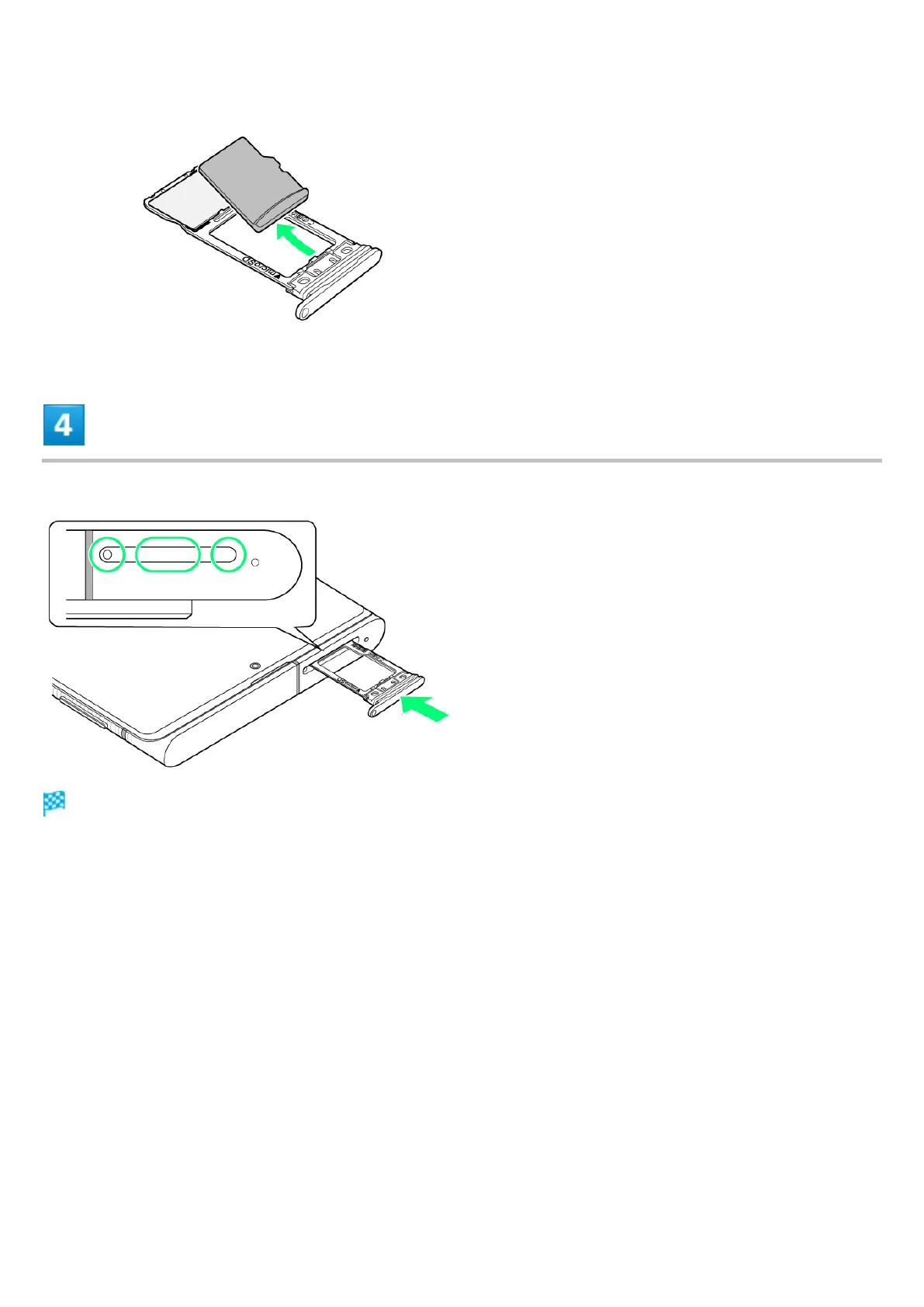
Insert Card Tray in SIM/SD Card Slot
SD Card is removed.
Do not insert Card Tray upside down.
Insert gently all the way horizontally in direction shown.
Push Card Tray firmly where circled (○) so that there is no gap between handset and Card Tray.
To maintain water and dust resistance, use handset with Card Tray completely closed.



 To Next Page