15/18
Music & Images
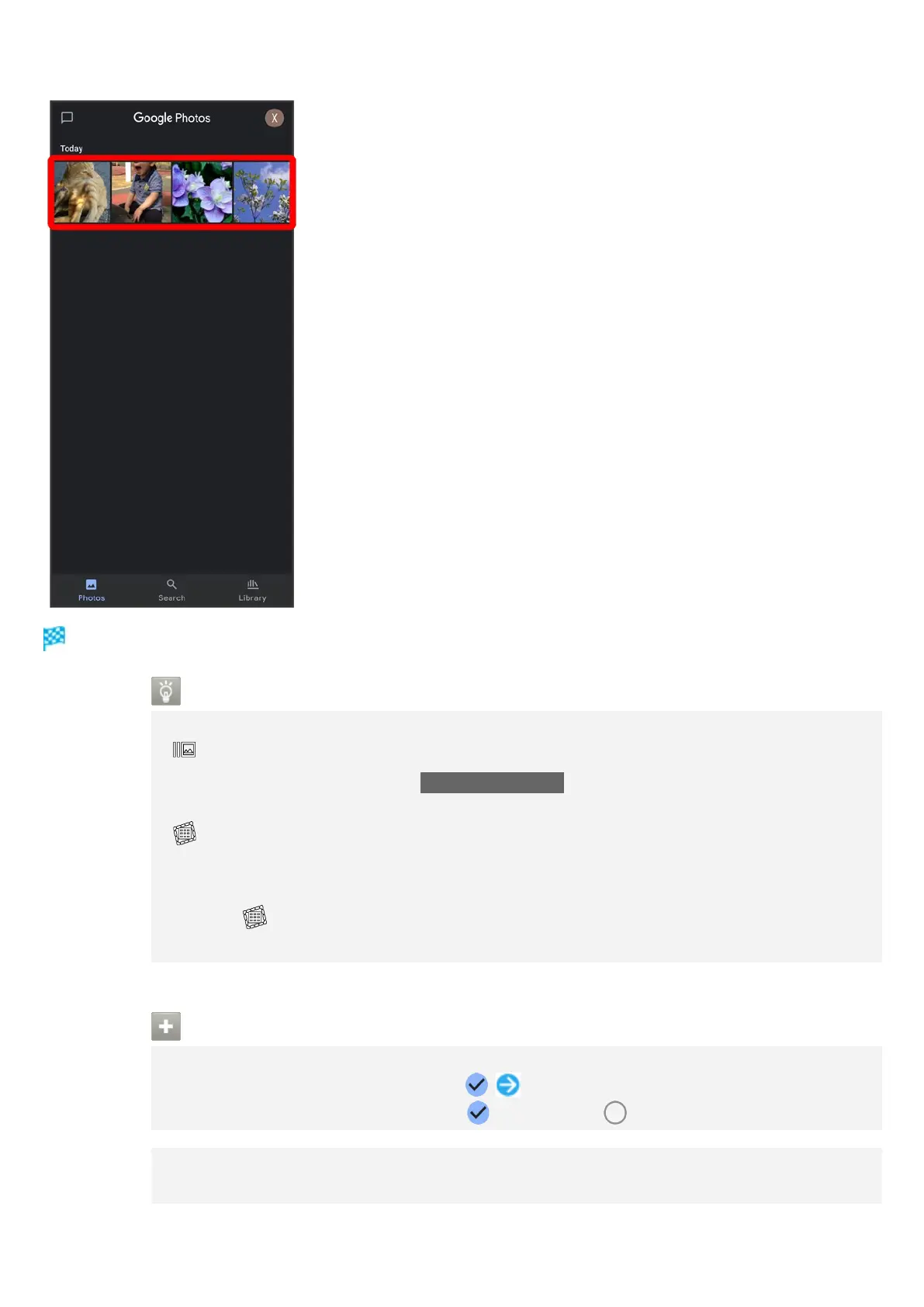
Photo/video is played back (file view window).
Icons in Photos
Icons below appear according to shooting mode, settings, etc. used.
appears with number of 2 or more photos taken while capturing video. Tap a
photo in Photos and then Tap Match with movie in file view window to play video or
photo.
appears for photos captured with Intelligent Framing. Tap photo for original image
(captured photo) and a recommended image (intelligently framed photo) to appear at
bottom of Display. Flick left/right in thumbnails to toggle original and recommended
images. may not appear immediately after activating handset. Wait a while and
then re-open photo.
Photo/Video Viewing Operations
Selecting Multiple Files
In Photos, Touch & Hold photo/video ( ) Tap another photo/video
Tap photo/video to toggle selected ( )/unselected ( ).
Changing Photos Window Layout
In Photos, Pinch/Spread



 To Next Page