17/48
Application Basics
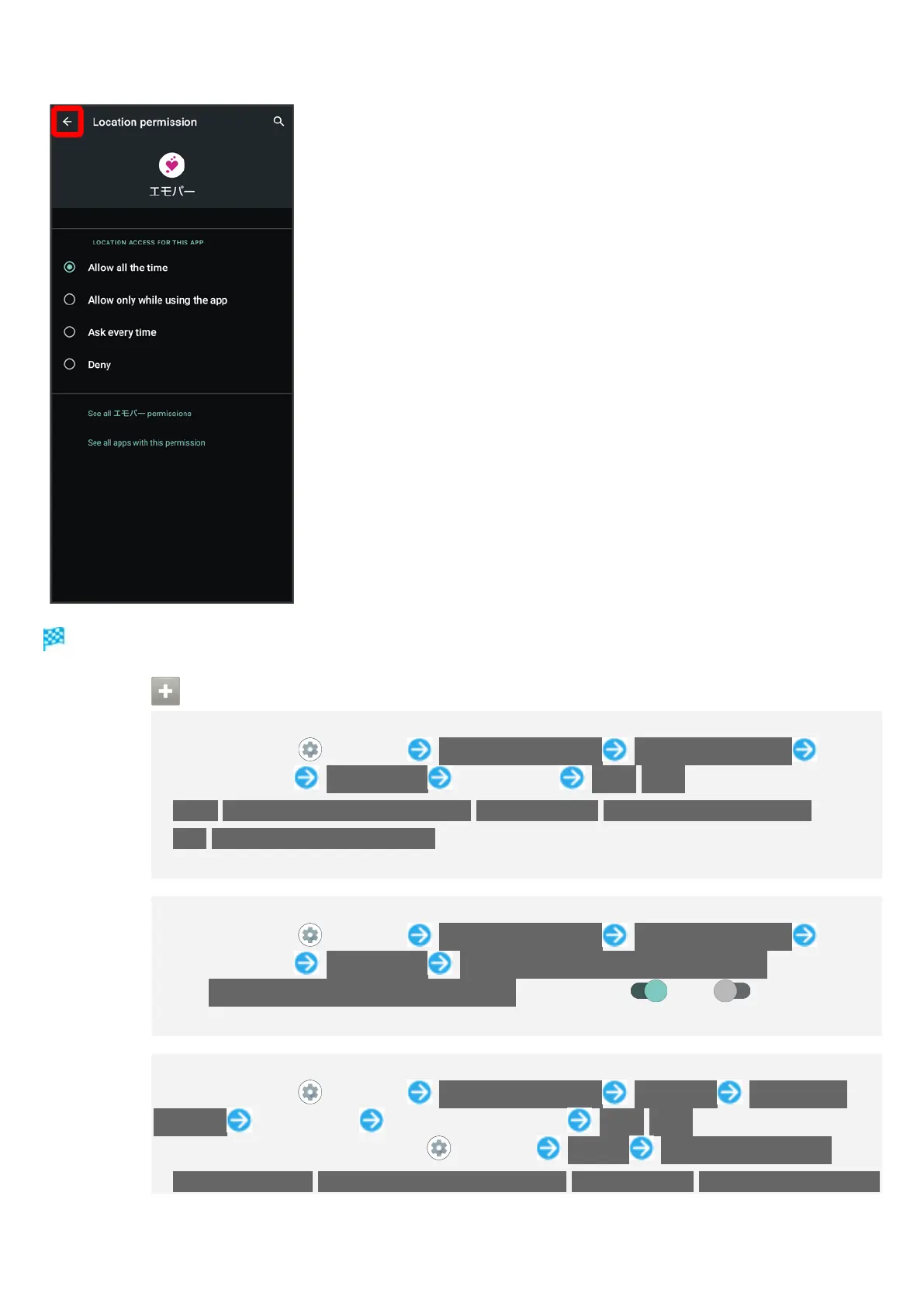
エモパー Setting is complete.
Other Ways to Set Required Permissions for Applications
Setting Functions to Use by Application
In Home Screen, (Settings) Apps & notifications SEE ALL XX APPS Tap
application name Permissions Tap function Allow/Deny
Allow/Allow only while using the app/Ask every time/Allow management of all
files/Allow access to media only appear for some functions.
If confirmation appears, follow onscreen prompts.
Setting Whether to Prevent System from Resetting Application Permission
In Home Screen, (Settings) Apps & notifications SEE ALL XX APPS Tap
application name Permissions Remove permissions if app isn't used
Tap Remove permissions if app isn't used to toggle on ( )/off ( ).
May not be usable with some applications.
Setting Applications with Permitted Usage by Function
In Home Screen, (Settings) Apps & notifications Advanced Permission
manager Tap function Tap application name Allow/Deny
Alternatively, in Home Screen, (Settings) Privacy Permission manager.
Allow all the time/Allow only while using the app/Ask every time/Allow management of



 To Next Page