25/48
Application Basics
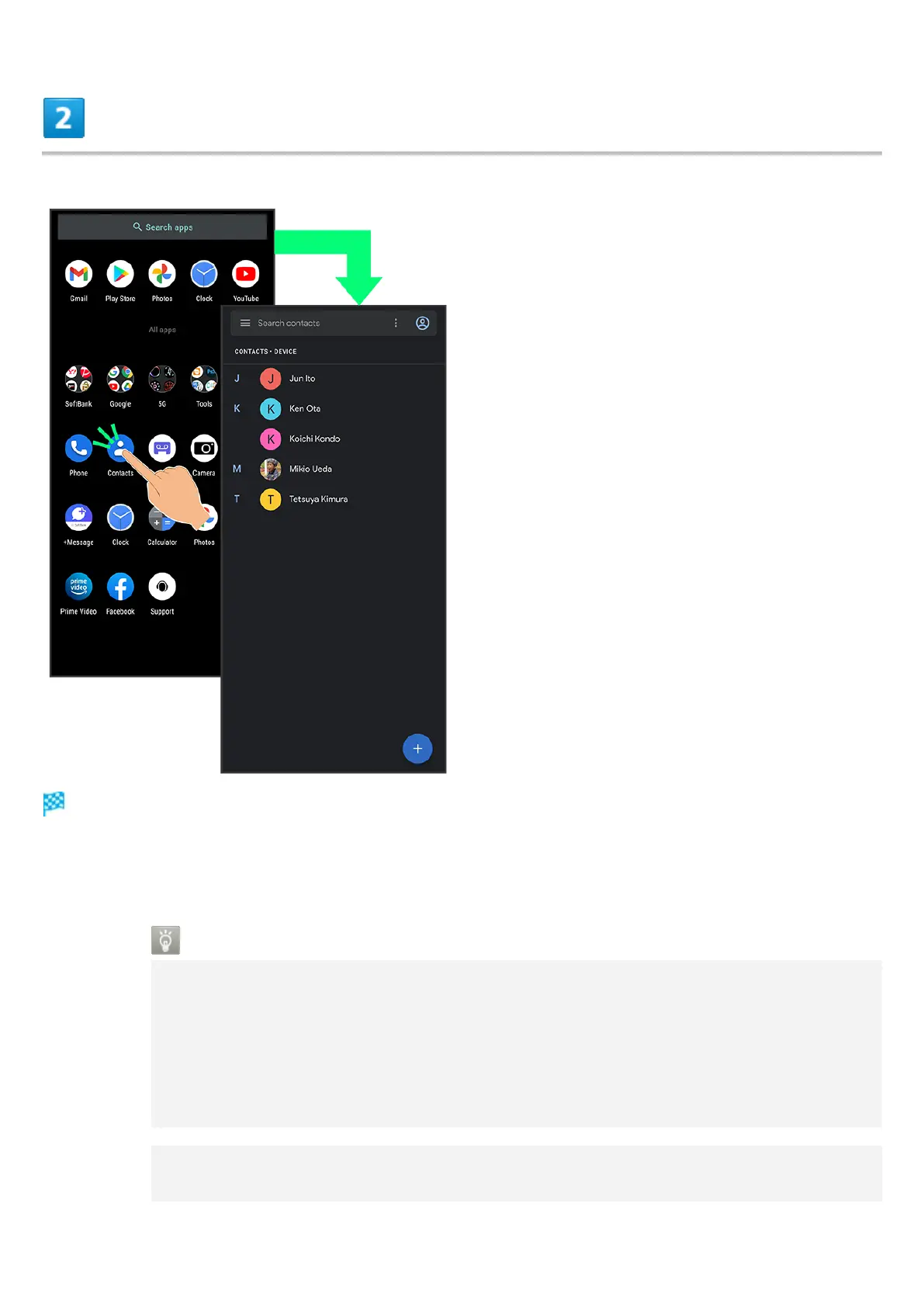
Tap application
Application activates.
If confirmation appears, follow onscreen prompts.
Some applications can be activated from Home Screen.
Using Applications
Setting Required Privileges for Using Applications
Some applications first require permission to access handset data or privileges to
access important functions such as photographing.
Confirmation appears for applications requiring permission when first activated. Follow
onscreen prompts.
See "Confirmation when First Activating Applications" for details.
Function Shortcuts
With some applications, Touch & Hold for shortcuts to functions. Tap function shortcut to



 To Next Page