7/56
Wi-Fi/Bluetooth(R)
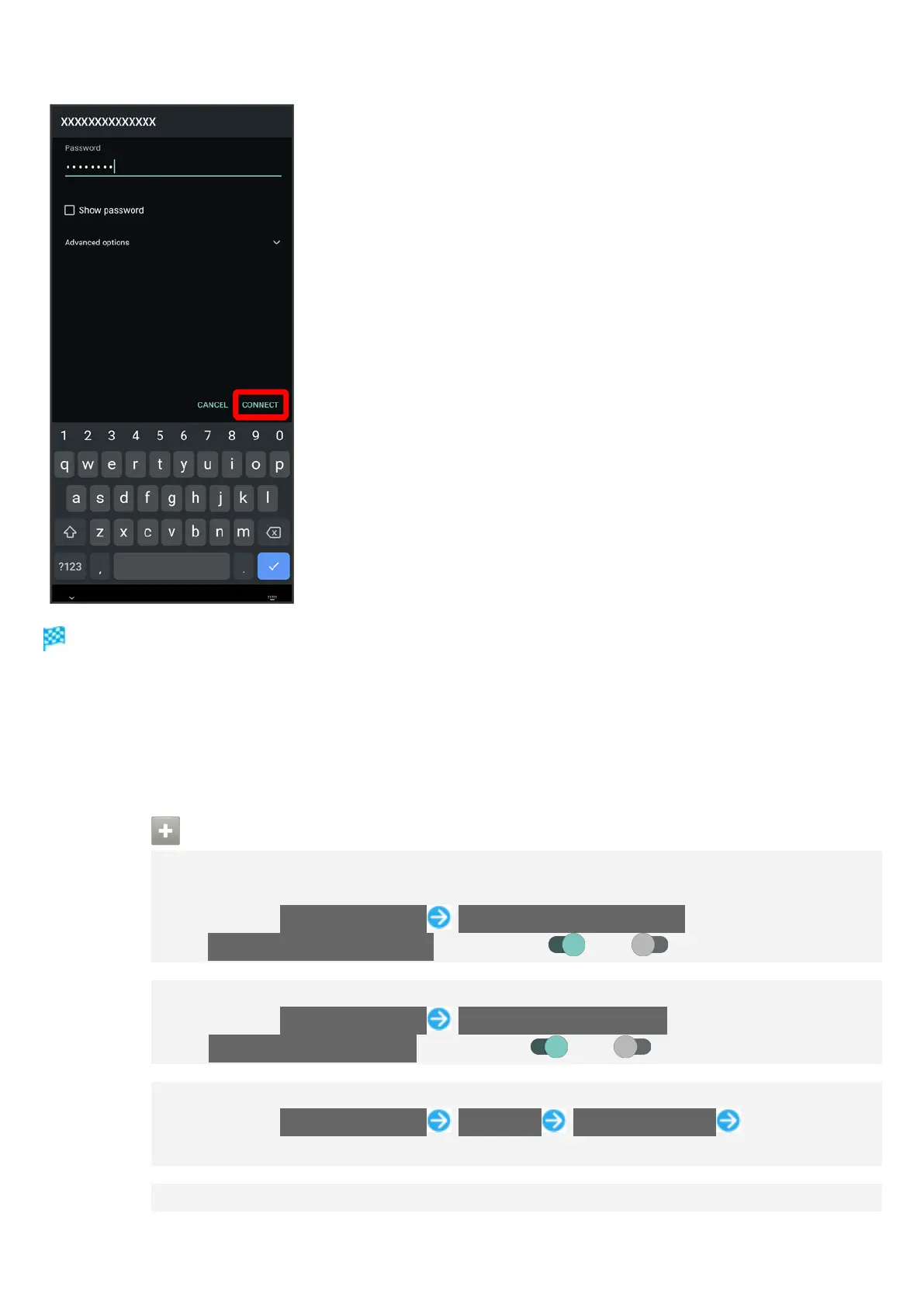
Handset connects to the access point.
Password (indicated by WEP, WPA, KEY, etc.) may be found on a label on your Wi-Fi router. For
details, contact the vendor of the router. For public wireless LAN services, check the password
with your ISP.
Depending on access point, password entry may not be required.
Wi-Fi Operations
Enabling/Disabling Automatic Use of Wi-Fi when High-Quality Network Is Saved
(Home Network, Etc.)
In Wi-Fi menu, Wi-Fi preferences Turn on Wi-Fi automatically
Tap Turn on Wi-Fi automatically to toggle on ( )/off ( ).
Enabling/Disabling Available Network Notifications
In Wi-Fi menu, Wi-Fi preferences Notify for public networks
Tap Notify for public networks to toggle on ( )/off ( ).
Installing Certificates
In Wi-Fi menu, Wi-Fi preferences Advanced Install certificates Follow
onscreen prompts
Enabling/Disabling Network Rating Provider



 To Next Page