7/178
Handset Settings
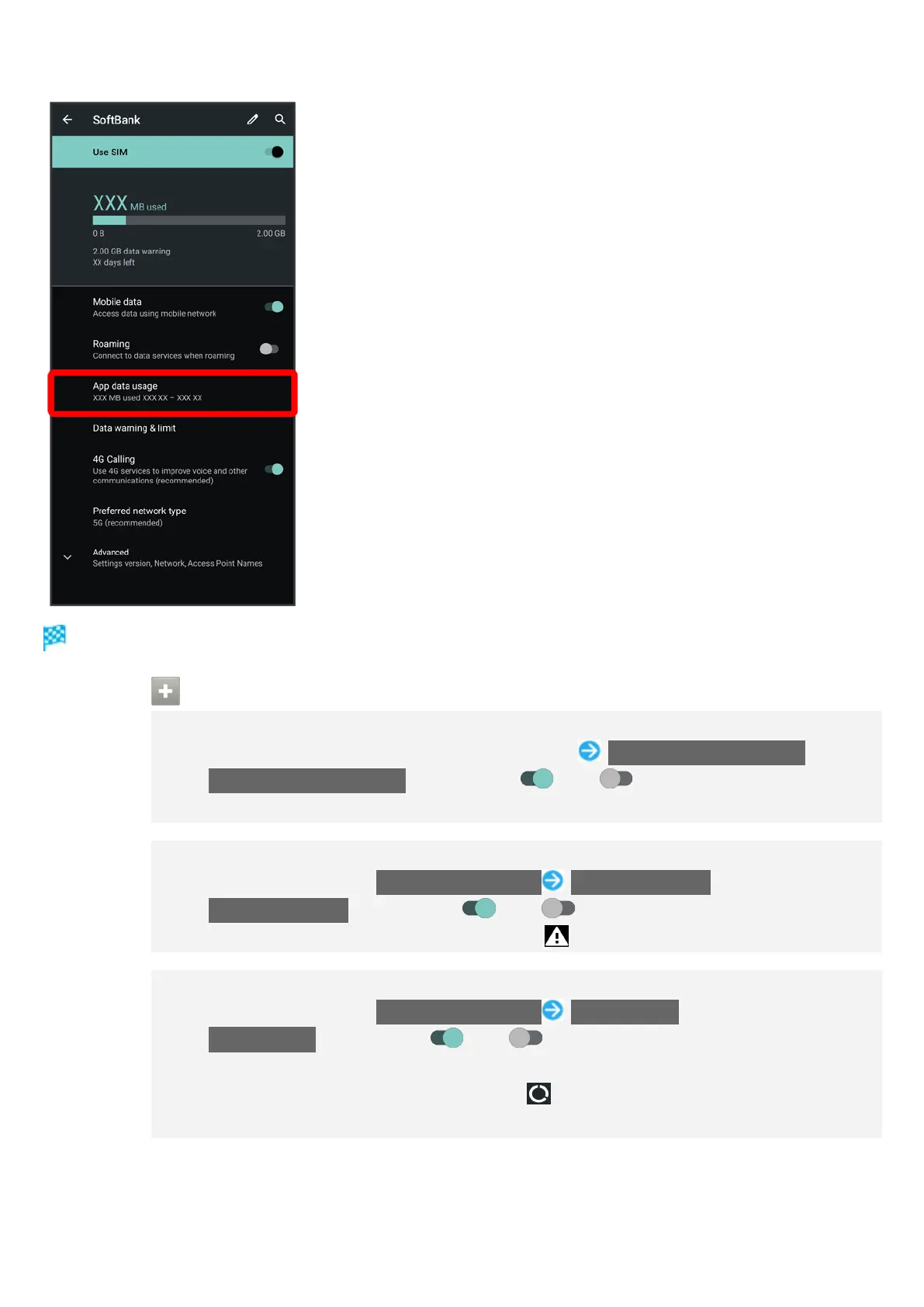
Check application data usage in Mobile data usage window.
Mobile Data Usage Operations
Setting Whether to Permit Restriction on Use of Data when Data Saver Set
In Mobile data usage window, Tap application name Unrestricted data usage
Tap Unrestricted data usage to toggle on ( )/off ( ).
See "Network & Internet" for details on Data Saver.
Setting Whether to Alert User when Mobile Data Usage Reaches Alert Amount
In Mobile network window, Data warning & limit Set data warning
Tap Set data warning to toggle on ( )/off ( ).
When data usage reaches the alert amount, appears on Status Bar.
Setting Whether to Use Restriction on Use of Mobile Data
In Mobile network window, Data warning & limit Set data limit
Tap Set data limit to toggle on ( )/off ( ).
If confirmation appears, follow onscreen prompts.
When data usage reaches the upper limit, appears on Status Bar, and
notification indicating that mobile data is disabled appears. Follow onscreen prompts.



 To Next Page